The Android release
Row HQ is live on Android and free to install from Google Play. The app connects members to the Row HQ rowing club platform. It opens with the same club account used in a browser, which means there is no second registration and no separate download for each rowing organisation.
Head of the river season is hard enough without several versions of a crew list moving around a club. A change can happen after work, on the drive to training or while people are already gathering at the boathouse. The Android app gives Irish Row HQ members a direct place to check the club record before they act on an old message.
Row HQ has not built a second platform for the phone. Rowers get their sessions, crews, bookings, notices and charges. Coaches handle availability, lineups, attendance and safety trends. Committee and admin roles cover membership, fleet and payments. Each role opens its own area, so a rower is not handed committee controls by accident.
What can a rower do from the app?
A rower can confirm or decline a session, see who is in the published crew, find and reserve a free boat, read club notices, and pay subs or entry fees in euro. The member portal keeps all of those jobs available in a browser for anyone who does not install Android.
A clear response lets the coach work with facts. The published lineup then tells the rower where they sit and who is in the boat. If a member wants another outing, fleet availability comes before the reservation. Notices and financial items remain with the club account, so the athlete does not have to piece together the plan from email, chat and a separate payment list.
- Answer a training invitation with a confirmation or decline.
- Check the official crew after the coach publishes it.
- View the free fleet and reserve an available boat.
- Read news and practical club notices.
- Pay subs in euro and settle recorded entry fees.
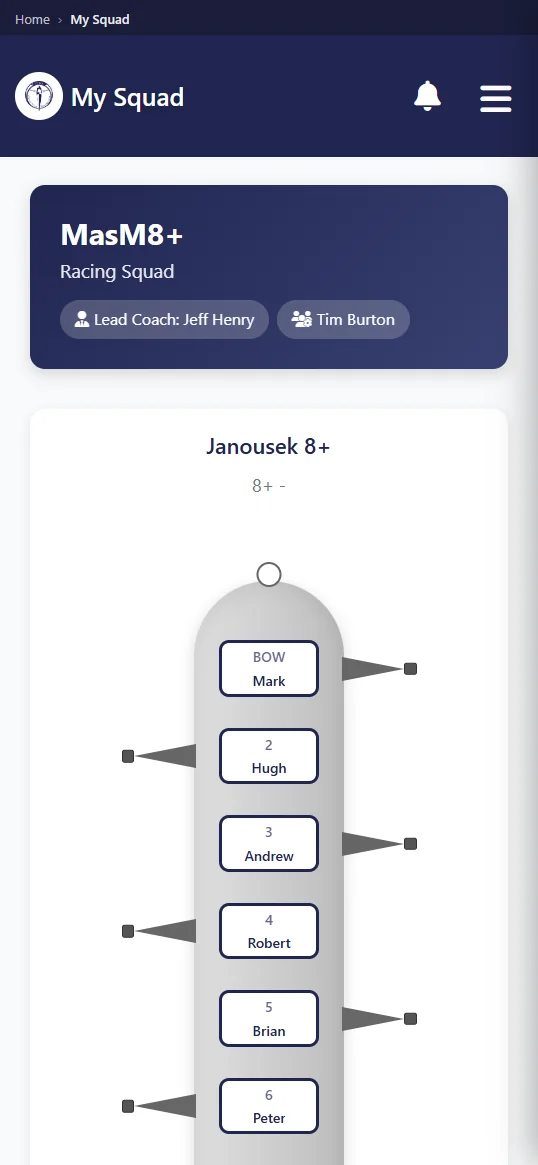
Members may also take a profile picture directly with the phone camera. At a busy club, that can help coaches and committee volunteers connect names with newer faces. The member decides when to use the camera. The photo updates the established Row HQ profile, so the secretary does not have an app identity to match against the real membership list.
What does a coach get on their phone?
A coach can review availability before selecting a crew, build and publish the lineup, take attendance, and see safety trends. The phone updates the shared club information. Our training sessions page shows how member responses, coach planning and the final attendance record sit in one connected process.
Head season often means crews, travel and equipment have to line up for an early start. Knowing availability before selection removes one source of uncertainty. Publication gives rowers the agreed boat. Attendance then shows who actually arrived. If a member drops out late, the coach can revise the club record from the phone instead of leaving an outdated list circulating among the squad.
- Check available, unavailable and unanswered members.
- Build seats and publish the chosen combination.
- Take attendance beside the group before launch.
- Review safety trends recorded across club activity.
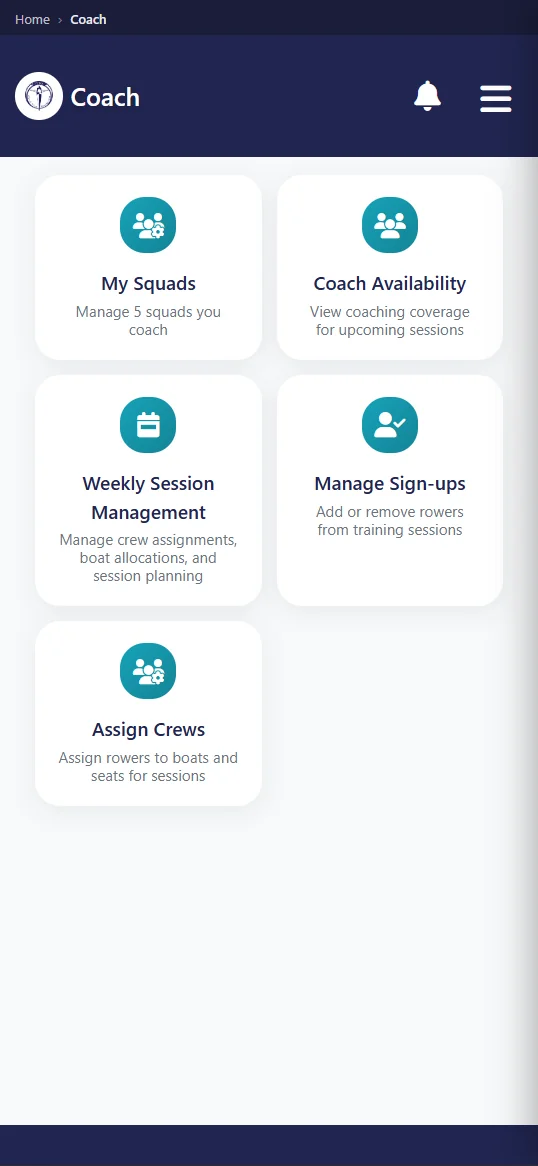
The coach still makes every rowing decision. Row HQ does not select a crew or judge river conditions. It gives the decision a dependable home and delivers the published result to members. That is especially useful when weather, water or an equipment issue changes the plan close to the session and the previous version should no longer be followed.
What notifications does the app send?
A push alert can follow five actions inside the club: cancellation of a session, publication of news, publication of an event, delivery of club mail, or recording of a payment. The organisation creates the underlying message or record. These alerts carry club information and are not advertising from Row HQ.
A cancellation can save a wasted drive on a dark evening. A newly published event may be a race, meeting or social date. Club news and mail retain a clear organisational source. A payment alert tells a member when a euro transaction has been entered against the account. The person can then open Row HQ to see the detail rather than treating the notification as the whole record.
- The club cancels a session already on the schedule.
- A news post is released for members.
- The committee publishes a new event.
- Club mail reaches the member account.
- A payment is recorded by an authorised user.
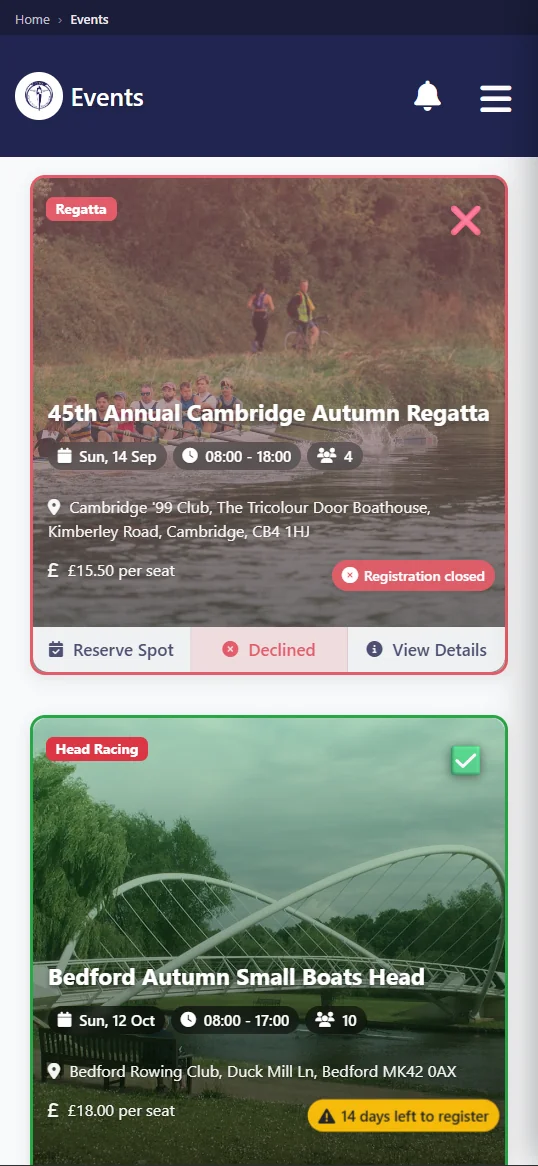
Club activity remains the source of every notification. A coach changes the session. A committee user publishes the event. An authorised person records the payment. The Android app carries that change to the member's phone and links it back to Row HQ. It does not create messages independently or turn club operations into a marketing feed.
How do members sign in?
Members choose sign-in with Google, sign-in with Apple, or an email address and password. All three methods open their existing Row HQ club account. Android does not ask them to join again, produce a duplicate profile, or find an individual app branded for their own rowing club.
A member can answer training on the phone and later open the same information from a laptop. Their role and club connection do not change. That continuity also helps committee volunteers who move between quick checks and longer administrative work. There is no need to transfer data from a mobile list or explain why the browser and app show different people.
Use the known account
The member keeps the Row HQ login already connected to the club.
Choose how to enter
Google, Apple and email with password are supported.
Keep role boundaries
Rower, coach, committee and admin access remains separate.
Update the picture
A member can set a profile photo through the phone camera.
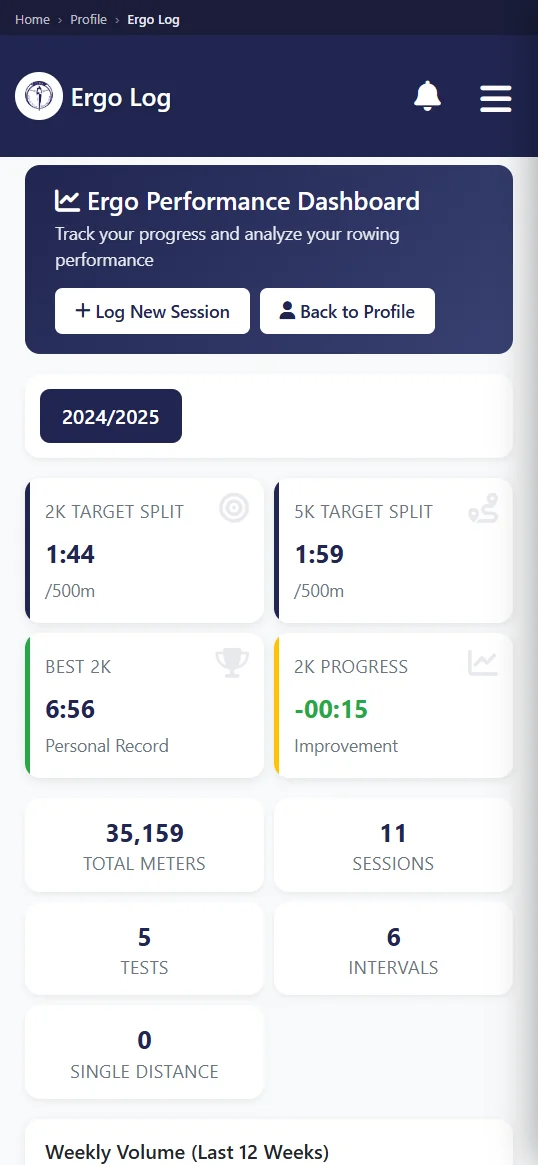
Committee and admin accounts have dedicated membership, fleet and payment views. The club's permissions decide who sees them. A rower does not gain financial access by installing Android. An officer can use those tools on the phone when convenient and return to a wider browser screen later, with both showing the same club record.
Do members have to install it?
No. Row HQ works in a normal browser on every phone or laptop and does exactly the same job there. Android is an optional convenience. It does not work offline and needs a connection, so a club should never make app installation the only path to sessions, payments or other member information.
One squad may include Android users, iPhone users and people who prefer a laptop. They can all use the same account process. Responses enter one session. Reservations affect one fleet. Charges remain on one membership record. The coach does not have to maintain a separate list for people who chose the installed app and people who stayed with the browser.
Without offline mode, the app cannot be the club's fallback when reception disappears. Local safety briefings, sign-out procedures and coach instructions continue to matter. Row HQ handles connected administration around the outing. It does not replace the person making a decision at the river, and it cannot promise access where the phone cannot reach the service.
Is there an iPhone app?
Yes. The iPhone app has been approved by Apple and is live on the App Store. People using iPhones can install it and sign in with the account they already hold, so crews, boats, notices and payments are available in the app as well as the browser.
Irish clubs can now offer both stores. Android members install from Google Play, iPhone members install from the App Store, and the browser remains available for anyone who wants it. There is no need to run a second system or hold back member invitations.
Members sign in to the app with the account they already have. Crew history, role and club records do not need rebuilding, because the app opens the same data as the browser. Switching from the iPhone browser to the App Store version is optional.
How do I get my club on it?
A member whose club already uses Row HQ can install it free from Google Play and sign in normally. A new club should create its free Row HQ setup, add its members, and use those accounts through Android or the browser.
The full rowing club app page explains the platform behind the release. Check Irish pricing for member bands in euro beyond the free starting level. Android does not change those arrangements. It opens the existing club structure for sessions, membership, fleet, events and payments.
For an Irish club in head of the river season, the value is a current plan on the phone before people reach the boathouse. Rowers see the published crew. Coaches can replace a stale lineup. Subs and fees stay in euro against the right account. Row HQ remains one club platform, with Android now offering a direct way in.
See you at the boathouse.
- The Row HQ Team