The release
The Android edition of Row HQ is published and free to install from Google Play. It puts the existing Row HQ rowing club platform on a phone. Members enter with their usual club account, without creating an app-only identity or looking for a different download for every club.
New Zealand summer regatta season can put training, travel and racing into the same crowded week. Crew changes happen away from desks, and the person who needs the update may already be on the road to the lake. Row HQ on Android gives members a quick way to check the club's current information before unloading a boat or starting the next session.
The app is a view into the platform clubs already use. Rowers deal with sessions, crews, boats, notices and charges. Coaches plan lineups, record attendance and check safety information. Committee and admin users see membership, fleet and payment areas. The club keeps one record of all of it, whether a member signs in on a phone or a laptop.
What can a rower do from the app?
A rower can confirm or decline training, see the published crew, check which boats remain free, reserve one, read notices, and pay subs or entry fees in dollars. The member portal provides the same service in a browser, so every action returns to one club account.
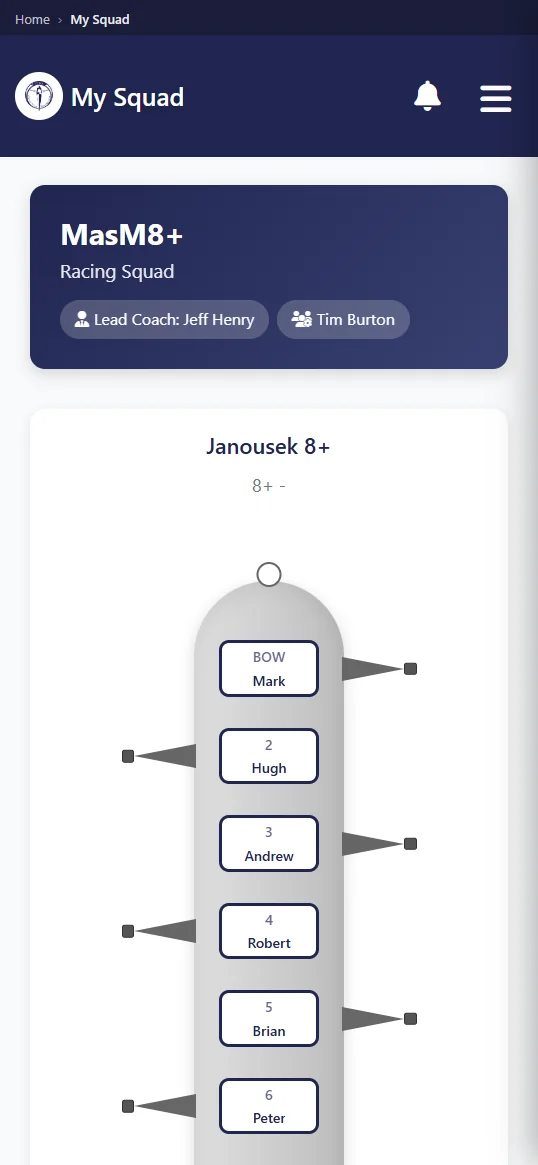
The sequence starts with a session response. That gives the coach something firmer than a half-read message thread. After selection, the athlete can open the lineup and see the boat and people attached to it. A separate row begins with a fleet check and reservation. Notices and charges remain beside those rowing details instead of living in unrelated systems.
- Answer the next training session clearly.
- Read the seat order after the crew is published.
- Check boat availability and make a reservation.
- Catch up on club news and notices.
- Pay subs in dollars and listed race entry fees.
A member can take a profile photo with the phone camera and use it on their Row HQ record. That helps a coach or volunteer recognise new athletes when several squads share a club. The member controls the camera action. The image changes the current profile rather than creating another mobile-only person for the membership team to sort out.
What does a coach get on their phone?
Coaches can read availability before crew selection, put together and publish a lineup, take attendance, and view safety trends. Those records stay with the club. The training sessions page explains how responses feed into planning, publication and the final roll call at the boathouse.
During summer, one withdrawal can affect an entry, transport and two seat combinations. Starting from declared availability reduces the chasing. Once the coach publishes, the squad has an agreed lineup to read. Attendance closes the loop by recording who actually reached training. That difference matters when a yes sent days earlier turns into a late change on the morning.
- See member responses before filling crew seats.
- Prepare and release the selected lineup.
- Mark attendance as the group assembles.
- Use the club's recorded safety trends for review.
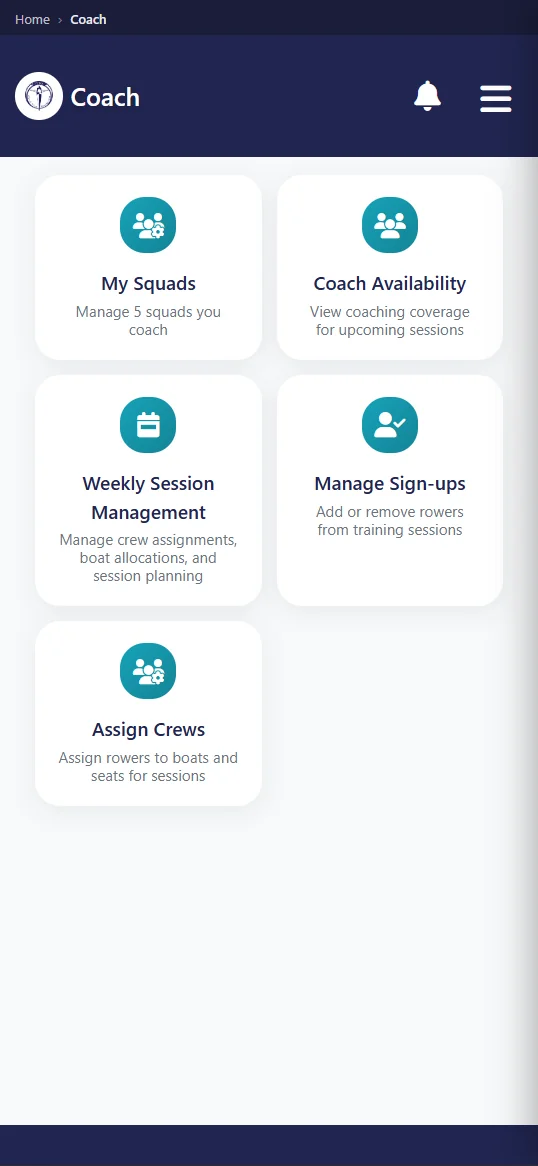
Row HQ does not decide who belongs in the boat. The coach keeps control of selection, attendance and the call on local conditions. The app records what the coach chooses and makes the published version visible. A late illness or equipment change can therefore be reflected from the phone before rowers rely on a lineup that is no longer current.
What notifications does the app send?
The phone can alert a member when their club cancels a session, publishes news, publishes an event, sends club mail, or records a payment. Each notification follows an action by the club inside Row HQ. It is about membership operations, rather than a promotional message generated by Row HQ marketing.
Cancellation matters when athletes may be travelling a long distance. An event alert can surface a new race date or club gathering. News and mail preserve an official source for committee information. Payment alerts tell members when money has been entered against their account. Each case begins with someone authorised at the club updating the platform.
- A scheduled outing is cancelled.
- The club publishes a news item.
- A new event becomes available to members.
- Club mail reaches the signed-in account.
- A payment is recorded by the club.
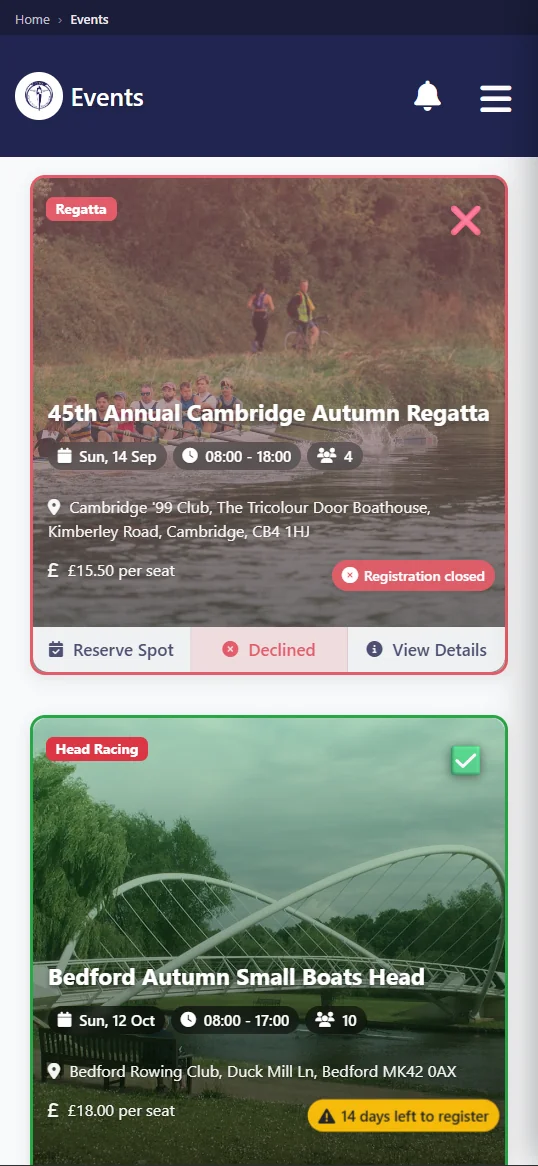
The alert is useful because it points back to the underlying record. Members can open the session, event, post, mail or payment and read the detail. Row HQ is not trying to replace every conversation at the club. It gives official decisions a consistent place, while the people responsible for the club remain responsible for what they publish.
How do members sign in?
Members may sign in through Google, through Apple, or with an email address and password. Every method opens their existing Row HQ club account. Installing Android does not start a second registration, erase earlier activity, or require the member to locate an app named after their own rowing club.
The account follows the person, not the screen. A rower might answer training from Android and later inspect a payment on a laptop. A coach may publish near the boats and review information at home. Both views return to the same role and club history. Committee volunteers avoid the mess of merging a mobile roster with a browser roster.
Current club login
Use the Row HQ account already held by the member.
Choice of method
Google, Apple and email with password are available.
Role-aware access
Rower, coach, committee and admin screens stay distinct.
Profile camera
The phone can take a new profile picture when requested.
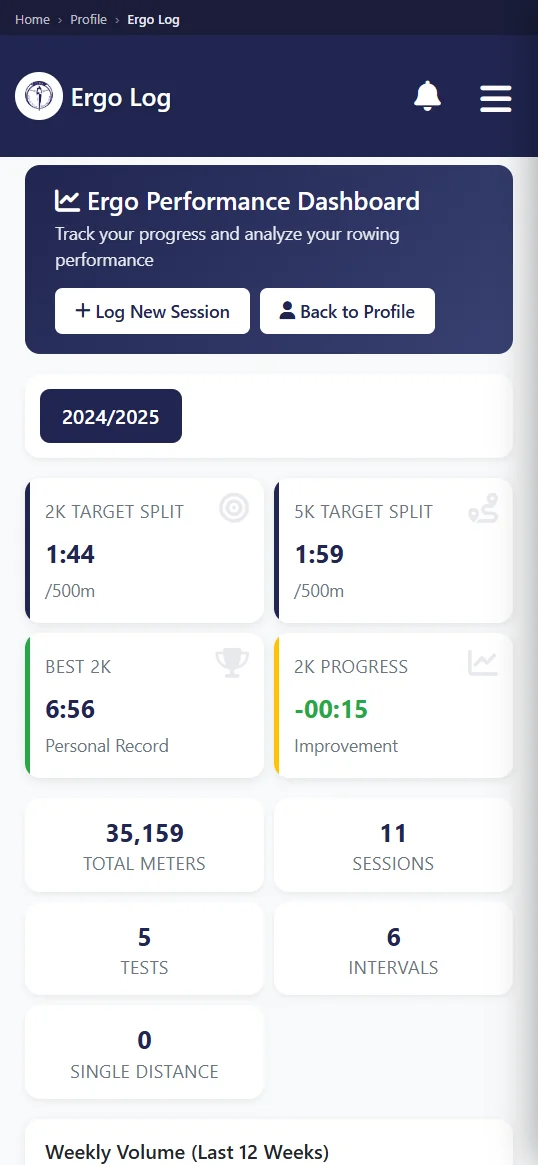
Committee and admin roles include their own membership, fleet and payment views. Those controls appear because the club assigned the permission, not because someone downloaded the app. Ordinary rowers keep a member view. Officers can choose Android for a quick check and a laptop for a longer task without shifting data between two places.
Do members have to install it?
No member is required to install Android. Row HQ through a browser does exactly the same job on a phone or laptop. The app is an optional convenience and needs a working connection. There is no offline mode, so it cannot load club information when the device is disconnected.
That choice keeps one process across a mixed squad. App users and browser users reply to the same sessions, see the same crews and reserve from the same fleet. A coach does not have to run a parallel method for iPhone owners or people who avoid installations. The club can explain the account once and let members choose their screen.
A connected administrative app is not a replacement for local safety systems. If reception fails, crews should use the club's established briefing and check-in arrangements. Row HQ helps before and after the row when the live service can be reached. It does not store an offline plan or promise that information will remain available beyond a connection.
Is there an iPhone app?
Yes. The iPhone app has passed Apple review and is now on the App Store. Members with iPhones can install it and sign in with their existing club account, which carries the same sessions, lineups, boats, notices and payments they already see in the browser version.
Both stores now carry the app, and the browser keeps working on every device. A committee can invite the whole squad with one set of instructions, without a temporary spreadsheet for part of the group or a separate process for iPhone owners.
An iPhone installation uses the member's existing account. It does not require a new club, new role or rebuilt history. Members who stayed in the browser during the review can move to the app at their own pace, or keep the browser if they prefer it.
How do I get my club on it?
Current members can get Row HQ free from Google Play and use their usual sign-in. A new organisation should set up the club free first, invite its members, and let those accounts open in either Android or the browser.
Read the rowing club app overview for the wider platform, then use New Zealand pricing to check member bands in dollars after the free start. Android does not change the club setup. It provides another route into the same sessions, membership, boats, events and payments.
For a New Zealand club in summer regatta season, the useful result is a current crew list in the place members already check. Coaches can publish before the trailer leaves. Rowers can see their boat before arriving. Subs stay recorded in dollars against one profile. The app adds a phone route without creating another club system.
See you at the boats.
- The Row HQ Team