Quick answer
The Row HQ Android app is published, free, and installable from Google Play now. It connects to the Row HQ rowing club platform. Members use the account they already have through their club, with no extra mobile registration and no custom app to locate for a particular program.
American rowing moves between fall head racing, winter training, and the spring sprint season. The daily coordination never really stops. Practice responses change, lineups move, equipment gets reserved, and dues still need recording. Android members can now handle that club work in Row HQ without starting in a browser each time they pick up their phone.
The app belongs to the existing platform. It does not create another roster beside the club database. Athletes get their member view. Coaches get lineup and attendance tools. Officers and administrators see membership, fleet, and payment areas allowed by their role. What a person sees after signing in follows the job they hold, from novice athlete to treasurer.
What can a rower do from the app?
A rower can accept or decline practice, open the published crew, find an available shell, reserve it, catch up on notices, and pay dues or entry fees in dollars. The member portal holds the same information, so Android is another way into the club account rather than a separate service.
Think about the hour before an evening row. An athlete can check that practice is still running, see the latest lineup, and know which boat the coach assigned before reaching the boathouse. A member arranging an extra row can inspect availability instead of assuming a shell is free. When the club posts a notice, the information sits beside the session record rather than disappearing up a team chat.
- Respond to a scheduled practice with a definite yes or no.
- Review the crew list after the coach publishes seat assignments.
- Check fleet availability and reserve an open boat through Row HQ.
- Read news and operational notices posted for the club membership.
- Pay membership dues in dollars and deal with recorded entry fees.
A rower may also take a profile picture with the phone camera and place it on the Row HQ account. That makes the roster easier to recognize, especially when a learn-to-row intake or college program brings in unfamiliar names. The member chooses when to use the camera. The result updates the existing profile rather than producing a second mobile identity.
What does a coach get on their phone?
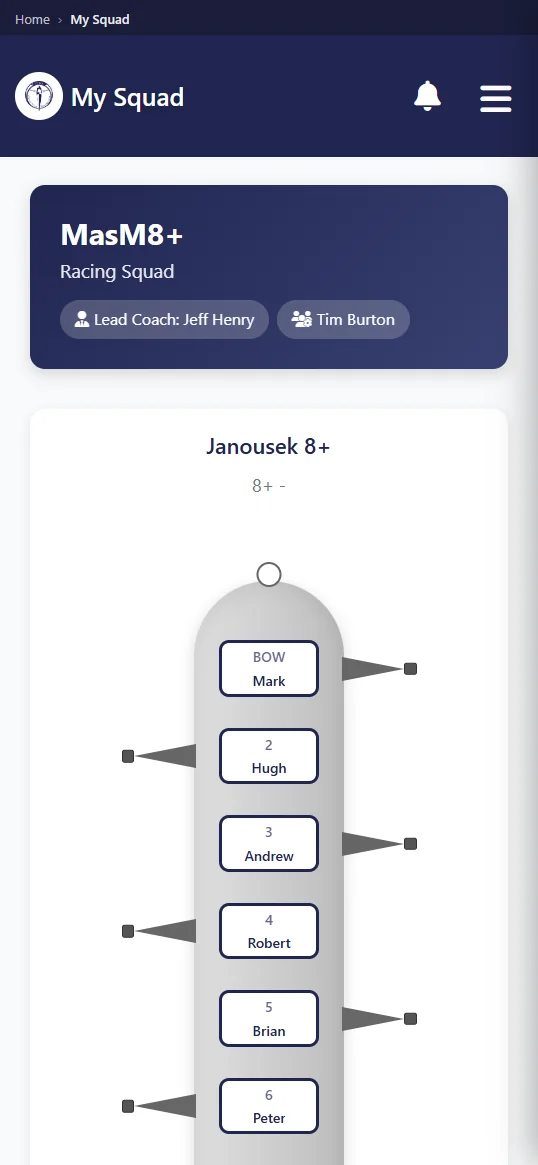
Coaches can inspect athlete availability before selection, assemble and publish a lineup, take attendance at practice, and view safety trends. Every action uses the main club record. The training sessions feature shows how responses and crew planning stay connected from the first availability check through roll call.
During fall head racing, a coach may be balancing entries, travel, and mixed availability across several boats. In spring, seat combinations can change quickly between practices. The phone view keeps the current response list close while those decisions are made. After publication, athletes see the official lineup. Attendance then records who actually arrived, which is more useful than assuming every earlier yes became a launch.
- Read athlete responses before putting names into a varsity, JV, or club crew.
- Build seat assignments and release the finished lineup to the selected athletes.
- Mark attendance near the dock while the group prepares to launch.
- Use recorded safety trends when reviewing how the program is operating.
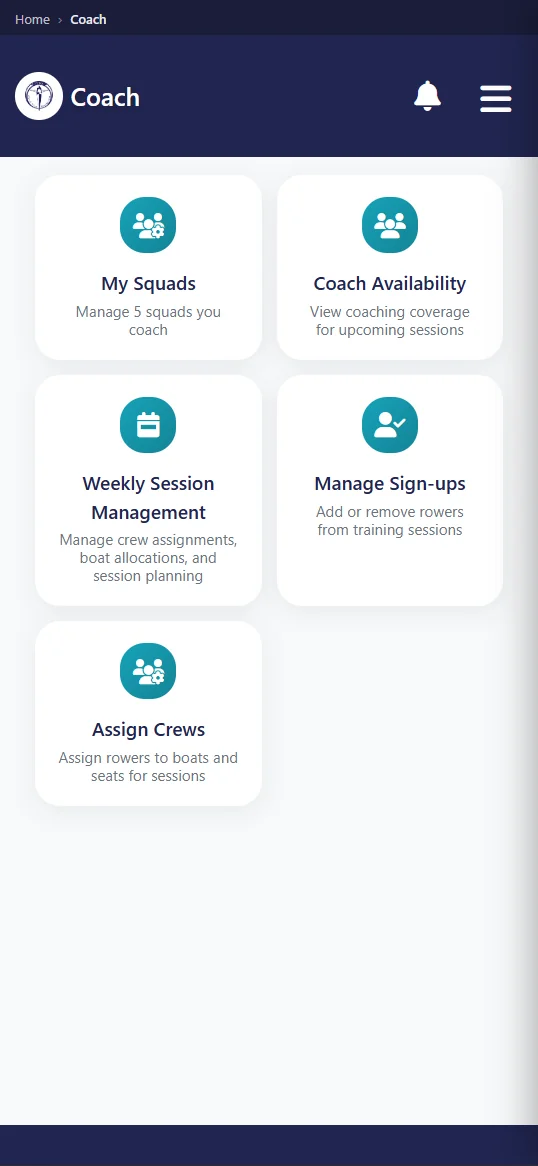
Row HQ supplies the working view. It does not select athletes or decide a lineup. Those judgments remain with the coach. That is useful when a cancellation, an equipment issue, or a late absence forces a new plan. The coach can change and publish the club record from the phone, while everyone else sees the result through their own account.
What notifications does the app send?
Android push notifications can report five club actions: a canceled practice, a new news post, a published event, incoming club mail, or a recorded payment. The club creates each underlying item inside Row HQ. The alerts carry club operations to the phone and are not advertising or general marketing from Row HQ.
A cancellation alert can stop an athlete driving to a closed boathouse. A published event can put a race meeting or club date in view. News and club mail cover information that should come from the organization itself. Payment notification gives the member a prompt when the club records money against the account. Each alert points back to work already done by an authorized club user.
- The club cancels a practice that had been on the schedule.
- An authorized user publishes a news item to members.
- A club event becomes available in Row HQ.
- The member receives mail sent through the club.
- A payment appears on the member record.
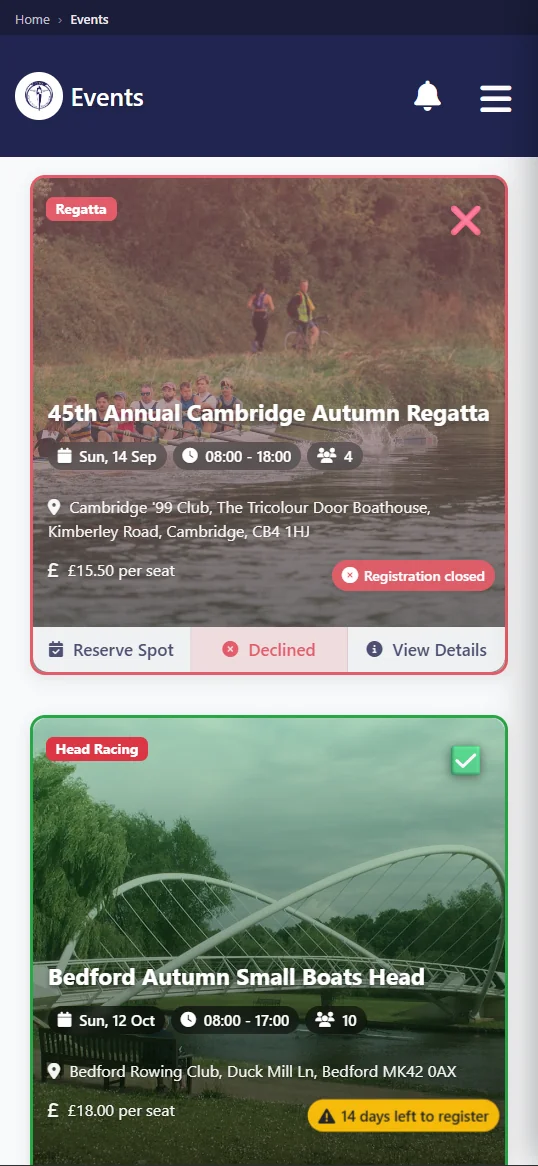
The boundary is deliberate. A push message is tied to a session, post, event, mail item, or payment inside the club. It is not a stream of unrelated app promotion. Members can open the relevant record and see what changed. Coaches and officers remain responsible for the material their organization publishes, just as they are when people use Row HQ in a browser.
How do members sign in?
Members choose Google, Apple, or an email address and password at sign-in. Each option opens the existing Row HQ account used on the web. Installing the Android app does not require another registration, duplicate the athlete profile, or make someone search Google Play for an app branded to their individual club.
The club remains the starting point. Once an athlete or officer has a Row HQ account, the same credentials work across devices. A laptop may suit a long committee task. A phone may suit a quick practice response. Both show information from the same membership and role. Changing the screen does not move a person into a different roster or remove the history already attached to them.
Existing credentials
Open the mobile app with the Row HQ account already issued through the club.
Flexible sign-in
Use Google, Apple, or a stored email address and password.
Role-based screens
Athletes, coaches, officers, and admins receive the appropriate club view.
Phone photo
Members can capture a profile photo with the camera and add it to their record.
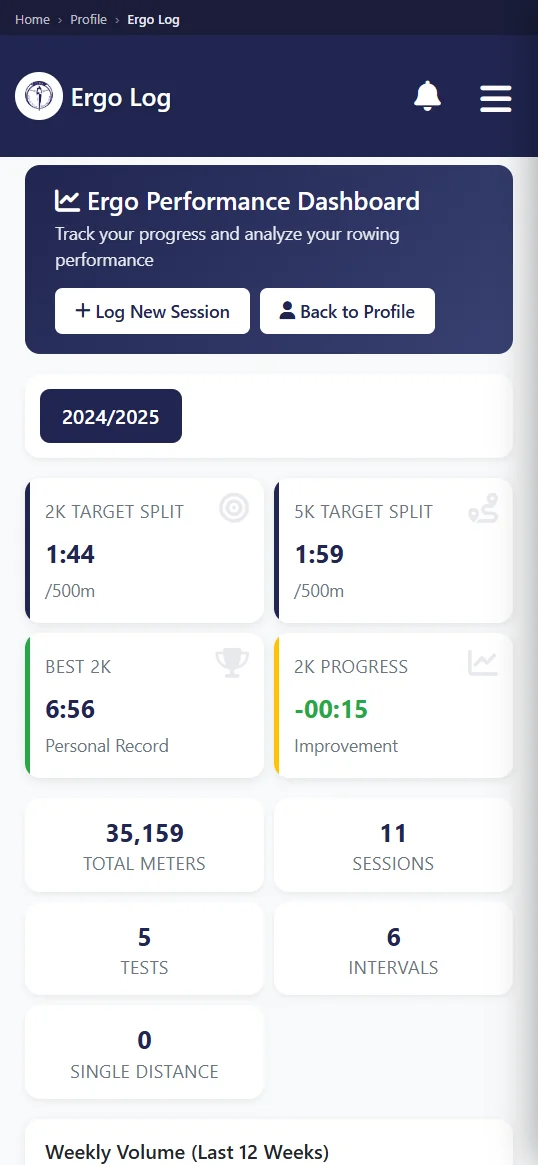
Administrative access follows the role already assigned by the club. Membership, fleet, and payment views appear for committee and admin users who should have them. A standard athlete installation does not expose those controls. This lets a treasurer check a payment or an equipment officer inspect the fleet without forcing every member into a management screen.
Do members have to install it?
No installation is required. The browser version performs exactly the same club jobs on a phone or laptop. Android is available for members who prefer an installed app. It is not an offline product, so a connection is needed to load Row HQ and there is no background offline copy to rely on.
A mixed-device team can therefore follow one process. Android and iPhone users may install the app. Laptop users and anyone who prefers fewer apps can open the web version. Practice responses and boat reservations still reach the same club platform. A coach does not need one list for app users and another for browser users, which would defeat the point of keeping operations together.
Because there is no offline mode, clubs should not build a safety procedure around the assumption that a phone will always load. Local launch checks, coach instructions, and established emergency processes still matter. Row HQ handles the administrative record when a connection is available. That limitation is the same practical reality for the browser and the Android app.
Is there an iPhone app?
Yes. Apple approved the app and it is now on the App Store. An iPhone member can install it, sign in with their existing Row HQ account, and see the same practices, lineups, boats, notices, and payments as the web version. No new registration is needed and no data moves.
A mixed-device team now has store apps on both platforms. Android users install from Google Play, iPhone users install from the App Store, and anyone who prefers fewer apps can stay in the browser. Every route reaches the same program, so coaches keep one roster and one process.
Members who joined through the browser do not need a new invitation. Their Row HQ login and role already exist, and the app picks both up at sign-in. A club can simply tell its iPhone users that the app is available and let them install it when they choose.
How do I get my club on it?
Existing members can download Row HQ free on Google Play and enter their normal credentials. A club that has not joined should create its free Row HQ setup first, add the organization, and invite people whose accounts will work in Android and on the web.
Review the complete rowing club app before choosing the setup. The US pricing page explains how member bands are charged in dollars after the free entry level. Android does not change that structure. It gives authorized users a phone route into membership, equipment, practices, events, and payment records already held in Row HQ.
For a US program, the release is useful in both halves of the racing year. Fall lineups and spring practice changes can reach the phone without creating another roster. Dues remain attached to the correct athlete account in dollars. The club keeps one operating record, while Android members gain a quicker way to check it before heading to the shell house.
See you at practice.
- The Row HQ Team