Launch details
Row HQ is published on Google Play and can be installed free today. It is the Android app for the Row HQ rowing club platform. Club members enter with their established Row HQ account, so the phone does not introduce another profile, password list or club-specific app search.
Canadian clubs squeeze a great deal into a short water season, then spend a long indoor winter keeping squads connected. The administrative work crosses both periods. Coaches still need replies. Members still need notices. Dues and equipment records do not stop when ice closes the course. Android now gives Row HQ members a direct phone view of that year-round club account.
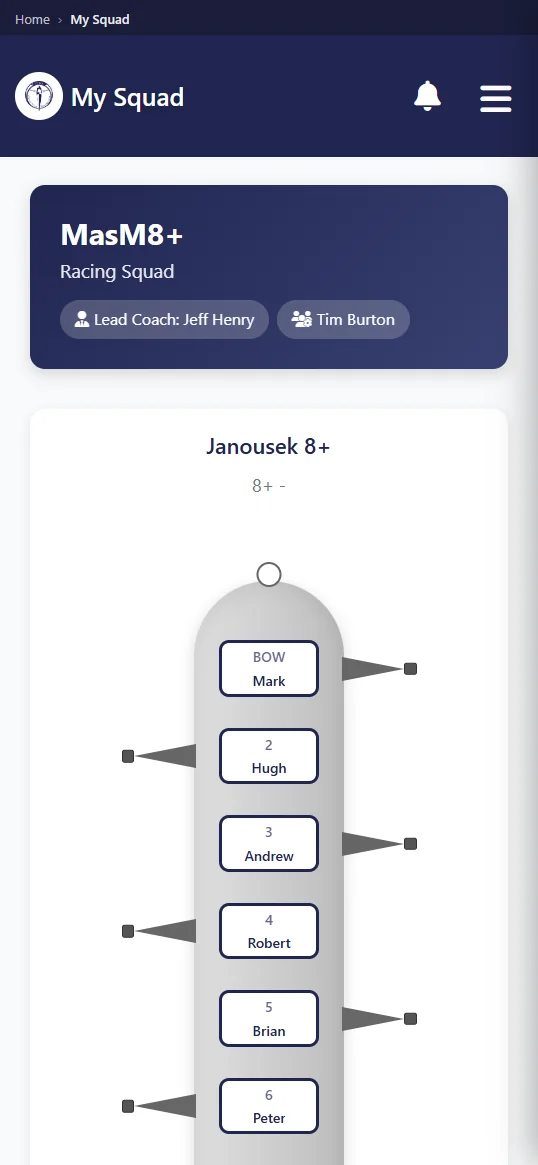
This release keeps one source for the organisation. Rowers use the member side. Coaches plan crews and record attendance. Committee and admin roles cover membership, fleet and payments. Nothing is duplicated. The club keeps one record and the phone is another way to reach it.
What can a rower do from the app?
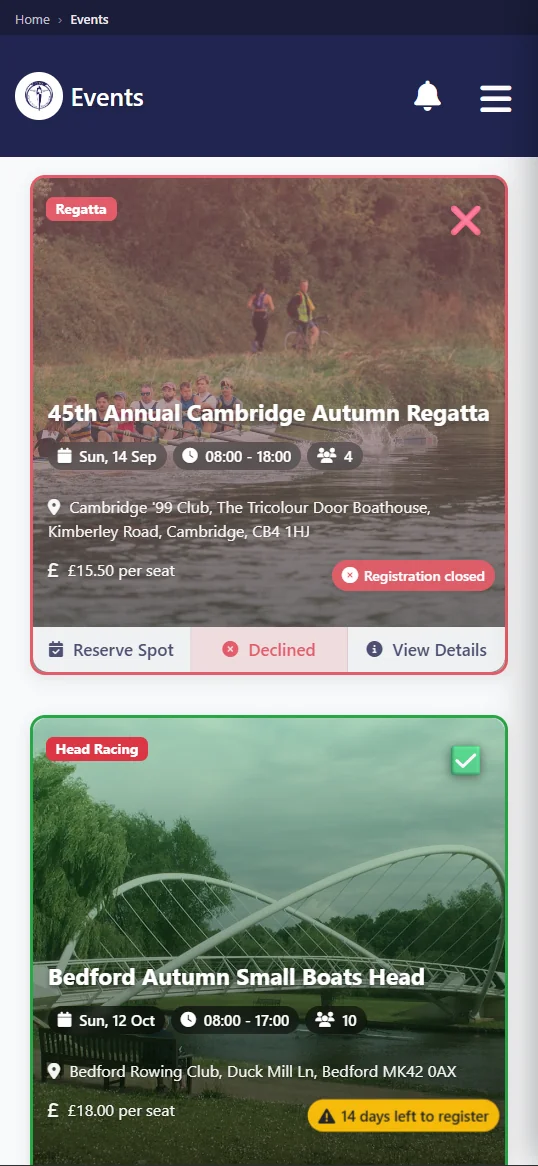
A rower can accept or decline a session, view the selected crew, check the fleet, reserve an open boat, read club notices, and pay dues or entry fees in dollars. The member portal does the same work in a browser, so the Android app does not divide club information into another system.
During the water season, the lineup and shell allocation can matter before a member begins the drive to the club. In winter, session details may relate to indoor training instead. Either way, the member can give a clear response and return to the published record later. A private boat booking also starts with actual fleet availability rather than an assumption based on last week.
- Reply yes or no to the session shown by the club.
- Check the final crew after the coach releases it.
- Find an unreserved shell and place a booking.
- Read membership notices in the club account.
- Pay dues in dollars and settle listed entry charges.
The camera can be used to set a profile photo from the phone. For clubs with several programs or new seasonal members, that picture makes a roster more useful to volunteers who are still learning names. It happens only when the member chooses to take the photo. Row HQ attaches it to the existing account instead of opening a duplicate mobile profile.
What does a coach get on their phone?
The coach can check availability before crew selection, construct and publish lineups, take attendance, and review safety trends. Those actions update the shared club record. Our training sessions page shows how an initial member response becomes part of crew preparation and the attendance taken when the group meets.
A compressed racing calendar makes bad availability information expensive. One missing person can affect transport, entries and several seat choices. The response list lets a coach begin with what members have actually said. Publishing then gives the squad an agreed crew. Attendance adds the final fact: who was present. That record remains useful through winter when training groups move indoors and routines change.
- Sort confirmed, declined and outstanding responses before selecting.
- Create the seat order and publish it to the chosen crew.
- Record attendance where the session begins.
- Review club safety patterns shown through Row HQ.
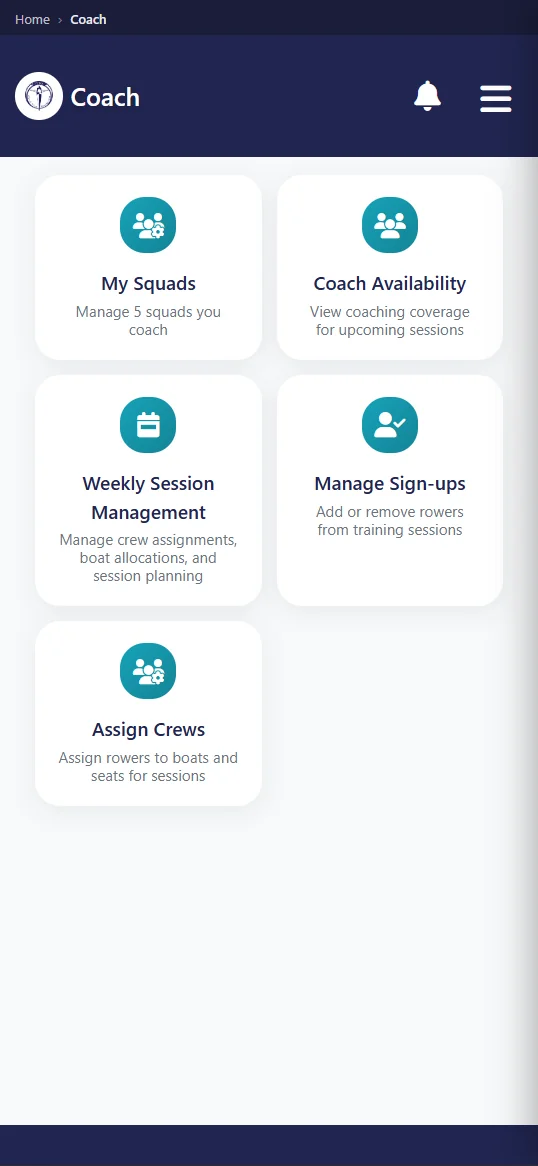
Selection and safety judgment still belong to the coach. Row HQ is where the decision is written and shared. If wind, water or an absence changes the plan, the app lets the coach correct the club version without waiting for a desktop computer. Members then read the current lineup from their own access rather than treating an earlier message as final.
What notifications does the app send?
Members can receive phone notifications after their club cancels a session, publishes news, publishes an event, sends club mail, or records a payment. Each alert is tied to an action within that club. It is operational information from the organisation, not marketing material sent by Row HQ to promote unrelated services.
In a narrow outdoor window, weather and water can change a plan quickly. Cancellation on the phone helps prevent a wasted trip. An event alert can mark a new regatta or meeting. News and club mail keep official material connected to its sender. Payment confirmation lets a member check what the treasurer recorded in dollars, without relying on a separate spreadsheet update.
- The club cancels a listed session.
- A news post becomes visible to members.
- An event is published through the club calendar.
- Club mail arrives for the account holder.
- A payment is added to the member record.
Opening an alert takes the member back to the club context behind it. That matters because the phone message is only the prompt. The actual session, article, event, mail or payment remains inside Row HQ. A committee decides what to publish and a coach decides when to cancel. The app carries those decisions; it does not invent them.
How do members sign in?
A member can use Google, Apple, or an email address and password. Each choice reaches the same Row HQ profile used through the browser. The installation does not start a new joining process, duplicate membership details, or require a Canadian club to publish and maintain its own individual app.
One account is important across a long season change. A member may check outdoor sessions on Android in summer and use a laptop for an indoor plan in January. Their role, club and history remain together. Officers also keep continuity when a quick phone check becomes a longer committee task at a computer. There is no export or handover between those screens.
Same membership
Use the account already attached to the Canadian club.
Three entry routes
Choose Google, Apple, or email and password.
Correct permissions
Rower, coach, committee and admin screens follow the assigned role.
Camera update
Take a profile photo on the phone when needed.
Committee and admin users have their own views for membership, boats and payments. Access comes from permissions already set by the club. Installing Android does not hand those controls to ordinary members. That keeps the convenience of a phone separate from the authority to change club records, while administrators remain free to work in a browser when that suits them.
Do members have to install it?
No. Row HQ in a browser does exactly the same job on any phone or laptop. Android is an optional convenience for people who want the installed app. It needs an active connection and has no offline mode, so clubs should keep browser access open and avoid making installation a membership condition.
A squad can therefore mix devices without splitting its process. Android users respond in the app. Other members open the site. Both answers enter the same session list. Reservations affect one fleet and payments affect one member record. The coach does not need to remember how each athlete reached Row HQ, only that the information is held together.
No offline mode means the app cannot provide club details where the device has no connection. It should not replace established safety communication, a launch board or the coach's briefing. The value is in ordinary connected administration before and after rowing. The browser follows the same rule because both routes are displaying the same live platform.
Is there an iPhone app?
Yes. The iPhone app has cleared Apple review and is live on the App Store. A member installs it, signs in with the Row HQ account they already use, and gets the same sessions, crews, fleet reservations, notices and payments as the browser version. Nothing has to be set up twice.
Both major phone platforms now carry the app. Android members install from Google Play, iPhone members install from the App Store, and the browser continues to work on every device. A committee can hand out one set of account instructions and let each member pick how they open it.
Current Canadian members keep their account and role when they move from the browser to the app. Nothing in the club setup must be rebuilt. The app is simply another door into the same records, so switching is a personal choice rather than a club project.
How do I get my club on it?
If the club already uses Row HQ, install the free app from Google Play and enter the existing login. If Row HQ is new to the organisation, set up the club free, invite members, and let each person use that account in Android or a browser.
See the broader rowing club app for each role, then check Canadian pricing for dollar bands beyond the free level. The Android installation does not stand alone. It opens the club's Row HQ information for membership, sessions, fleet, events and finances.
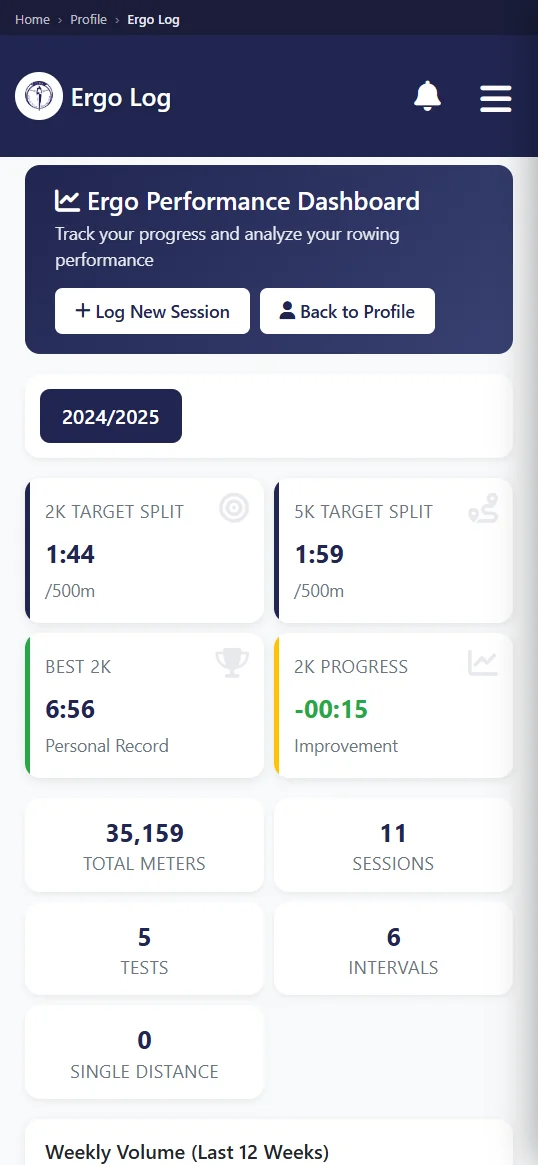
For a Canadian club, the same phone view can bridge a short water season and a long indoor winter. The crew list matters at the dock. The erg record matters when snow closes the course. Dues remain in dollars against one account. Android adds convenience without asking the committee to manage a second version of the club.
See you at the club.
- The Row HQ Team