What has launched
The Row HQ Android app is live, free and available to install from Google Play. It brings the Row HQ rowing club platform onto an Android phone. A member signs in with the Row HQ account their club already uses, with no new mobile identity and no separate club-branded download.
Summer regatta season leaves little room for muddled information. A crew may train before work, race on the weekend and change boats after one equipment issue. The people involved are rarely sitting at desks when the plan changes. Row HQ on Android gives Australian members a direct route to the club record while they are travelling, rigging or standing near the pontoon.
Nothing has been split away from the main platform. Rowers see sessions, crews, boats, notices and charges. Coaches handle availability, lineups, attendance and safety information. Committee and admin roles open membership, fleet and payment views. A member opens the app and gets their own view, not a cut-down copy of the coach screen.
What can a rower do from the app?
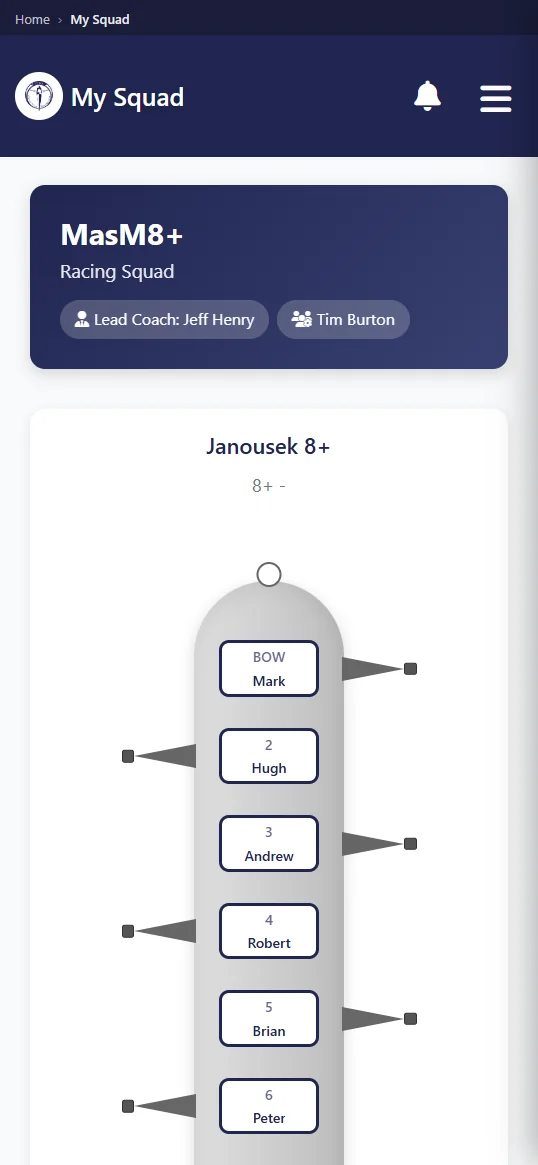
A rower can confirm or decline a session, check the published crew, see available boats, reserve one, read notices, and pay club subs or entry fees in dollars. The member portal offers those identical jobs in a browser, while Android keeps them in an installed app for members who prefer that route.
A useful session record answers the questions that usually arrive separately. Is training still on? Which crew am I in? What boat are we taking? Row HQ keeps those answers together after the coach publishes them. A rower planning an independent outing can check the fleet before claiming a shell, and a club notice can be read beside the rest of the membership information.
- Give the coach a firm answer for the next session.
- Read the crew and seat allocation once it has been published.
- Check which boats are free before placing a reservation.
- Open club notices without searching old messages.
- Pay subs in dollars and handle listed regatta entry fees.
Members can update their profile photo from the phone camera as well. At a larger club, a recognisable picture helps a coach or volunteer match a new name to the person at the shed. The member starts that camera action themselves. The image is attached to the established Row HQ profile, so the membership officer is not left reconciling an app profile with a separate club record.
What does a coach get on their phone?
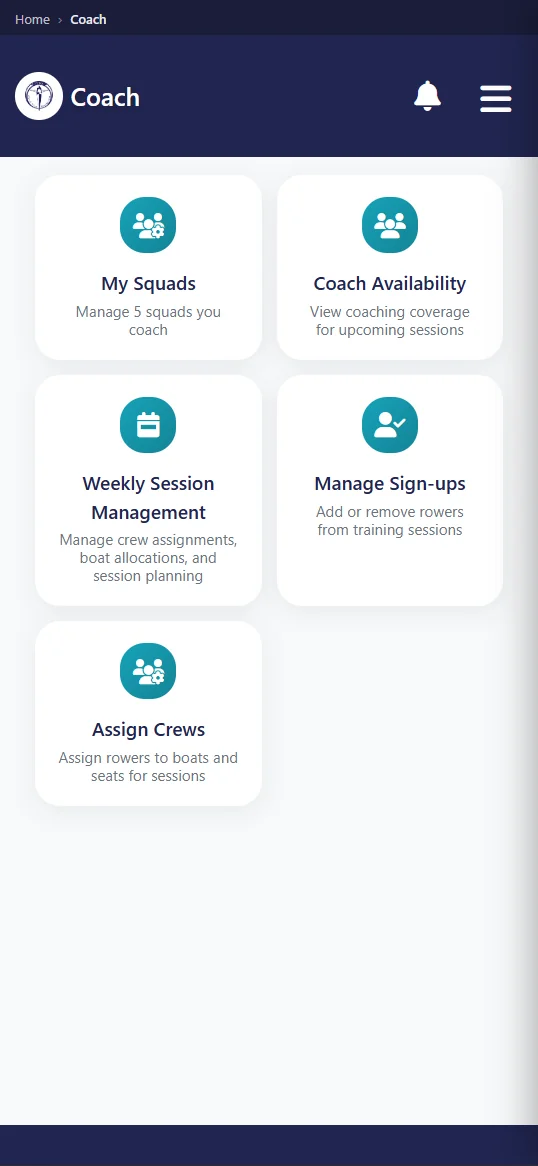
A coach sees who is available before picking crews, can build and publish a lineup, records attendance, and can review safety trends. It all sits against the club's current information. The training sessions feature explains the connection between member replies, crew planning and the final attendance record.
Selection becomes easier when the coach can begin with reliable answers. During summer racing, that may mean sorting several boats across a busy weekend and knowing which athletes can make each commitment. The published lineup then becomes the agreed version for the squad. At the shed, attendance records the people who actually turned up, rather than treating an earlier confirmation as proof of arrival.
- Review session responses before moving athletes into boats.
- Arrange the lineup and release it only when selection is settled.
- Mark attendance beside the squad before push-off.
- Look through safety trends held within the club account.
A coach remains responsible for the choices. Row HQ does not pick an eight, replace judgement, or decide if conditions are safe. It gives the coach a place to record and publish what has been decided. If a crew changes after a late withdrawal or a boat problem, the phone is close enough to update the official version before athletes act on an old plan.
What notifications does the app send?
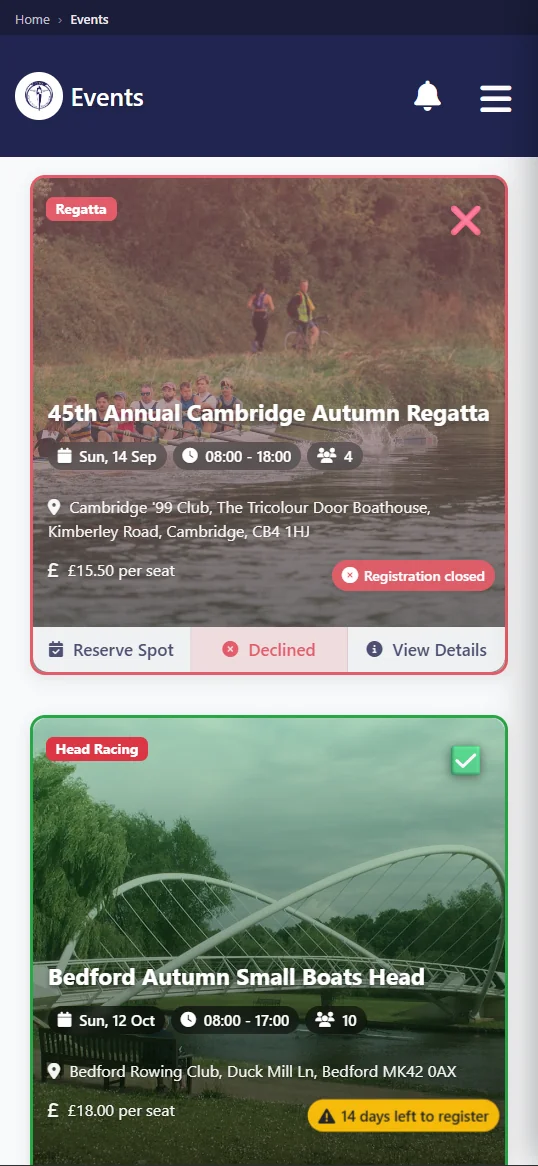
A phone alert can arrive when the club cancels a session, publishes a news post, adds a published event, sends club mail, or records a payment. The club causes each notification through its own Row HQ activity. They are practical membership messages, not advertisements sent by Row HQ to promote the product.
A sudden wind change or unsafe water can end a planned session. That cancellation needs to reach people before they travel. Event alerts can cover a newly published regatta date or club function. News and mail let the committee speak through the club account. A payment alert tells the member that the financial record changed, which gives both sides a clear point to check.
- The club marks a scheduled session as cancelled.
- A committee user publishes a news update.
- A new event is released to members.
- Club mail is delivered through the platform.
- The club records a member payment.
The notification is a prompt, while the club record remains the source. Opening Row HQ shows the session, event, post, message or payment behind it. This avoids treating the app as a general chat channel. Coaches and committee users publish the relevant information, and members receive it in the context where the rest of their club work already lives.
How do members sign in?
Members can choose Google, Apple, or their email address and password. All three routes open the same account they use for Row HQ in a web browser. Installing Android does not mean enrolling again, making another profile, or finding a special app created only for their rowing club.
The member relationship sits with the club account, not the handset. Someone may reply to a session on Android, then pay a charge from a laptop later. Both actions reach the same record. A coach moving between the shed and home gets the same continuity. The club does not need to teach a second sign-in process or maintain duplicate contact details.
Keep the current account
The login already connected to the club opens Android.
Pick a sign-in method
Google, Apple and email with password are supported.
See the assigned role
Rower, coach, committee and admin views follow existing permissions.
Add a phone photo
Members may use the camera to set their profile picture.
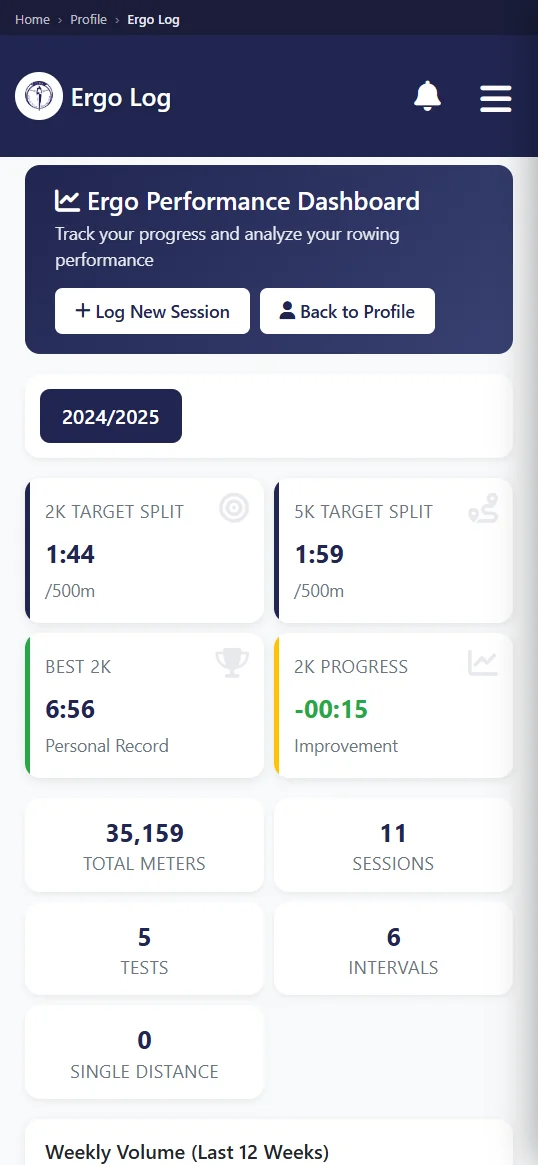
Committee and admin users receive their own membership, fleet and payment screens. That access depends on the club role already stored in Row HQ. A normal rower does not gain financial or administrative controls through installation. The arrangement keeps phone convenience separate from authority, while an officer can still choose a wider laptop view for longer jobs.
Do members have to install it?
No. Any member can use a normal browser on a phone or laptop and do exactly the same Row HQ work. The Android app is optional. It also needs an internet connection, because no offline mode is included. Club access should never depend on somebody owning Android or choosing to install another app.
That makes mixed squads manageable. One athlete may like the installed icon and push alerts. Another may prefer the browser. Their answers still arrive in the same session, and their boat reservations still affect the same fleet. The coach sees a single list, not separate app and browser groups. The committee can explain one system while letting each person choose how to open it.
With no offline mode, Row HQ is not a safety fallback when reception drops. Clubs should continue their normal briefing, sign-out and on-water procedures. The app covers information and administration when connected. It does not replace local judgement at the pontoon, a coach's call on conditions, or whatever process the club uses if phones cannot load.
Is there an iPhone app?
Yes. The iPhone version has passed Apple review and is live on the App Store. iPhone members can install it and sign in with their existing account, so sessions, crews, reservations, notices and payments are all available in the app as well as in the browser.
An Australian club can now point its whole membership at the stores. Android is on Google Play, iPhone is on the App Store, and the browser still works for anyone who prefers it. The committee does not need to split its setup or its instructions between platforms.
Members do not create replacement accounts when they install the app. The club, permissions and existing information stay in Row HQ, and the app is simply another way to open them. Athletes who were using the browser can switch across whenever they like.
How do I get my club on it?
Members at a current Row HQ club can install the Android app free from Google Play and sign in. New clubs should set up Row HQ free first, organise the club account, and invite members whose details will then work in the app and browser.
The rowing club app overview covers the full set of club roles. Check Australian pricing for the dollar bands beyond the free starting level. Installing Android does not create a new subscription or independent database. It opens the platform where the club already manages people, boats, sessions, events and money.
For an Australian club in summer regatta season, that means the current plan can travel with the squad. Rowers check their boat before arriving. Coaches publish a changed crew near the shed. Treasurers record subs in dollars against the member who paid. The app keeps those ordinary club decisions visible without asking anyone to learn a second system.
See you at the shed.
- The Row HQ Team