Rowing club member portal
Members keep their own records current, respond to training sessions, and book boats without asking the committee.
Watch the 90-second how-to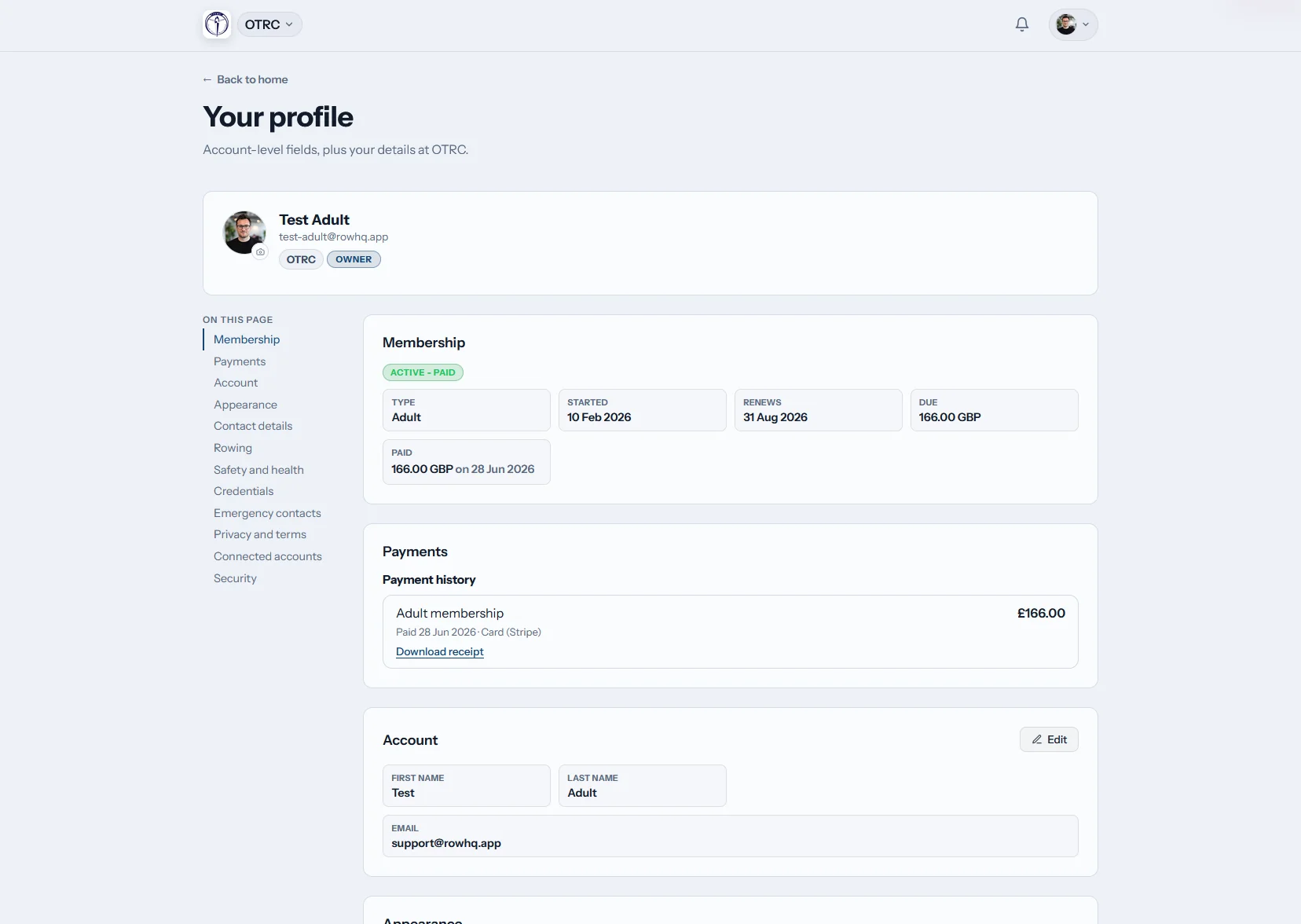
What does the Row HQ member portal do?
Row HQ gives every member a private club account. Rowers manage their profile, emergency contacts, rowing details and membership record. They RSVP to outings and events, follow club news, check the calendar, log erg scores and see boat availability. Updates feed the same records used by coaches and committee members.
The portal comes with every plan. See pricing by active member count.
See a member's club week on her phone
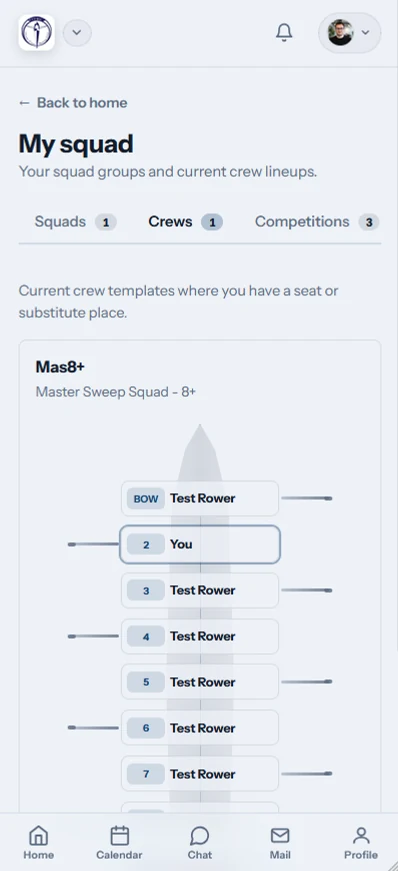
This 90-second how-to follows one member through the portal on her phone. Her home screen shows her next outing, her seat in the crew, the weather, river level and club flag. She checks sessions and events in one calendar, says she is attending from the row, looks at her erg personal bests and reads the latest club news.
One login for the whole club week
The home screen, calendar, erg record and club feed share one account. Members stop searching across separate messages and spreadsheets.
Home
The next outing is clear
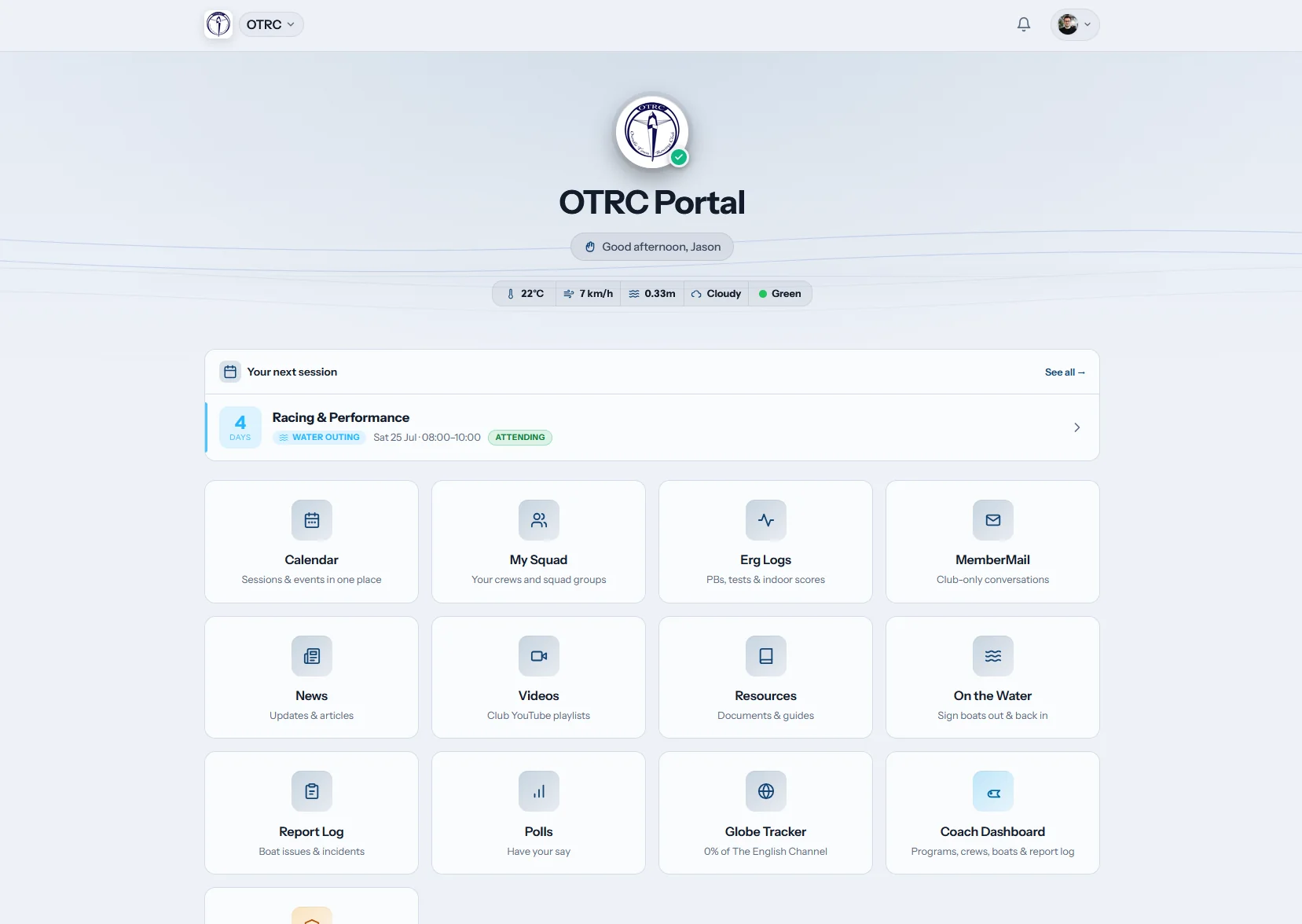
The dashboard leads with the next session. Weather and river condition chips sit beside the details, while club tiles put regular jobs within reach.
Members can see what is next before they leave for the boathouse.
My calendar
Outings and events together
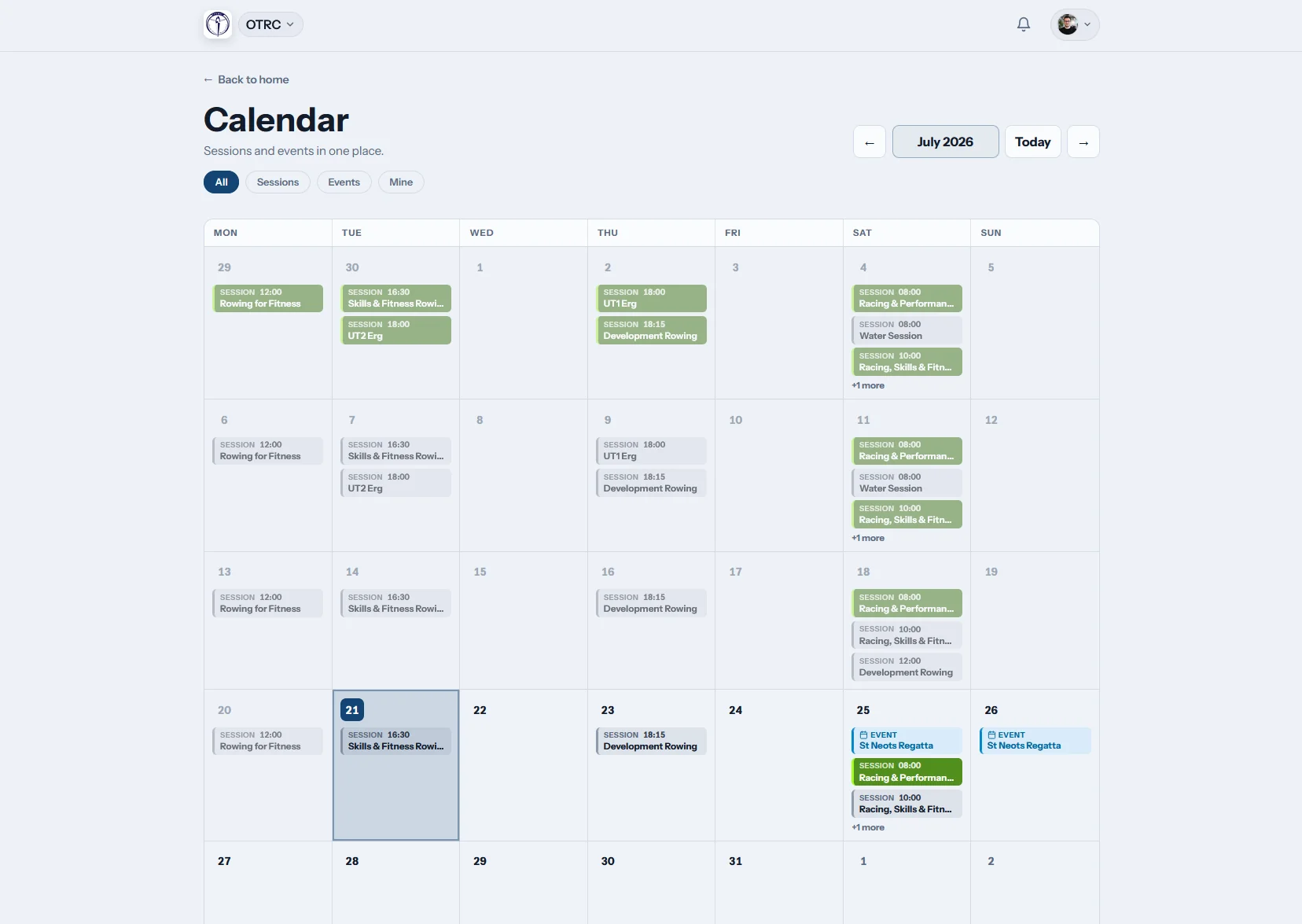
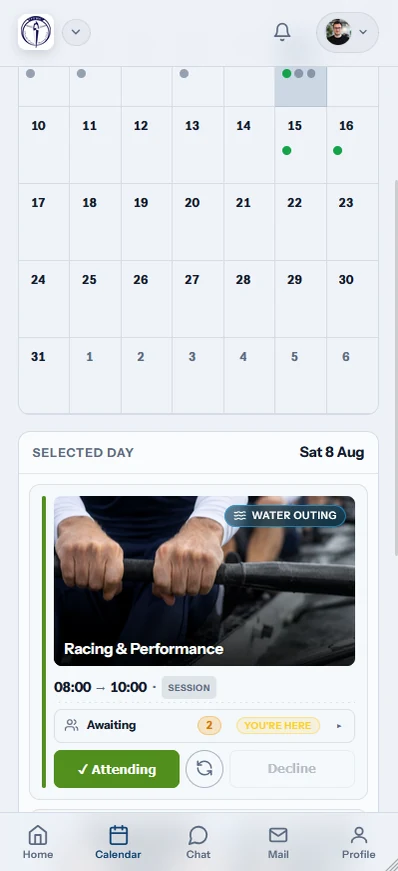
Training sessions and club events appear in one calendar. A member can RSVP from the row and subscribe through iCal for their usual calendar app.
A change made by the club appears without another timetable being circulated.
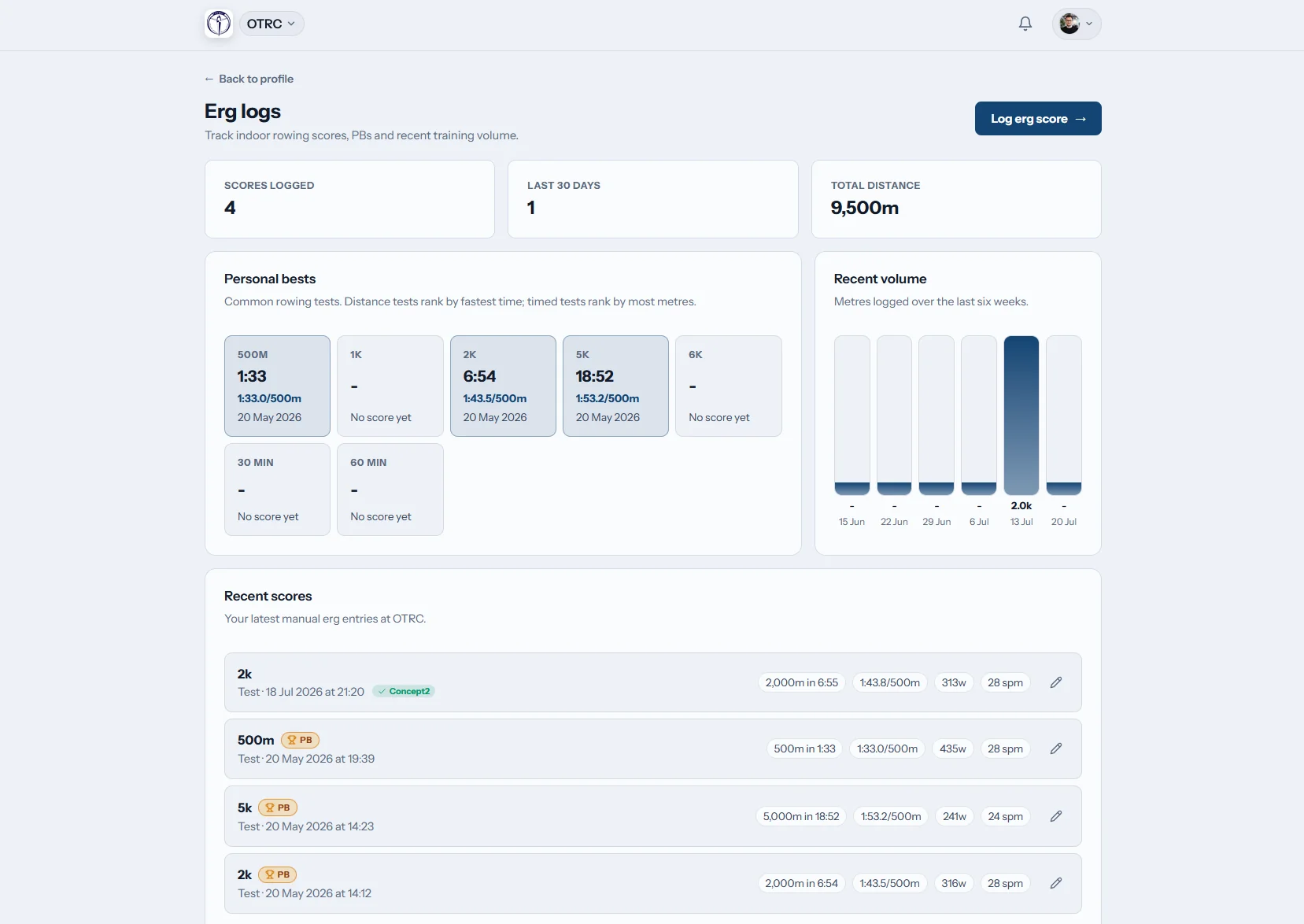
Erg logs
Scores build a useful record
Members record erg pieces, follow personal bests and connect Concept2 Logbook. Their winter work stays attached to their own account.
Concept2 sync reduces duplicate entry after a test or training piece.

Club news
Notices stay in one feed
Club news, committee notices and everyday updates sit in a single feed. Members have a reliable place to check instead of hunting through old chats.
Important information remains available after the first notification has passed.
Replace the committee inbox with self-service
See the portal in use at Oundle Town Rowing Club, then compare that routine with running club records in spreadsheets.
Scattered member admin
- Changed phone numbers arrive in private messages.
- Outing replies are counted across several chats.
- Erg results live in personal notes or loose sheets.
- Members ask the secretary what their record says.
The Row HQ portal
- Members correct their own personal data in one account.
- Session and event replies update the club view.
- Erg scores and personal bests stay together.
- Membership status and payments are visible to the member.
What members get
Six everyday jobs move into the member account, with the same information available to the people running the club.
A profile they maintain
Contact details, emergency information and rowing preferences stay with the member who knows them.
Private club records
Personal information sits behind each login. Read how Row HQ handles security and data access.
A rowing profile that stays useful
Coaches get the rowing detail they need. The admin team gets cleaner member records.
Profile
Contact details, governing-body number and swim declaration.
Emergency contacts
The right person to contact when an outing needs it.
Rowing preferences
Discipline, bow or stroke side, squad and skill level.
Membership status
Current membership subscription, renewal position, subs and payment history.
Members carry the portal in their pocket
The mobile app keeps routine club jobs close at hand on the bank, at the erg or on the journey home.
- RSVP to sessions and check the club calendar on the phone.
- Receive push notifications for relevant club updates.
- Enter erg scores beside the machine while the numbers are fresh.

Connected club tools
Coach Tools
Crew decisions and session detail flow into the member view.
Events
Members respond to regattas and follow their event calendar.
White Label
The portal uses the club crest, colours and identity.
Related reading
Why rowing clubs need a member portal A better way to run training sessions How to read erg metrics What a coxswain doesUse the FAQ, read club testimonials, or check pricing. The portal works alongside membership management software and the admin dashboard.
Member portal FAQs
Straight answers for rowing club committees and members.
It is the private account each member uses for club life. The portal holds their profile, emergency contact, rowing preferences, calendar, session and event replies, erg record, club news and membership view. Guardian accounts can cover junior members. The same updates feed the records used by coaches and committee members.
Yes. Members can maintain their contact details, emergency contact and rowing information. Their profile can include discipline, side preference, skill level, governing-body number and swim declaration. Membership status and payment information remain visible without turning every correction into an email to the membership secretary.
Each member signs in to a private account. Row HQ applies clear access controls around club records and separates personal information from public pages. Clubs can read the security page for the current technical and organisational safeguards. Members should only enter information their club genuinely needs.
No. Members can use Row HQ in a normal phone or computer browser. The mobile app is also available through Google Play and the App Store. Both routes use the same account, so a rower can respond at home and check the details again at the boathouse.
Yes. Members can see their own session activity and keep erg scores together with personal bests. Concept2 Logbook sync is available for erg data. Coaches still control the club programme, while each rower gets a useful personal record for the season.
Give every member one useful login
Move profiles, outings, erg records and club updates into the same member account.
Free up to 20 active members, permanently. After that it is £15 a month for a 21 to 30 member club. Every feature is included on every plan and there are no transaction fees. VAT is not included. See full pricing