Rowing club member portal
Give rowers one place to answer training calls, maintain club records, and reserve boats before they reach the ramp.
Watch the 90-second walkthrough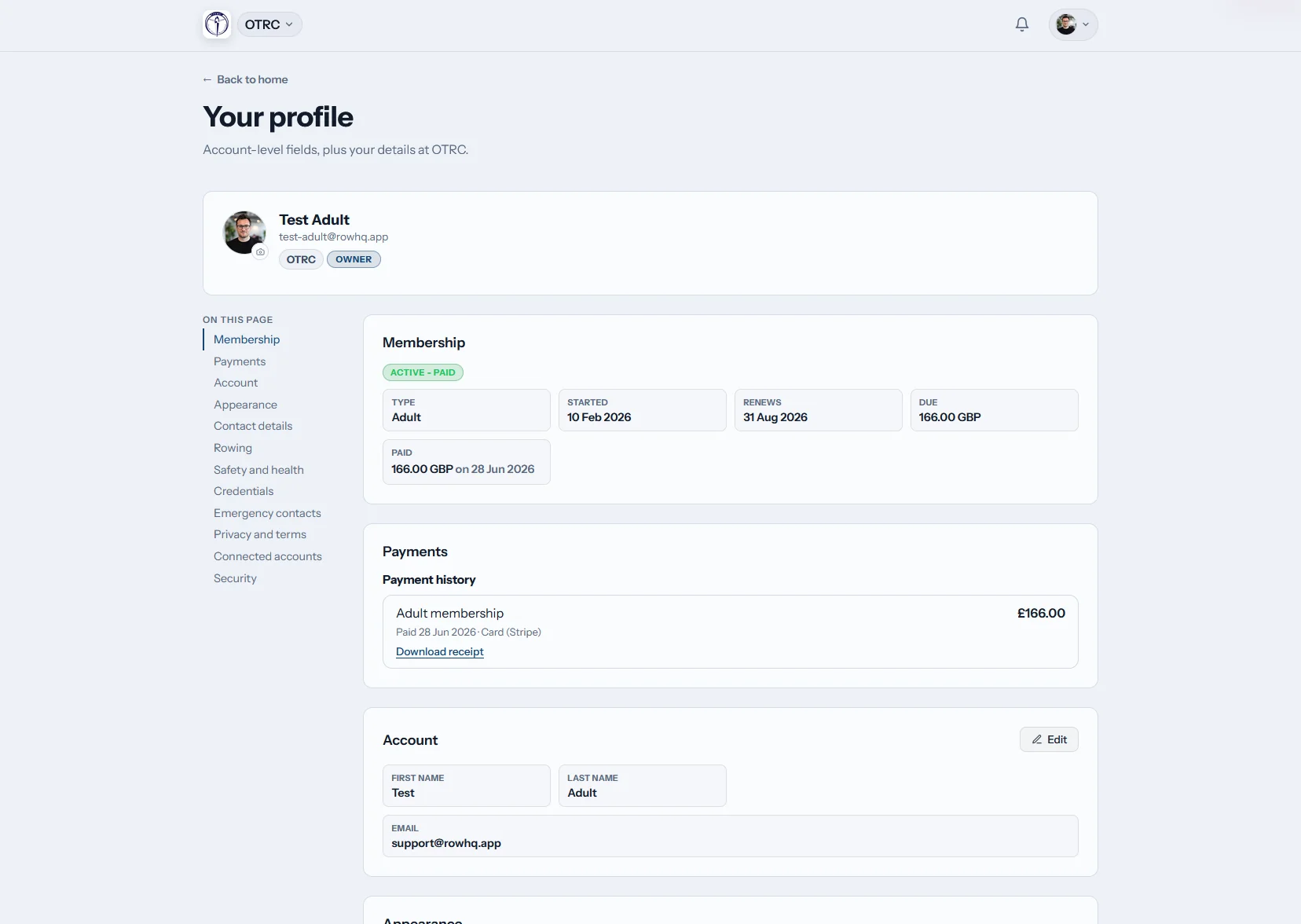
What does a Kiwi rowing member get in Row HQ?
A Row HQ account keeps the next training session, regatta calendar, profile, erg results and club notices together. Rowers reply to outings and update their own information. Guardian accounts support juniors. Volunteer coaches and committee members then work from current records instead of piecing the squad together from messages.
The member area is included. Clubs pay through active-member pricing bands.
One member, one phone, the whole club week
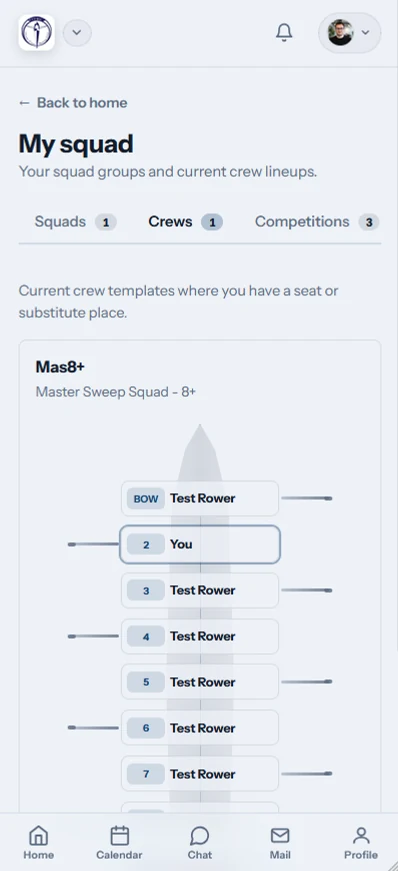
This 90-second walkthrough shows a club member using Row HQ on her phone. She sees her next outing and crew seat with the weather, river level and flag, finds sessions and club events in a single calendar, says yes to an outing with one tap, checks her erg bests and reads the club news feed.
Everything a rower checks between sessions
The account stays useful at the club, during an erg block and while crews prepare for the next trip to Karapiro.
Home
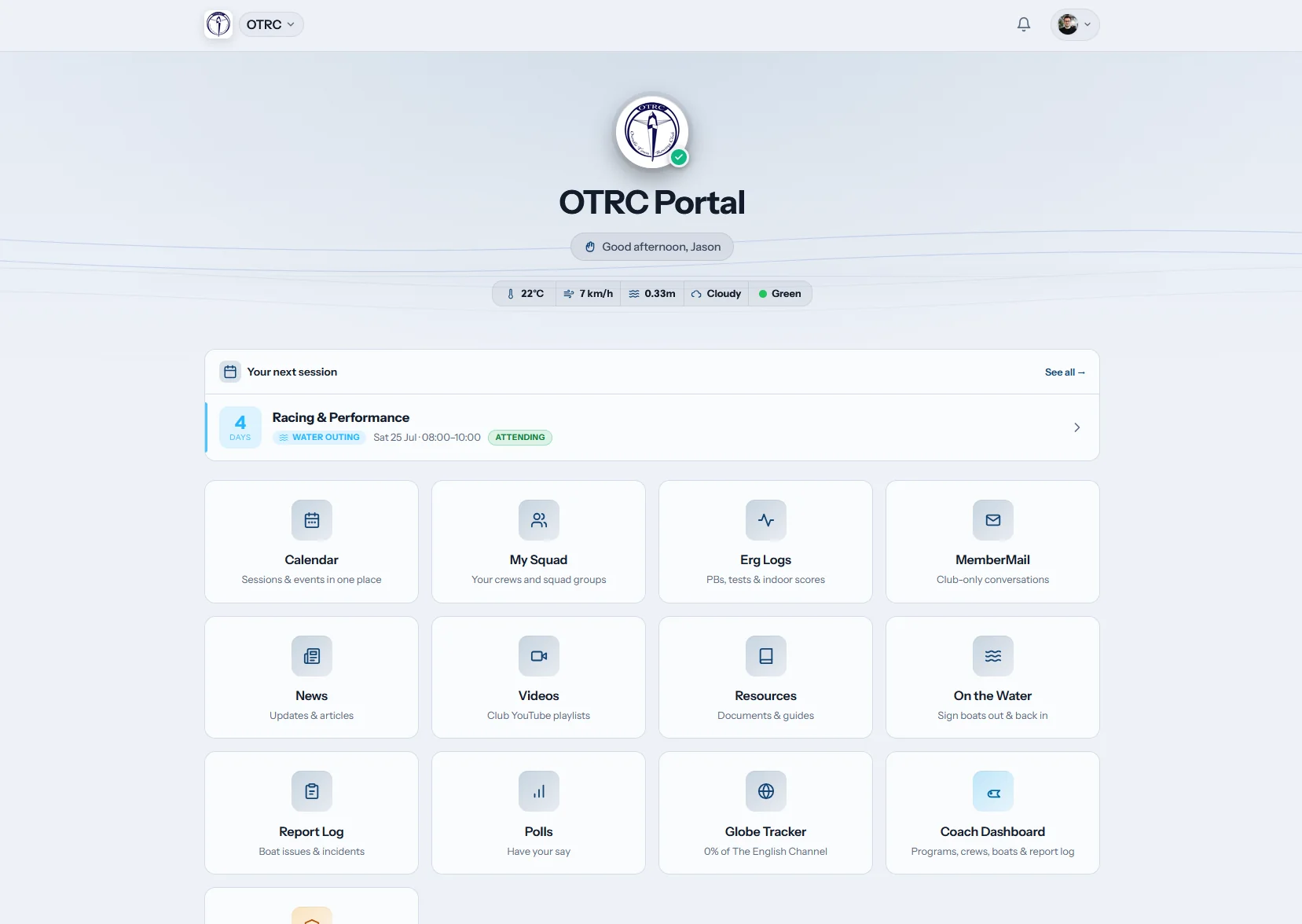
Next training, straight away
The member dashboard opens on the next session. Weather and river condition chips provide context, and club tiles lead to common areas.
Rowers can check the current plan before setting off for the shed.
My calendar
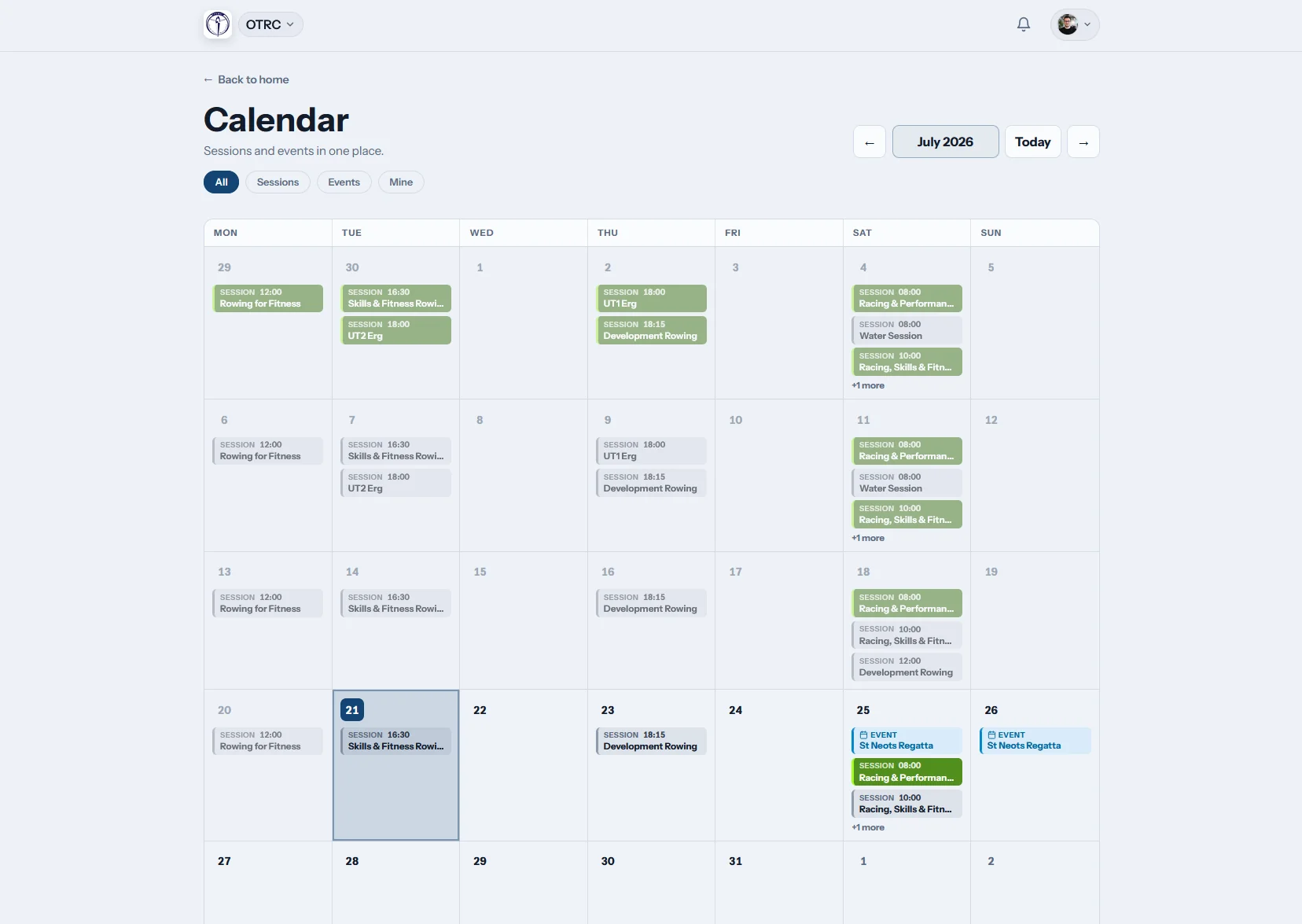
One diary for outings and racing
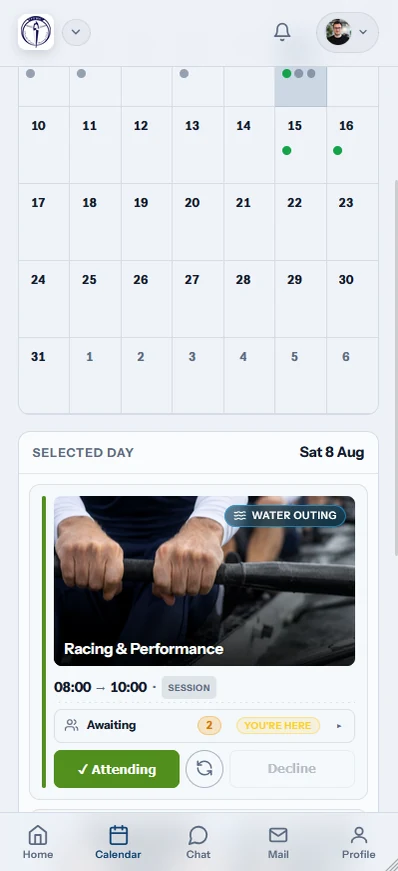
Club training and event dates appear together. A rower replies beside the session, then subscribes by iCal to keep the schedule on their own device.
Published changes reach the member without another crew list being sent around.
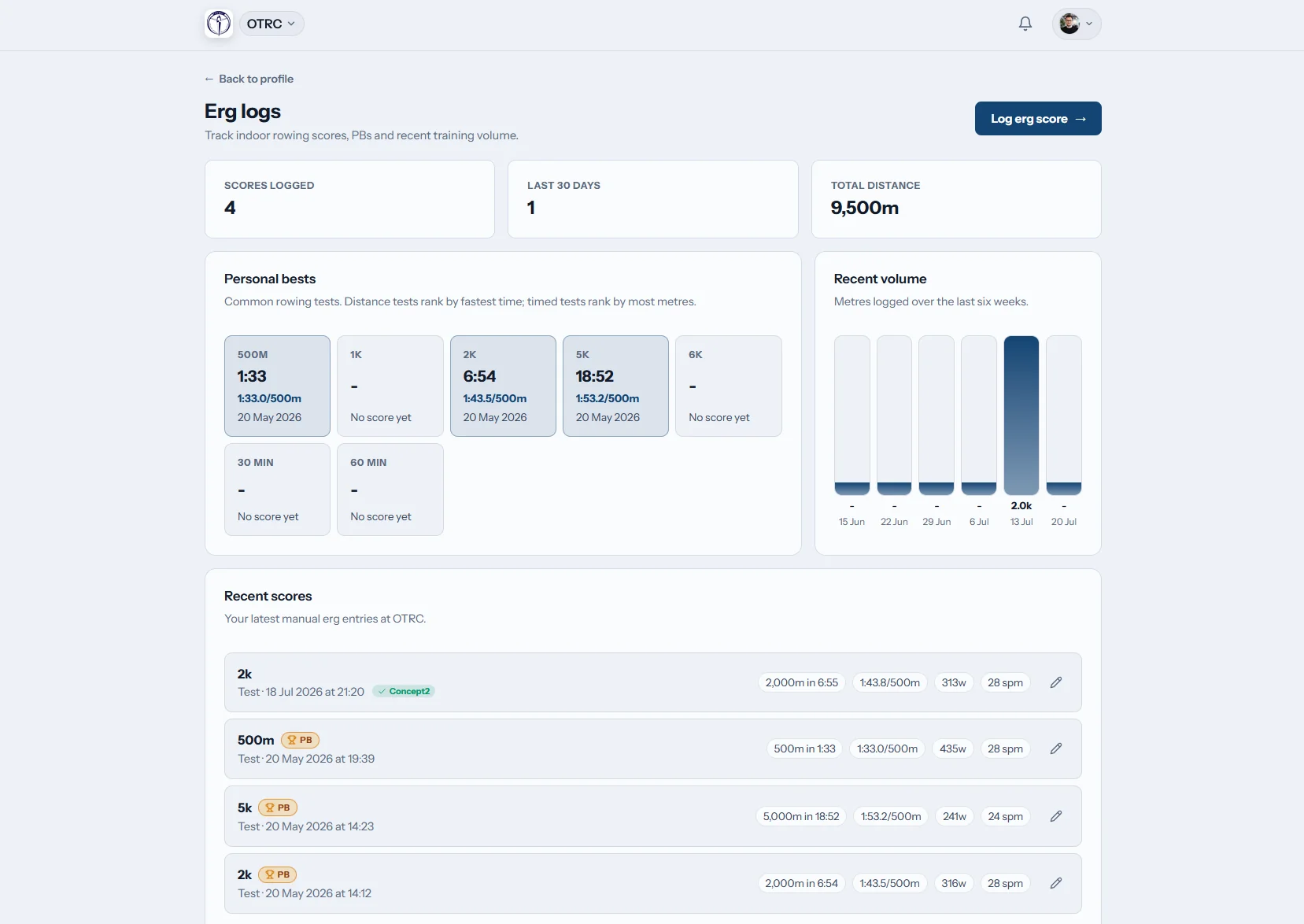
Erg logs
Every test adds to the record
Erg scores and personal bests remain attached to the rower. Concept2 Logbook sync brings connected performance data into the same history.
A coach does not need a fresh results sheet for every training block.

Club news
Club calls remain visible
Travel details, working bees and training notices have a permanent home. Members can read the original update after the chat has moved on.
The committee publishes once and gives everyone the same reference point.
Take repeat questions off the volunteers
The Oundle Town story shows member self-service in practice. Our spreadsheet comparison covers the alternative most committees know.
Volunteer time lost
- Changed details wait in the secretary’s inbox.
- Training replies spread across several conversations.
- Regatta information gets forwarded without context.
- Erg history depends on a coach’s private file.
Members doing their part
- Rowers keep personal and emergency records current.
- Outing responses reach the people planning crews.
- Event dates and notices remain available in the portal.
- Performance history belongs to the member record.
A practical member account
Row HQ handles the frequent club jobs that should not depend on a volunteer being online.
Member-maintained profile
Personal contacts, emergency information and rowing details can be corrected by the rower.
Club-only records
Personal details stay inside authenticated accounts. Read the current security information.
Profiles that speak rowing
Coaches see the fields needed for training, and officers use the matching record in the club dashboard.
Member identity
Contact information, governing-body number and swim declaration.
Emergency person
A reliable contact held with the member’s club record.
Rowing preferences
Discipline, preferred side, squad or crew group, and skill.
Fees and membership
Active standing, renewal details, subs and payment history.
The club stays in a rower’s pocket
A member can respond at the right moment, whether they are heading to the ramp or finishing a piece indoors.
- Answer an outing and check the regatta calendar by phone.
- Receive push notices from the club or squad.
- Enter an erg score before leaving the machine.

The tools around each member
Coach Tools
Crew planning can reach the people named in it.
Events
Regatta replies and schedules stay attached to members.
White Label
Your colours and crest identify the club portal.
Useful next reads
What a club member portal changes Getting the training list under control Reading erg performance numbers The job of a coxswainThe main FAQ covers wider questions. You can also read club experiences and check New Zealand pricing. The portal links with membership management and the administrator view.
New Zealand member portal FAQs
What Kiwi committees, coaches and rowers need to know.
A rower’s signed-in account holds their profile, emergency contact, rowing setup, training responses, regatta dates, club news, notifications and erg history. Membership status and payment records are also visible. Guardian accounts can support juniors preparing for school events, including busy Maadi Cup campaigns.
Yes. Members can correct personal contacts, emergency information and rowing fields. Those fields include discipline, side preference, ability level, governing-body number and swim declaration. The club retains its administration view, but routine changes no longer have to wait for the next committee meeting or an officer’s spare evening.
Yes. Member information is available inside authenticated accounts. Row HQ assigns access around the roles a club uses, so rowers, guardians, coaches and administrators receive the relevant view. The security page explains the safeguards and the overseas hosting context for New Zealand clubs.
Yes. Members can sign in through a regular browser without installing software. The Row HQ mobile app is also listed in Google Play and the App Store. Both choices use one account, with the same session list, member record and club news.
A rower can see their own session activity and build an erg history with personal bests. Concept2 Logbook sync is supported for connected scores. That record remains useful from winter conditioning through summer regattas at Karapiro, without exposing another member’s information.
Give volunteers fewer records to chase
Let rowers handle their account while the committee handles the club.
Free up to 20 active members, permanently. After that it is NZ$33 a month for a 21 to 30 member club. Every feature is included on every plan and there are no transaction fees. GST is not included. See full pricing