Rowing software for athletic programs
Row HQ is the administration software US athletic departments use to manage rosters, attendance, parent communication, Title IX participation, and billing for their rowing, crew, and multi-sport programs - in one platform that scales from a 30-athlete program to a 400-athlete department. Your director of rowing stops chasing group texts. Your AD gets the compliance data they need. Parents know where to be.
No credit card. Setup in a day. Roster import from your existing AD spreadsheet.
Why high school crew programs need dedicated administration software
Administration software for schools with rowing programs handles every operational layer from one platform: practice scheduling, lineups, athlete welfare and emergency contacts, parent communication, regatta entries (Stotesbury Cup, Saratoga Invitational, USRowing Youth Nationals, NEIRA championships, SRAA), athletic department billing, Title IX participation tracking, and the audit trail your AD needs at the end of every season. Row HQ replaces the spreadsheets, group texts, and printed sign-up sheets that most prep school and high school programs limp along with.
High school crew runs on volunteer parent time and a small coaching staff. There are under-18 welfare requirements, athletic department oversight, FERPA-aware record handling, Title IX participation reporting, and a constant churn of new rowers each fall. NEIRA boys' programs, SRAA members, independent prep school crews, public school co-ops - all of them balance varsity 8+ / 2V8+ / JV / novice lineups against AP exam weeks and the long road to Nationals. A general "rowing club" tool with no concept of parents, no AD reporting, and no athlete welfare layer cannot run a school program safely. Row HQ has those three baked in from the start.
The same rowing club software for US programs covers the school side too, with the parent and athlete welfare layer on from day one.
What is school administration software?
School administration software handles the operational layer of running an athletic program: rosters, attendance, parent communication, billing, and compliance reporting. It is not a student information system (SIS). Your SIS handles grades, transcripts, and academic scheduling - that is PowerSchool, Veracross, Blackbaud, and their peers. School administration software for athletic programs handles what the SIS ignores: which athlete is cleared to compete, who owes program fees, which boat they are in on Saturday, and whether the parent consent form is signed for the overnight travel to Boston.
- Roster and athlete records separate from academic records
- Parent visibility without parent admin access
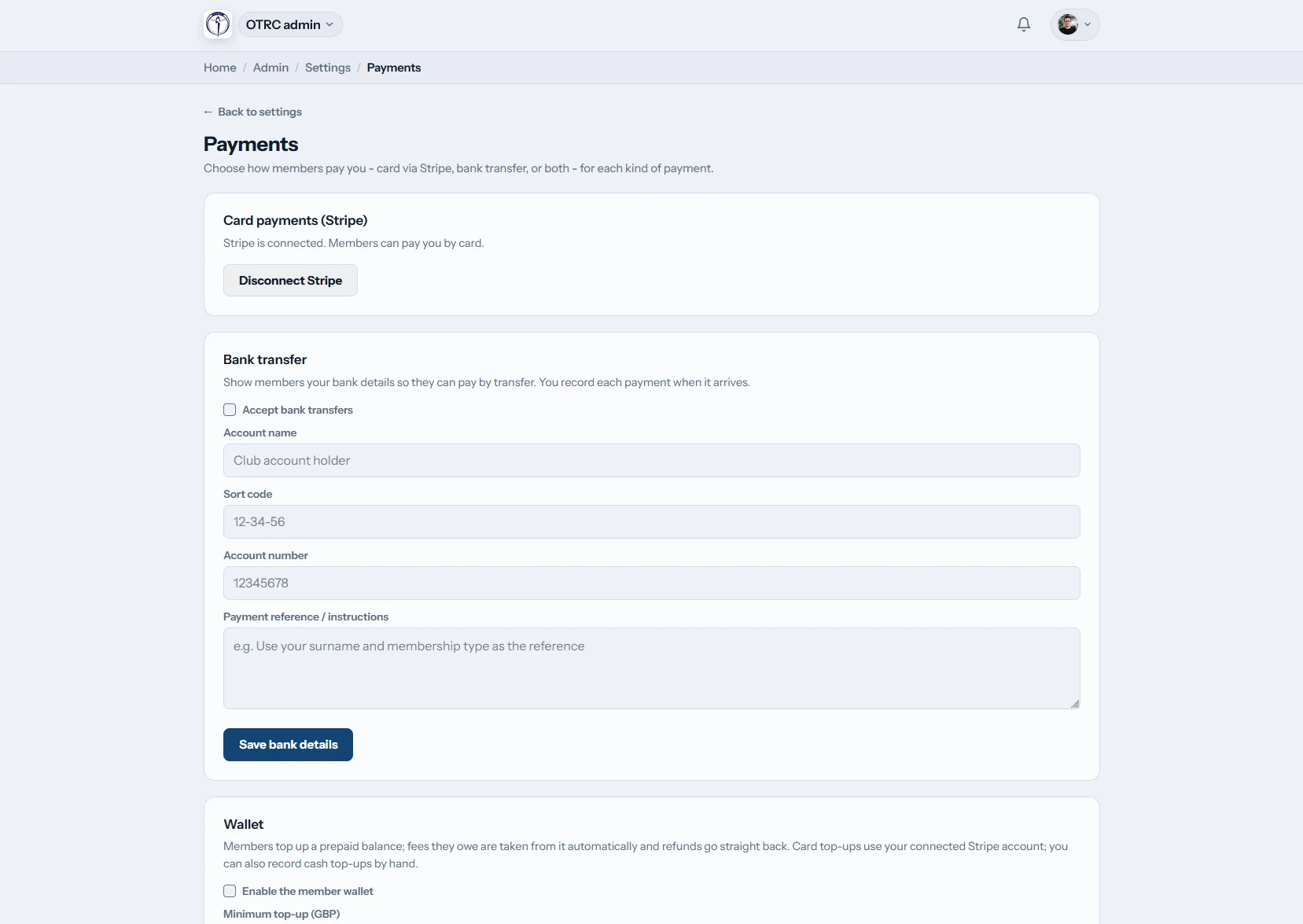
- Athletic department billing and fee tracking
- Title IX participation reporting built from real roster data
- Compliance and welfare audit trail for ADs and school counsel
Rowing and crew programs specifically benefit from administration software because the operational footprint goes beyond most sports. Boat management and fleet scheduling, regatta logistics with parent transport and boat trailers, water safety headcounts on every row, selection trials, USRowing waivers, and a regatta calendar that runs from October through June - none of that fits in a generic athletic administration tool. Row HQ was built for it.
Row HQ vs a student information system vs spreadsheets
Schools typically have three options for athletic program administration. Here is what each one actually handles.
| Job to do | Your SIS (PowerSchool etc.) | Spreadsheets and group texts | Row HQ |
|---|---|---|---|
| Roster and academic records | Yes | No | Import from SIS - athletic records only |
| Grades and transcripts | Yes | No | No - SIS handles this |
| Boat lineups and squad management | No | Manual | Built in - varsity, JV, novice, lightweight |
| Title IX participation reporting | Partial | Manual re-entry | Auto-generated from roster data |
| Parent communication (non-academic) | No | Group text | In-app updates, parent app |
| Athletic department billing | No | Manual spreadsheet | Stripe, ACH, AD invoice tracking |
| Athlete welfare and mandatory reporter | No | No | Built in - logged and auditable |
| Regatta entry and boat management | No | Manual | Built in |
| Coach handover and data continuity | No | Files on personal laptop | Roles transfer, history preserved |
Row HQ sits alongside your SIS - it does not replace it. At the start of each season you import your roster from a CSV export. At the end of the season you export attendance and finance reports back to the AD. Direct integrations with PowerSchool, Veracross, and Blackbaud are on the roadmap.
Three audiences, one platform
One platform, three groups. Coaches do the coaching. Parents get the schedule. The AD gets reporting without sitting through practices.
Director of rowing
Your DoR / head coach can:
- Schedule on-water and erg practices across all squads
- Build varsity 8+, 2V8+, lightweight, novice, and women's lineups
- Take attendance with one tap per athlete
- Track erg scores and athlete progression
- Push announcements to a squad or full roster
Athletic department / business office
Your AD and business office get:
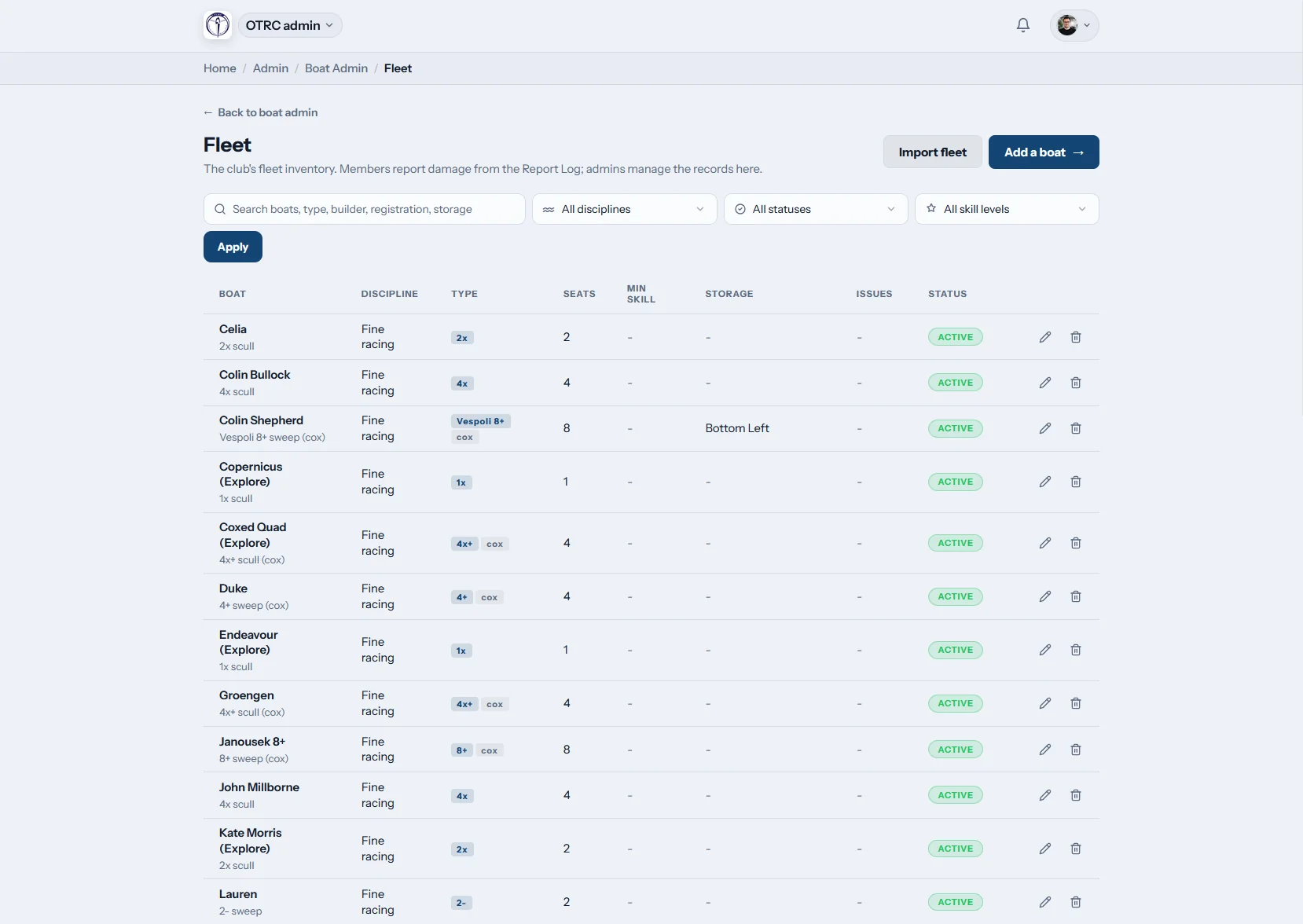
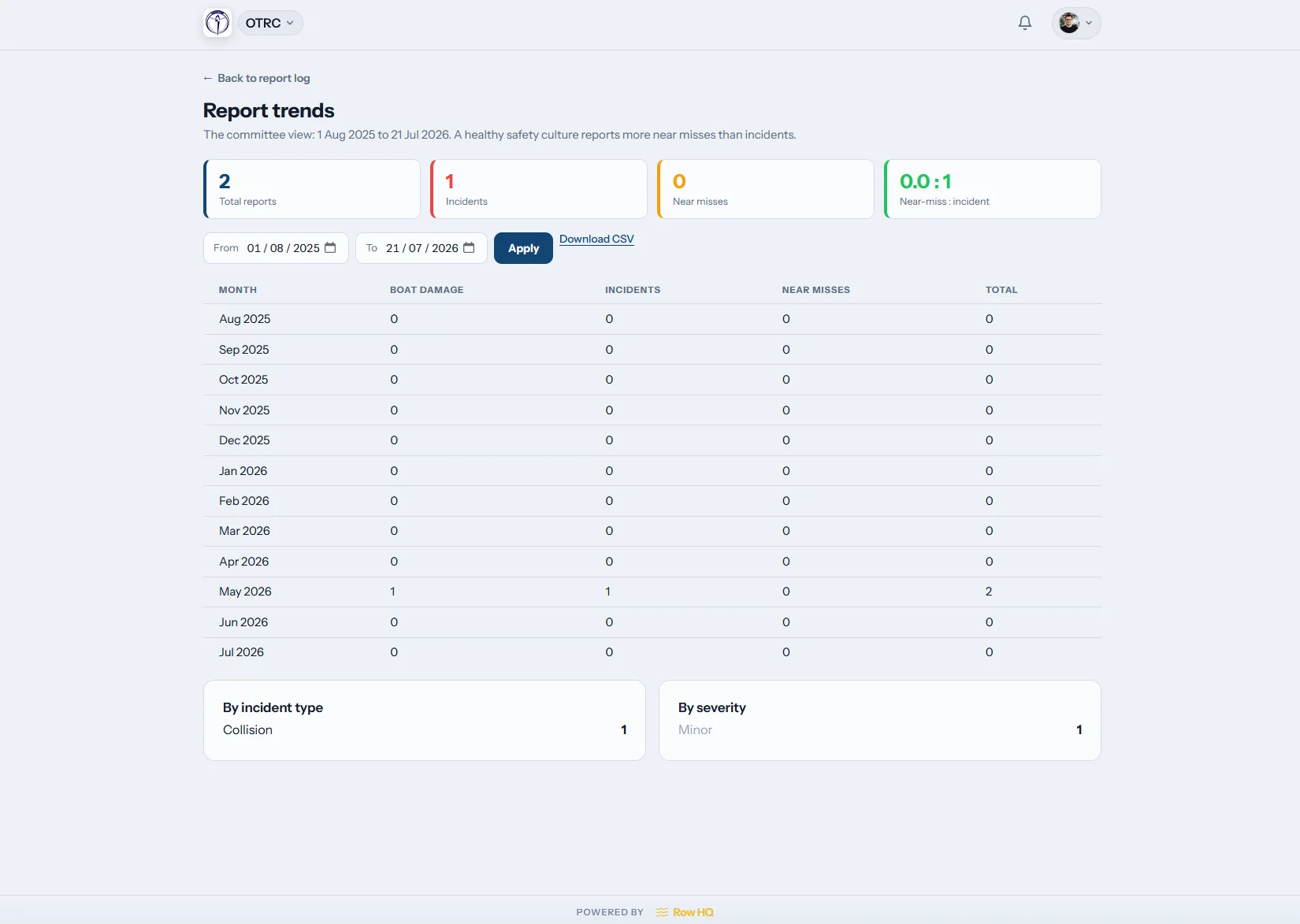
- Roster, attendance, and welfare audit trail
- Title IX participation tracking and reporting
- Billing integration (Stripe, ACH, or AD invoicing)
- Trip and travel rosters with parental consent
- Real-time fleet inventory and maintenance log
- Year-on-year reporting for board meetings
Parents
Parents see in their phone:
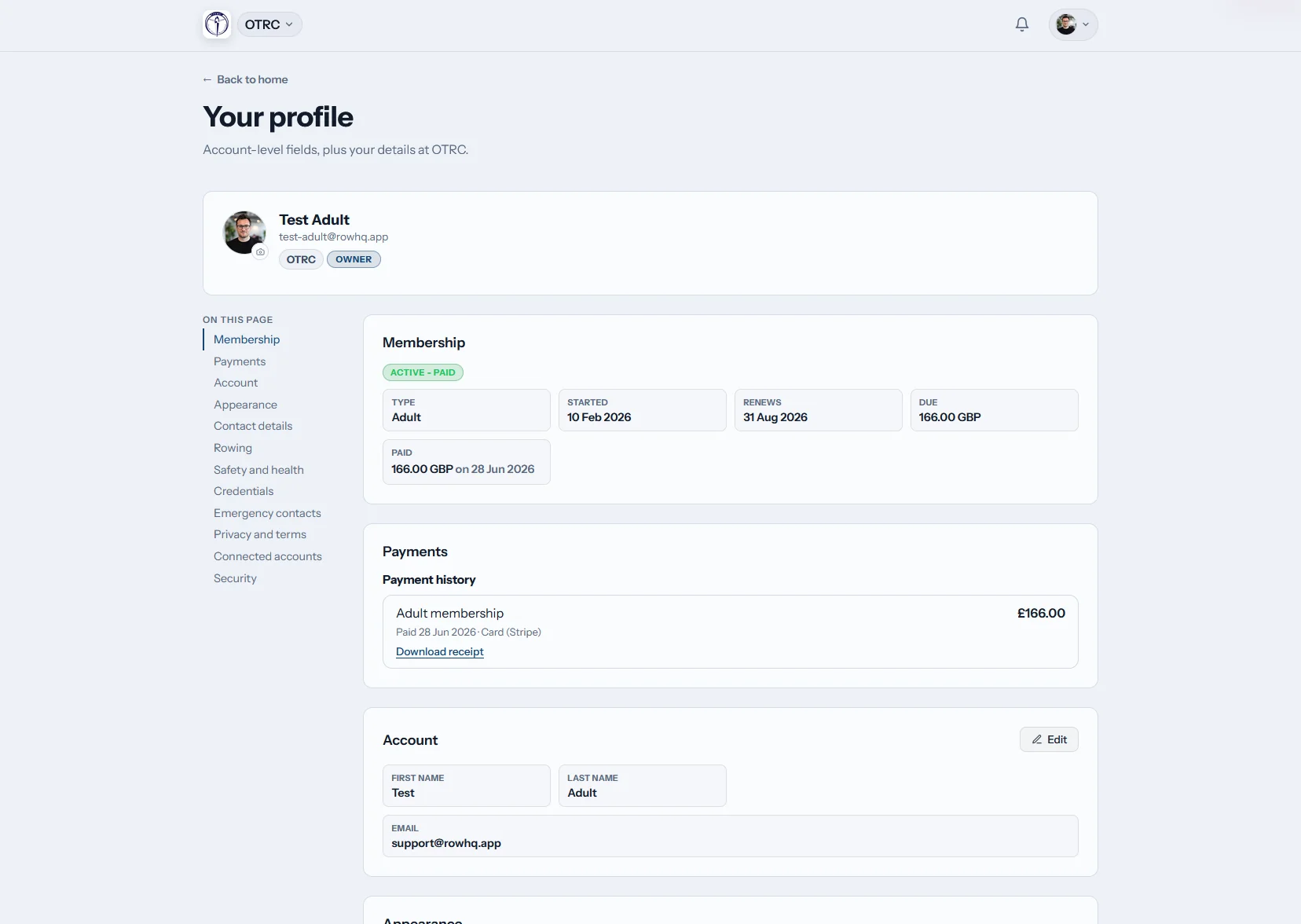
- Practice schedule, locations, and pickup times
- Their athlete's lineup for the next regatta
- Travel rosters and consent forms
- Direct messaging to coaching staff
- Athletic department announcements
See what each audience actually sees
Same data, three views. Click a tab to see how Row HQ looks for coaches, the athletic department, and parents.
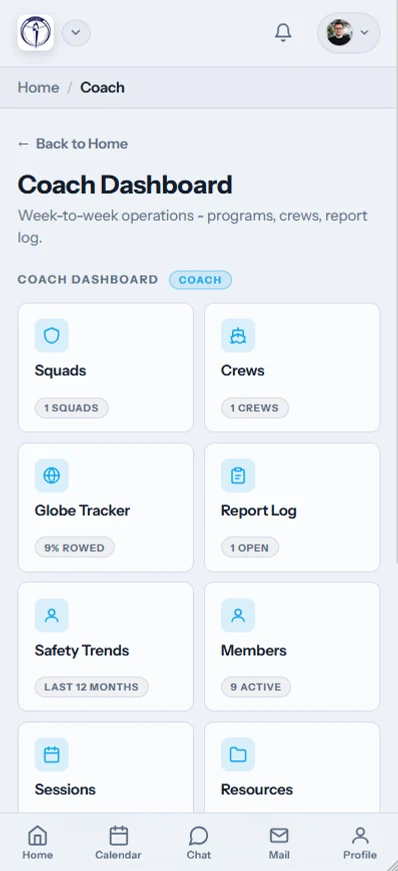
Plan a practice. Build the lineup. Check who is in the boat.
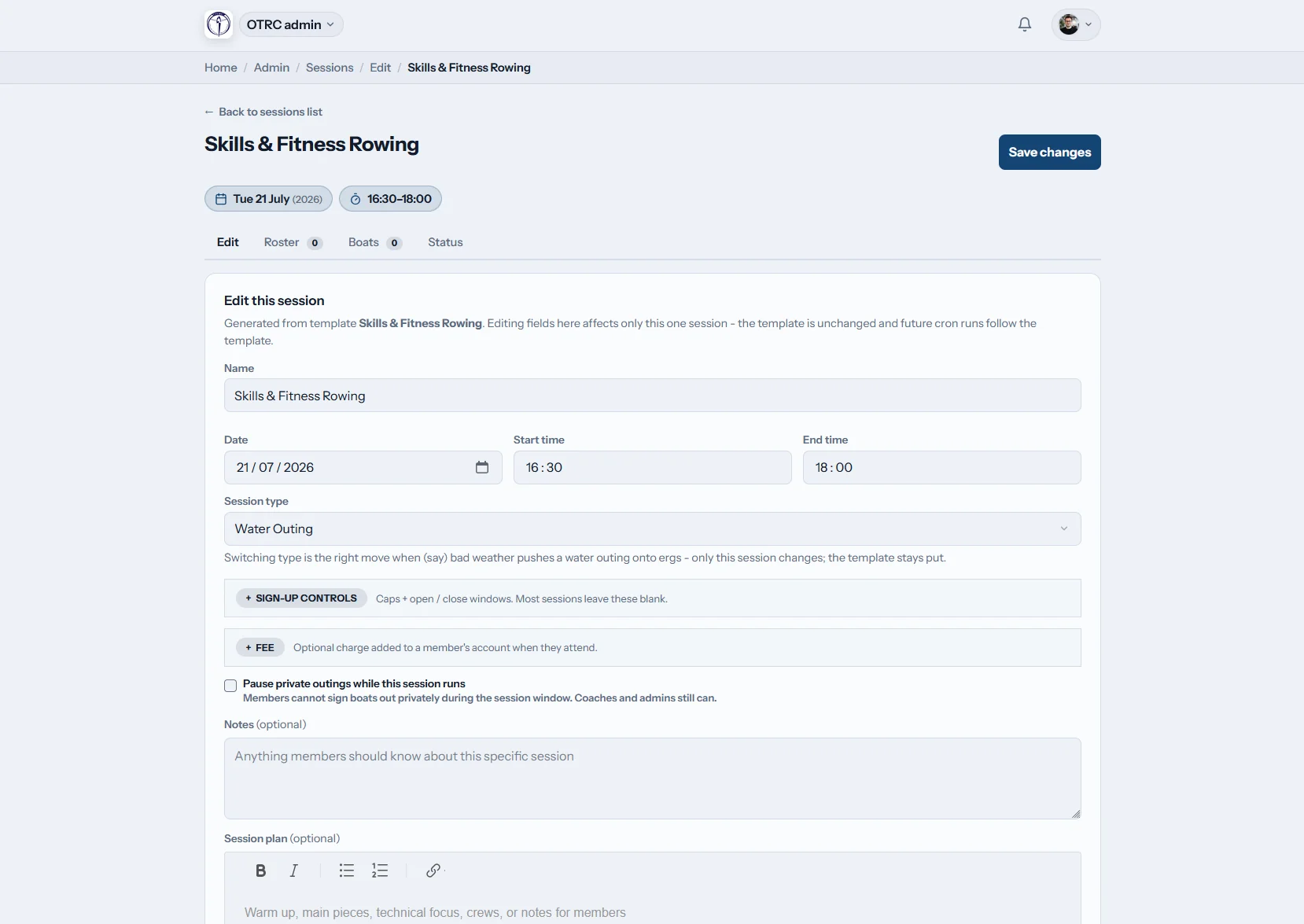
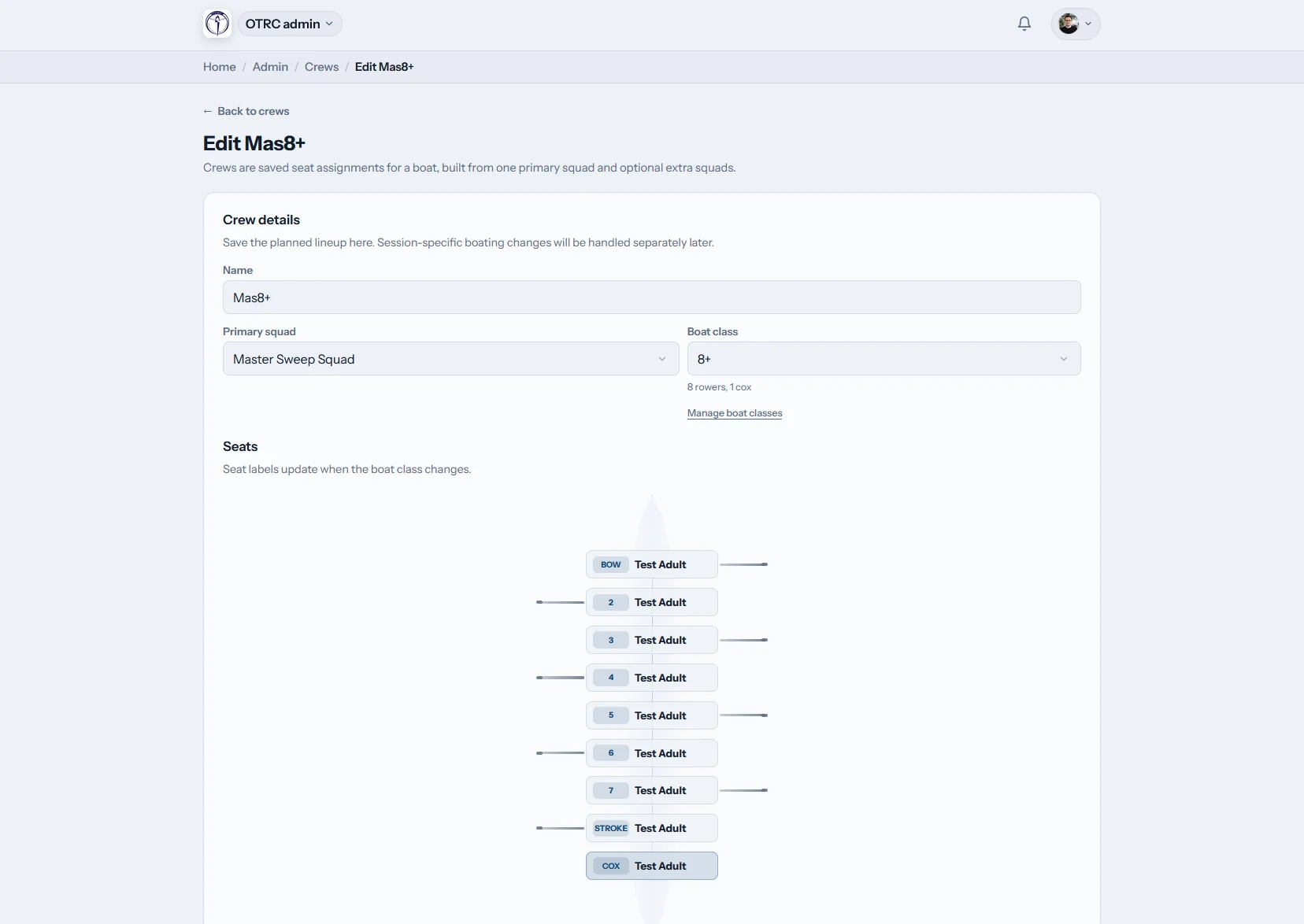
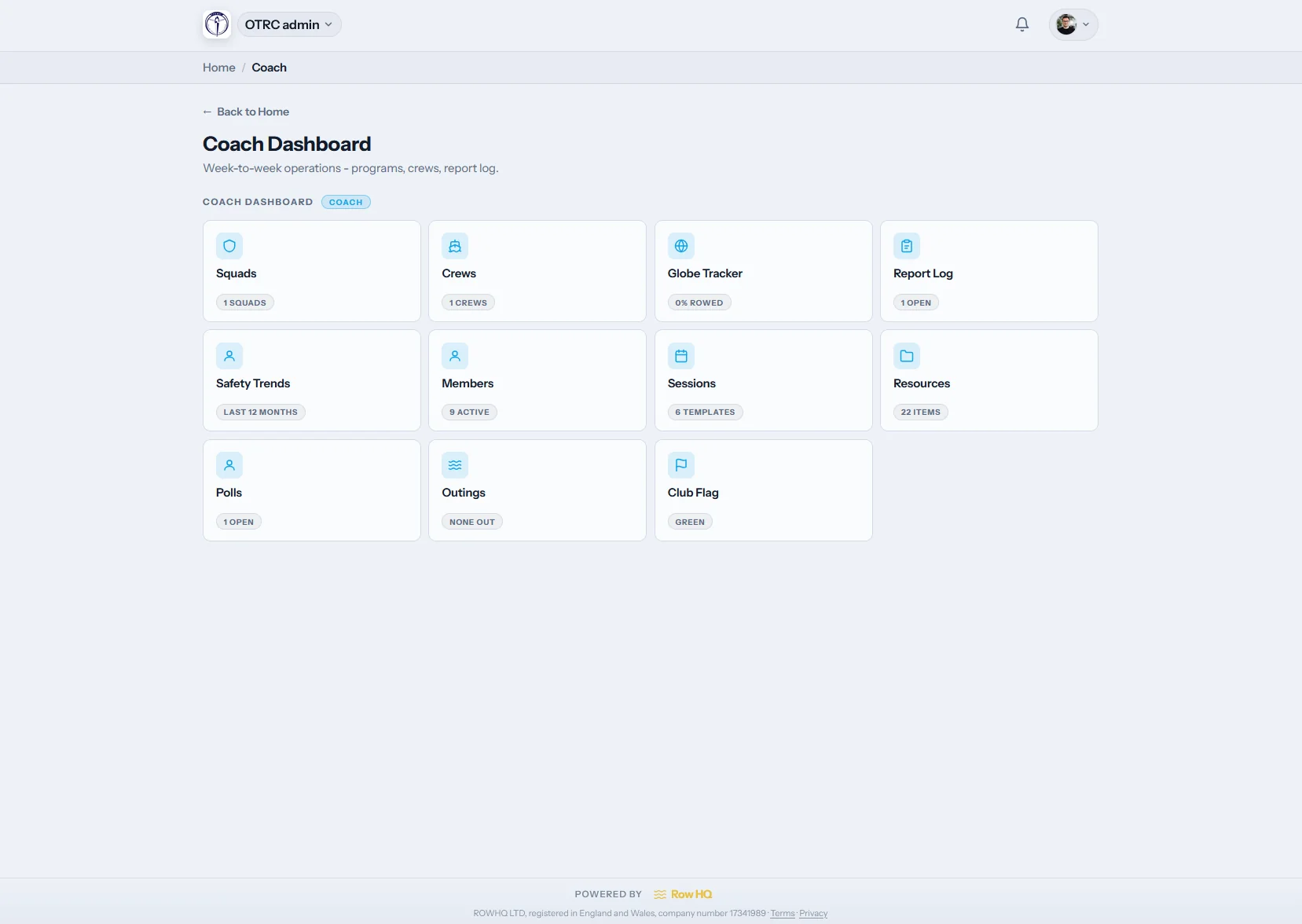
Track program fees. Audit fleet condition. Pull attendance for the AD report.
See your athlete's schedule and lineup. Get instant updates. Skip the group text.
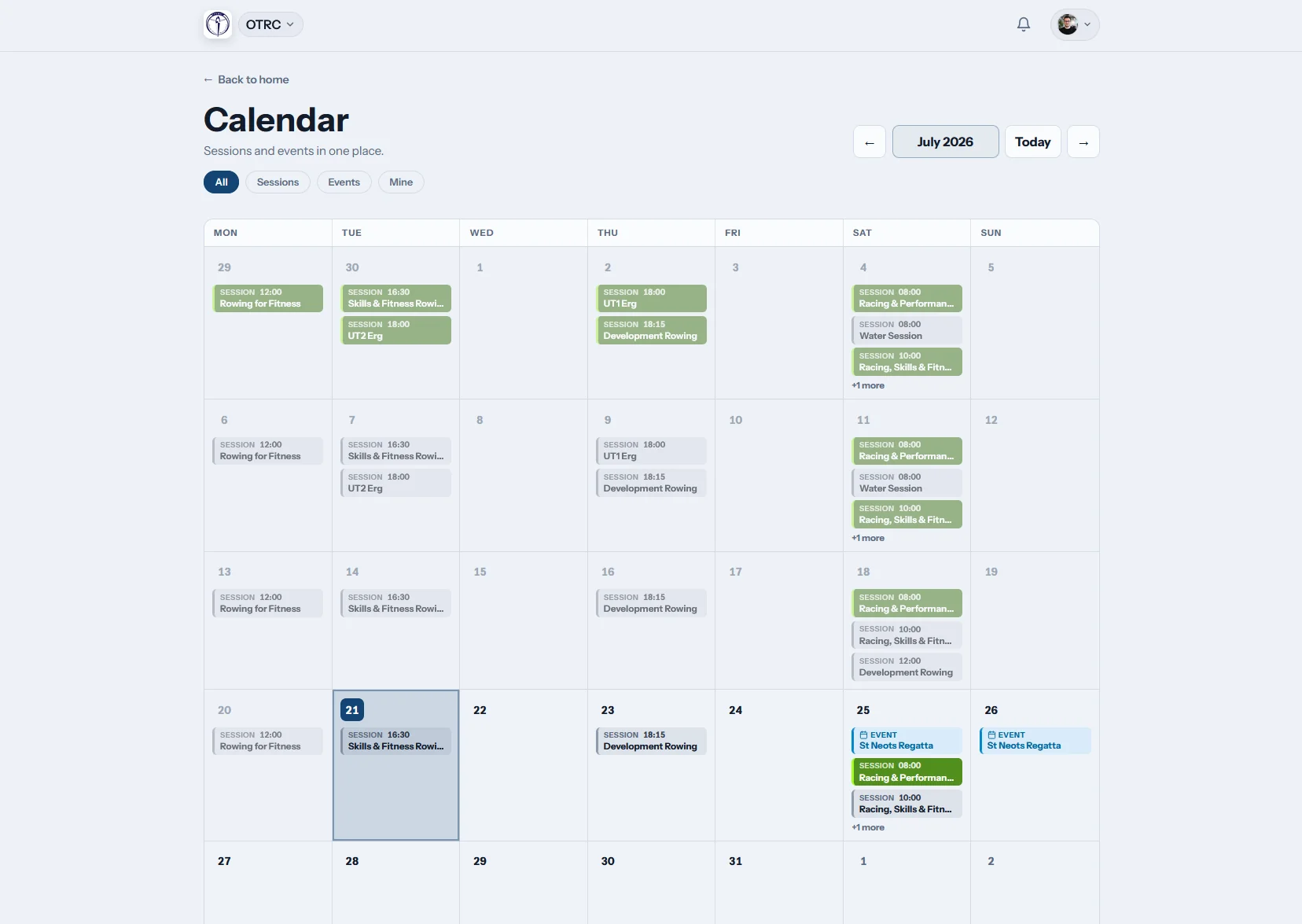
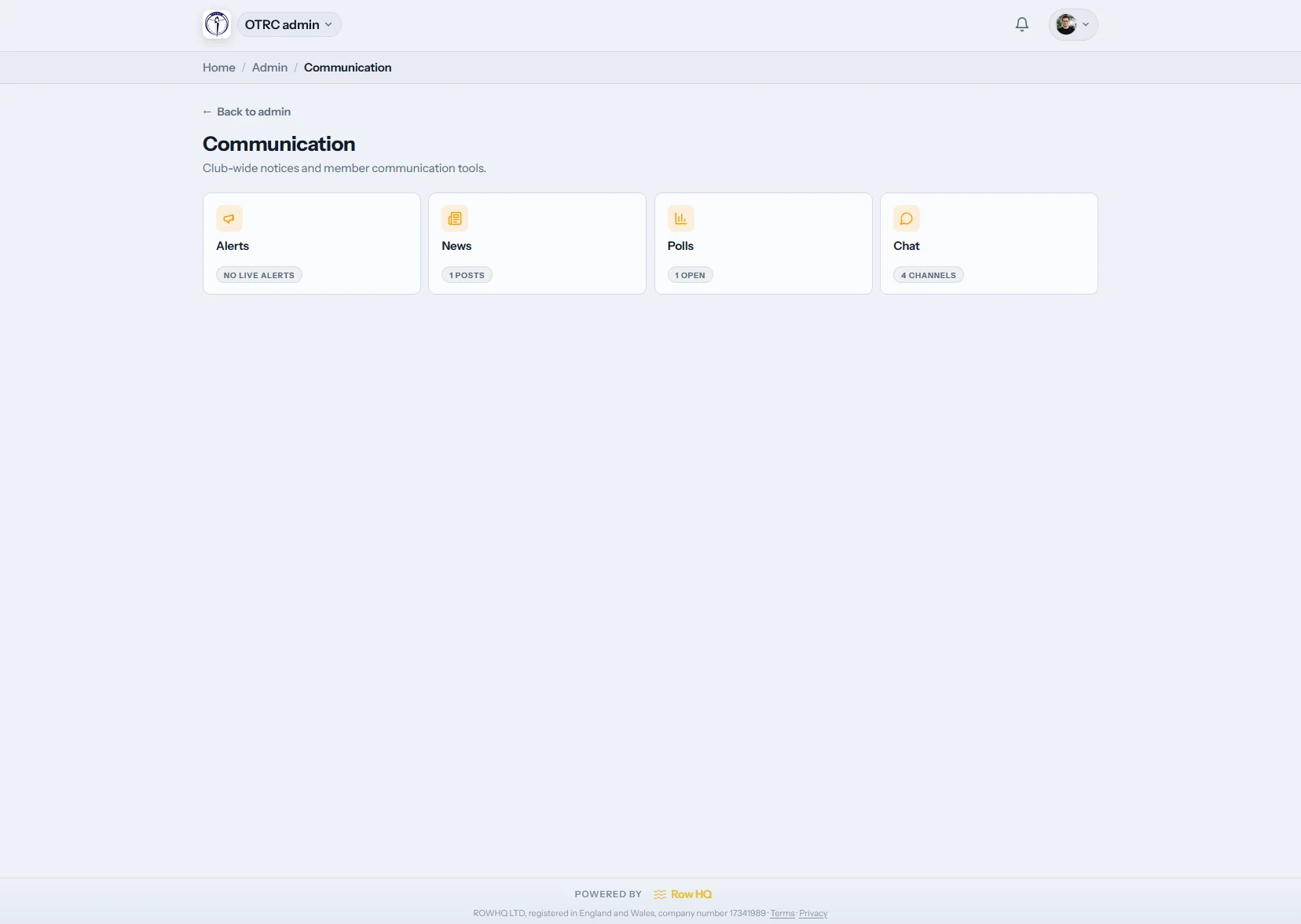
Built for the way scholastic crew actually works
Multi-squad management
Varsity 8+, 2V8+, lightweight, novice, women's, freshman, JV - every squad gets its own coaches, calendar, and roster while the AD sees the program-wide view.
Parent visibility without parent admin access
Parents see their own athlete's schedule, lineups, and trip details. They don't see the back office. Coaches get one channel to push updates to families.
Aligns to the academic year
Term dates, AP exam blackouts, spring break trips, banquet, fall and spring seasons - all built into the scheduling layer.
Athletic department billing
Charge program fees through Stripe, ACH, or via AD invoice. Track who has paid, who is on financial aid, and who needs follow-up.
Reporting the AD will accept
Attendance reports, welfare reports, Title IX participation rosters, and end-of-season reviews formatted for athletic department audits.
Coach handover that doesn't lose data
When a coach moves on, the program data stays. Roles transfer, history is preserved, no one walks out with the team's records on a personal laptop.
Privacy and welfare
Designed for under-18 protection from day one
A high school crew program holds emergency contacts, medical notes, parental consent, and travel details for athletes under 18. Row HQ is built so that data is handled the way your AD, your school counsel, and your insurer expect.
- Designated mandatory reporter role with full audit access
- Parental consent records timestamped on every trip and roster
- Encrypted cloud hosting
- Audit trail of every coach-athlete interaction
- Encrypted at rest and in transit, no third-party trackers in the athlete portal
Free up to 20 members. No card needed.
Administration software your AD will actually accept
Free roster import, full feature access, and a real person walks you through setup. Most programs are live within a day.
How a high school program actually uses Row HQ
Three workflows that come up every week of the season - and how Row HQ collapses each one.
Practice scheduling
A coach plans a week of practices in five minutes
Recurring practice templates, squad-level overrides, and AP exam blackouts handled by the calendar. Athletes see updates the moment a session changes - no separate group text.
- Recurring sessions templated per squad
- Auto-respects AP exams and academic calendar
- Instant update on every change
AD reporting
The AD pulls Q3 finance, Title IX, and welfare in two clicks
Athletic department dashboards roll up program fees, financial aid, attendance, Title IX participation rosters, and welfare events into export-ready reports. End the days of cross-referencing five different spreadsheets the night before a board meeting.
- Stripe / ACH billing + AD invoice tracking in one view
- Title IX participation roster export
- Attendance and welfare audit trail per athlete
Parent communication
Parents stop asking what time pickup is
Every practice, every regatta, every travel detail goes to the parent app. Updates go out the moment schedules change. Group texts and forwarded emails disappear from the coaching staff's evenings.
- Parent app shows their athlete only
- Instant updates on every schedule change
- Travel and consent forms in one place
School crew without Row HQ vs with
A typical US scholastic crew program runs on a group text, two or three Google Sheets, a paper sign-up clipboard at the boathouse, and a Director of Rowing who spends Sunday evenings reconciling all of it. Row HQ collapses that into one platform.
School administration software FAQs
What is school administration software?
How is administration software for schools different from a student information system (SIS)?
Does Row HQ work alongside PowerSchool or other SIS platforms?
What Title IX reporting features does Row HQ provide?
Can Row HQ handle parent contact for under-18 athletes?
Is Row HQ designed for schools or just clubs?
How does Row HQ handle athlete welfare and minor protection?
Where is our program's data stored?
How does Row HQ align with FERPA and parental rights?
Can the AD see across the program without coaching it?
How do parents access information without breaking the platform?
Is Row HQ free for school programs?
Administration software your AD will actually accept
Free up to 20 members. No card needed. Setup in a day. Free roster import.