Rowing Training Pace Calculator
Plug your /500m 2k anchor off the PM5 into the box and the tool spits out target splits, rate windows and watt approximations for all five US training bands (UT2, UT1, AT, TR, AN), plus a stack of interval recipes ready to copy straight onto the practice whiteboard.
Last updated:
How to turn a 2k erg score into a full week of training splits
A rowing training pace calculator turns your current 2k 500m split into suggested session paces. It shows split time, stroke rate and approximate watts for UT2, UT1, AT, TR and AN. These ranges help plan indoor rowing sessions, but they do not replace an individual training assessment.
Your current 2k 500m split
Target 500m split
PM5 rate window
Watts (approx)
RPE
Sample practice menu at
Print this for the coach
Hit Ctrl+P (Cmd+P on a Mac) and export the page as a PDF. Or copy the splits straight onto the boathouse whiteboard. The math is identical to what runs inside Row HQ when a coach programs a practice for the squad.
How should you use rowing training zones?
Start with a recent, representative 2k 500m split. Training zones suggest a 500m split for each session, but heart rate, breathing and perceived effort still matter. Heat, fatigue and recovery can change the pace you can sustain. If steady state work feels hard, slow down rather than chasing a calculated split.
| Session type | What to check | When to adjust |
|---|---|---|
| UT2 steady state | Comfortable breathing and controlled technique | Slow down if the effort keeps rising |
| UT1 aerobic work | Sustainable work across every interval | Reduce pace if later repetitions collapse |
| AT threshold work | A repeatable hard effort | Use the prescribed recovery |
| TR / AN intervals | Quality at the planned stroke rate | Stop chasing pace when technique breaks down |
The offsets shown here are a coaching rule of thumb, not a lactate test or a universal training plan. Two rowers with the same 2k time can have different aerobic endurance. Use an agreed club program to decide volume and recovery.
If your latest result is over 5k or 6k, the 2k prediction calculator can provide a provisional starting point.
Use the stroke rate calculator to compare strokes per minute and distance per stroke during steady state work.
For a quick conversion from pace to power, use the watts to split converter and keep the same average watts throughout the interval.
Method and further reading: Concept2 pace calculator and formulas
Frequently asked questions
What do the UT2, UT1, AT, TR and AN labels mean inside a US training week?
They are the five intensity bands US coaches lean on to organize a weekly plan, lifted from the FISA development pathway and threaded through USRowing high-performance materials. UT2 is the steady aerobic floor, 18 to 20 strokes per minute on the PM5, conversational with the freshman two seats up. UT1 is firmer, 22 to 24, focused breathing. AT (anaerobic threshold) is the lactate-clearing band, 26 to 28, hard but repeatable across reps. TR (transport) is 2k race pace itself, 30 to 34. AN is sharper than 2k, 36 and up, pure power. A varsity 1V week in a fall HOCR build will live mostly in UT2 and UT1, sprinkle AT through the middle of the week, and reserve AN for short, late-block sharpening pieces.
How does the calculator derive each zone split from my 2k?
This calculator applies fixed offsets to your 2k 500m split. UT2 is 12-16 seconds slower, UT1 6-10 slower, AT 3-5 slower, TR around 2k pace and AN 3-5 faster. These are illustrative starting ranges, not measured physiological thresholds. Check each target against breathing, perceived effort and advice from your coach.
What does a typical UT2 practice actually look like on the erg?
The session menu includes continuous rowing and longer intervals with brief recoveries. Choose a duration that suits your current training. UT2 should feel controlled and conversational. If the effort keeps rising, reduce the pace or shorten the session rather than forcing the calculated split time.
Do the same zone offsets apply to lightweights and masters athletes?
The calculator starts from your own 2k 500m split, but fixed offsets do not suit every rower equally. For a 7:00 2k, its UT2 range is 1:57-2:01. For 6:30, it is 1:49.5-1:53.5. For 7:30, it is 2:04.5-2:08.5. Use these as starting points and adjust for endurance, recovery and effort.
The five US training bands, one band at a time
UT2: steady aerobic base
UT2 is steady aerobic work. This calculator adds 12-16 seconds to your 2k 500m split and suggests 18-20 strokes per minute. Use comfortable breathing and controlled technique to judge the effort. The offset is a starting point; some rowers need a slower split time for genuinely easy work.
UT1: firm aerobic build
UT1 is firmer aerobic work. This tool adds 6-10 seconds to your 2k 500m split and suggests 22-24 strokes per minute. Choose an interval length you can repeat without a large drop in pace. Reduce the target if fatigue turns the session into a harder workout than intended.
AT: anaerobic threshold
AT refers to anaerobic threshold training. The suggested range here is 3-5 seconds slower than your 2k 500m split at 26-28 strokes per minute. Your actual threshold cannot be established from a fixed pace offset. Use repeatable efforts and the recovery prescribed by your coach.
TR: transport (2k race pace)
TR is transport or race-pace work. The calculator uses your 2k 500m split and suggests 30-34 strokes per minute. The sample intervals include substantial recovery. Match the session to your experience and stop forcing the target when technique or pace deteriorates.
AN: anaerobic sharpening
AN is short anaerobic work. The illustrative target is 3-5 seconds faster than your 2k 500m split. The suggested stroke rate is 36 or more strokes per minute, but stroke quality matters. Short, hard intervals need suitable recovery and should fit within your wider programme.
Programming a week off the calculator
Decide the balance of easy work, harder intervals and recovery with your coach. Training history, upcoming events and fatigue all change that balance. Keep the drag factor consistent when comparing erg sessions. The data-driven training guide explains how to record the work you actually completed.
Every zone here keys off your 2k. No recent test score? Get an estimate from the 2k prediction calculator first. The 2k erg test pacing strategy covers how to race the test itself, and the erg pace calculator handles split-to-watts conversion.
From the RowHQ shop
Printable PDFs written for club rowers. Buy once, keep forever.
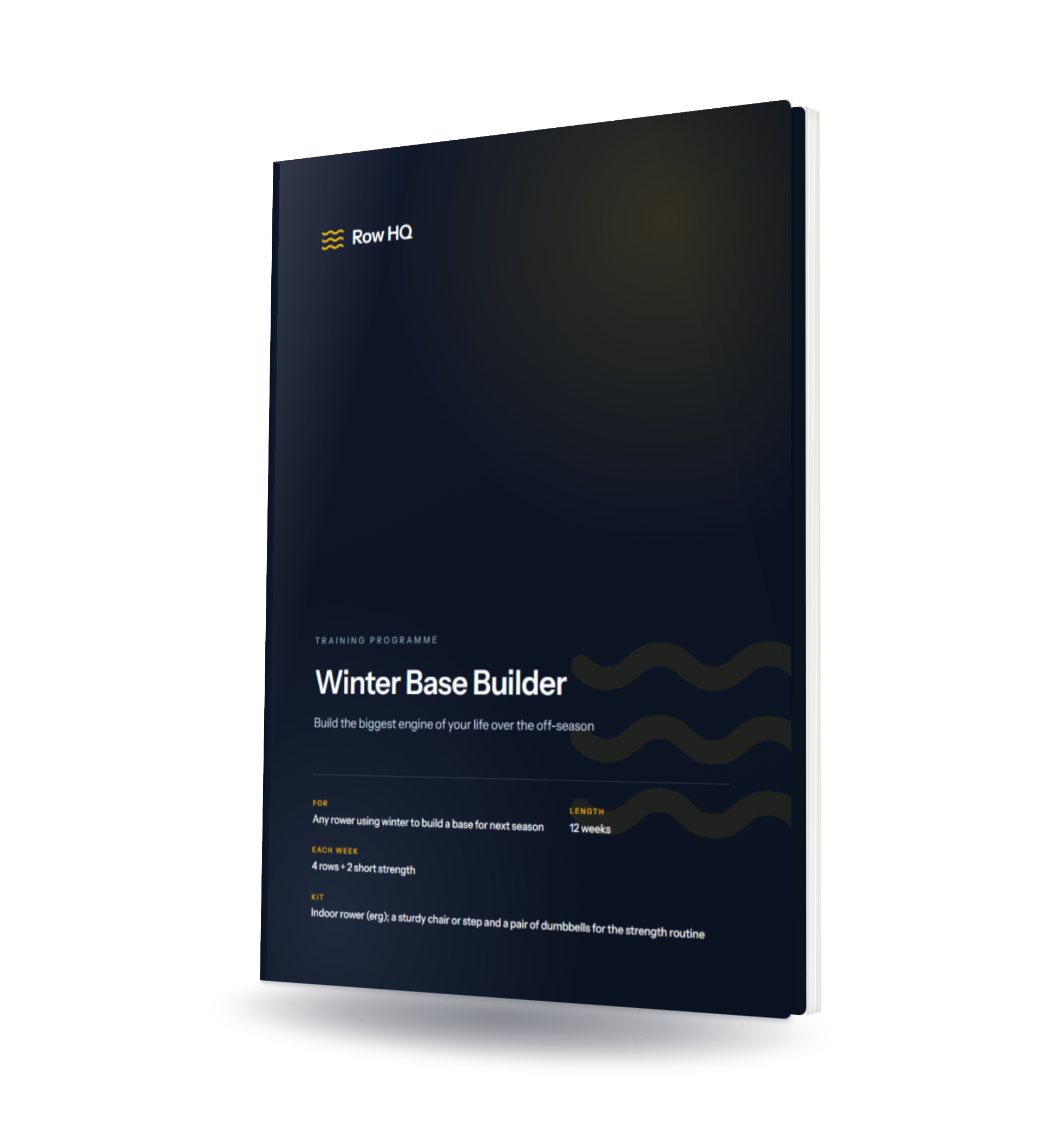
Winter Base Builder
Build the biggest engine of your life over the off-season - 12 weeks of mostly-easy volume plus a strength routine, so you arrive at spring fast.
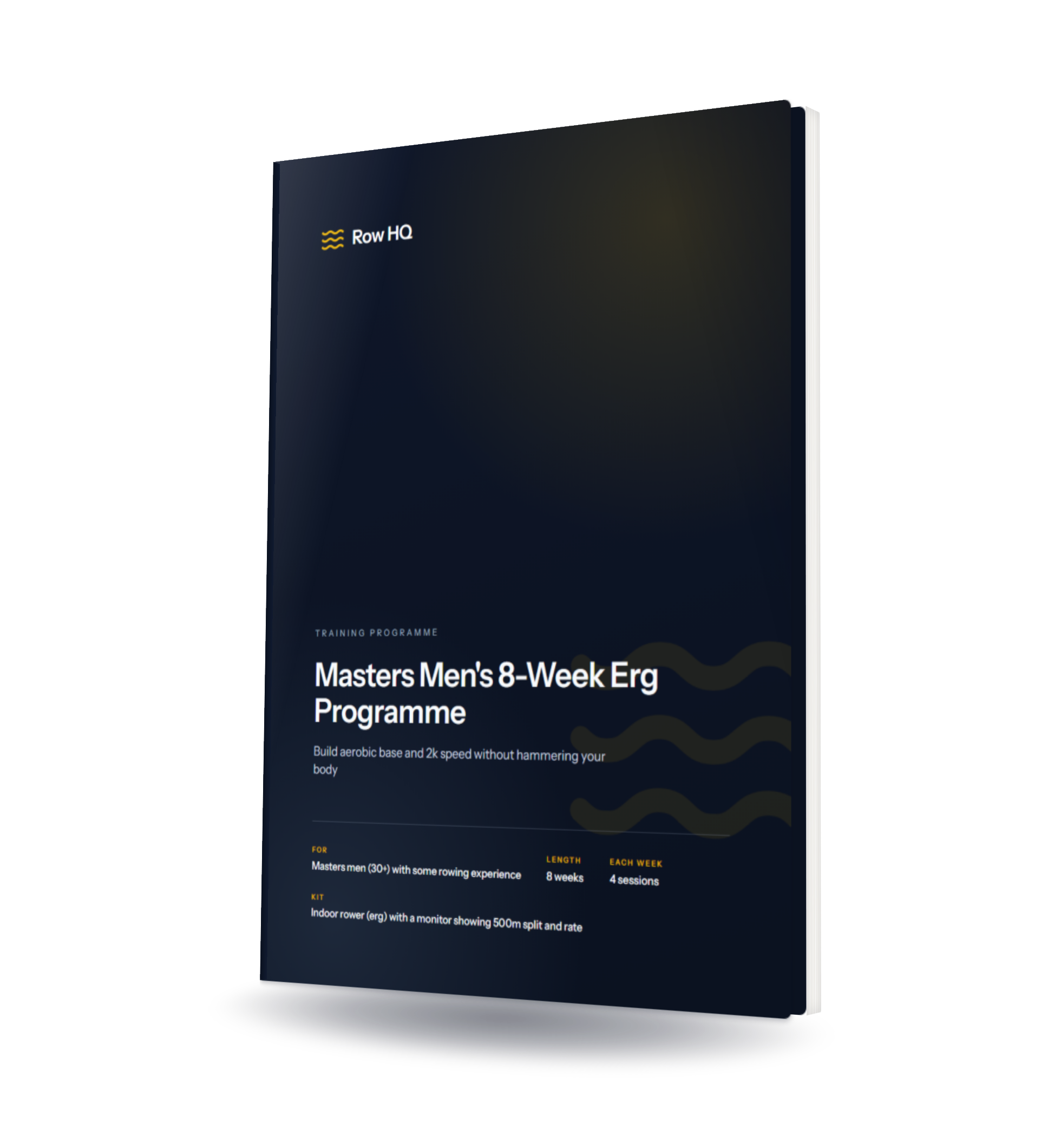
Masters Men's 8-Week Erg Programme
Eight weeks of structured erg training built around a masters body - science-backed, joint-friendly, and designed to protect your engine as you age.

The Club Session Library
52 rowing sessions for club coaches, with an illustrated coaching PDF, editable CSV plans, two seasonal blocks and a printable coaching cheat sheet.
Whiteboard math handles one practice. A varsity season needs a database.
Knowing the zones is the easy half. The harder half is auditing which zones the squad has actually trained in across the last twelve weeks. Row HQ writes every athlete's practice pace against the zone framework automatically, so the head coach can spot the rower who has parked in UT1 since October when she should have been pushing AT, or the freshman boat missing AN volume two weeks out from the C.R.A.S.H.-B trial. See it inside the coach toolkit, the practice tracking features, and how Oundle Town RC runs zone distribution across their senior squad without a coach typing a single split into a spreadsheet or a GroupMe thread.
Companion tools in the US ergometer suite
Concept2 Erg Pace Tool
Convert /500m split into watts, kcal/hr and projected splits across every standard US test distance.
Erg Score Percentile Tool
Drop a score onto a percentile band with bodyweight and Concept2 age-grading factored in.
Rowing Pace Chart
Single-screen pace lookup, color-banded by intensity zone for fall and winter trials.
2k Prediction Calculator
Back-solve a credible 2k goal from a recent 5k, 6k or 10k aerobic piece.
Stroke Rate Calculator
Calculate distance per stroke from rate and split, with training-zone references for rate discipline.
Drag Factor Calculator
Find the right Concept2 drag factor for your weight, experience and goal.