Practice scheduling
Post water, erg or conditioning work and collect athlete responses against a single roster.
Explore practicesSupport Area
Support Area coming soon
Practices, shell reservations, lineups, regattas, athlete records and board reporting all work from the same live roster.
There are no module charges. Review US pricing lays out the active-athlete bands.
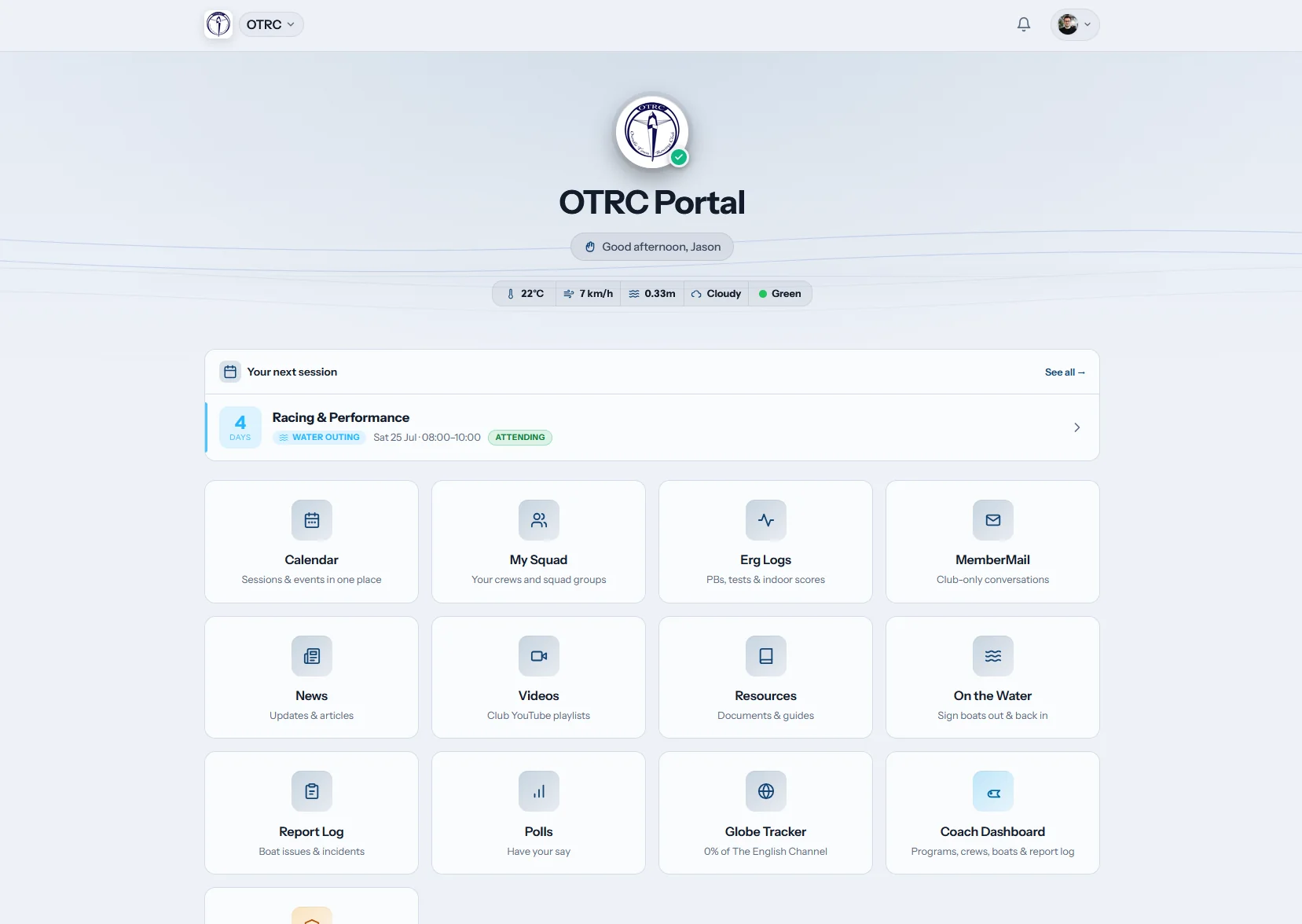
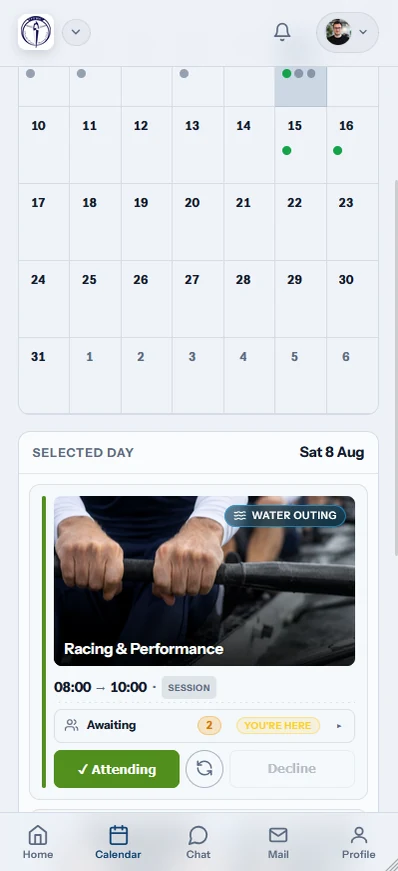
Row HQ connects the weekly work behind a rowing program. Athletes respond to practice and reserve shells. Coaches shape lineups with current availability. Board members track dues, forms and participation without copying roster changes between Google Sheets, GroupMe threads and athletic department files.
See how the rowing app works for athletes and parents. The school crew page guide covers junior and high school workflows, while collegiate rowing page focuses on collegiate rosters, student leaders and year-to-year continuity.
One roster, three jobs
A response entered by an athlete can shape the coach's next lineup and the board's participation report. Nobody has to key it twice.
Athletes and members
Rowers answer availability, check the event calendar, reserve an eligible shell and update their own profile. Parents get clearer information without another chat thread.
Coaches
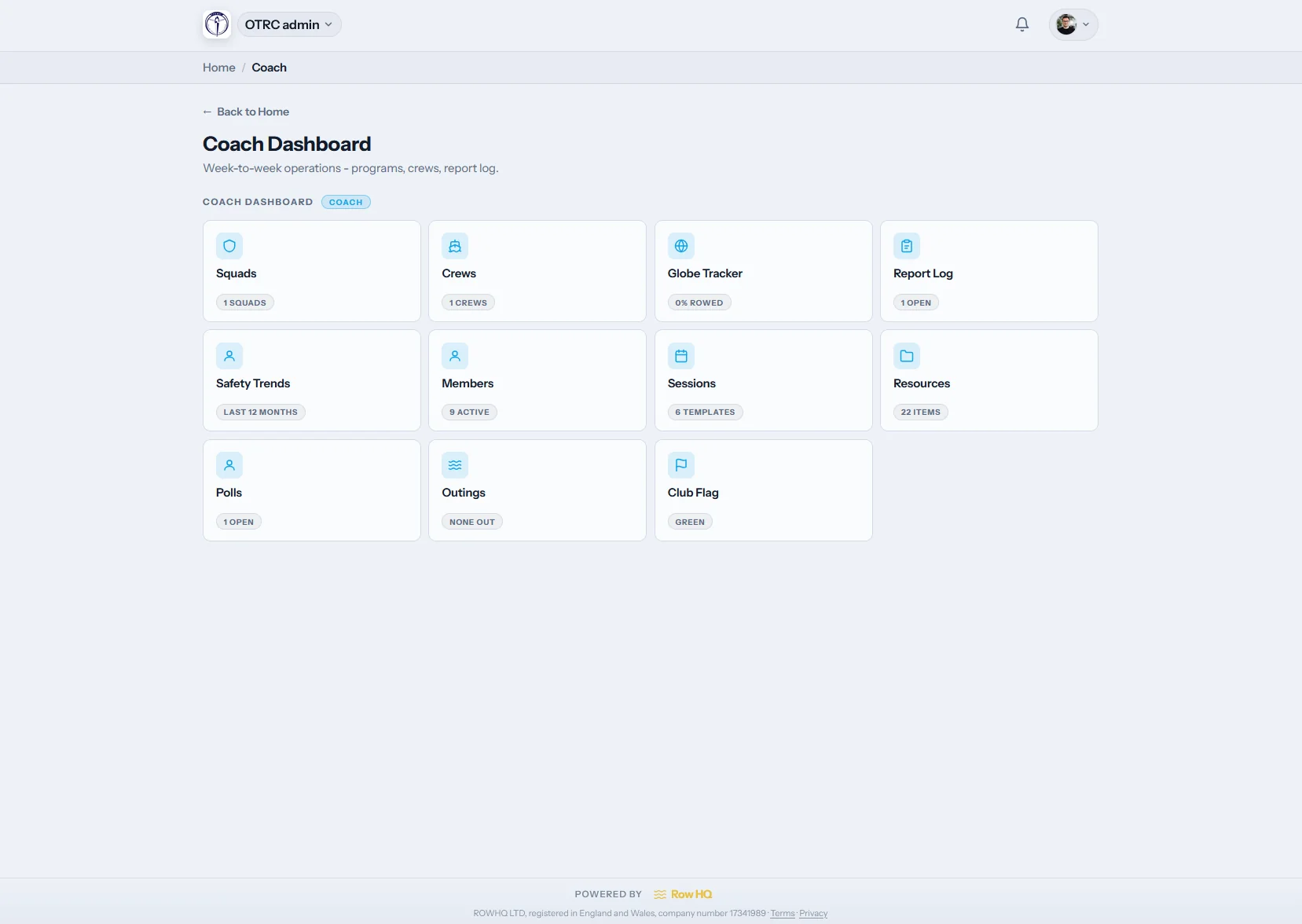
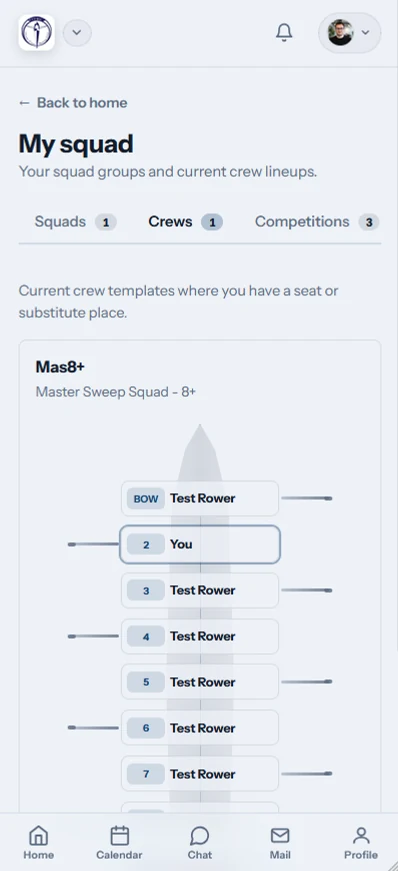
Practice responses, side preference, experience and equipment availability sit together. Coaches can adjust a V8+ or novice lineup without reconciling several lists first.
The board
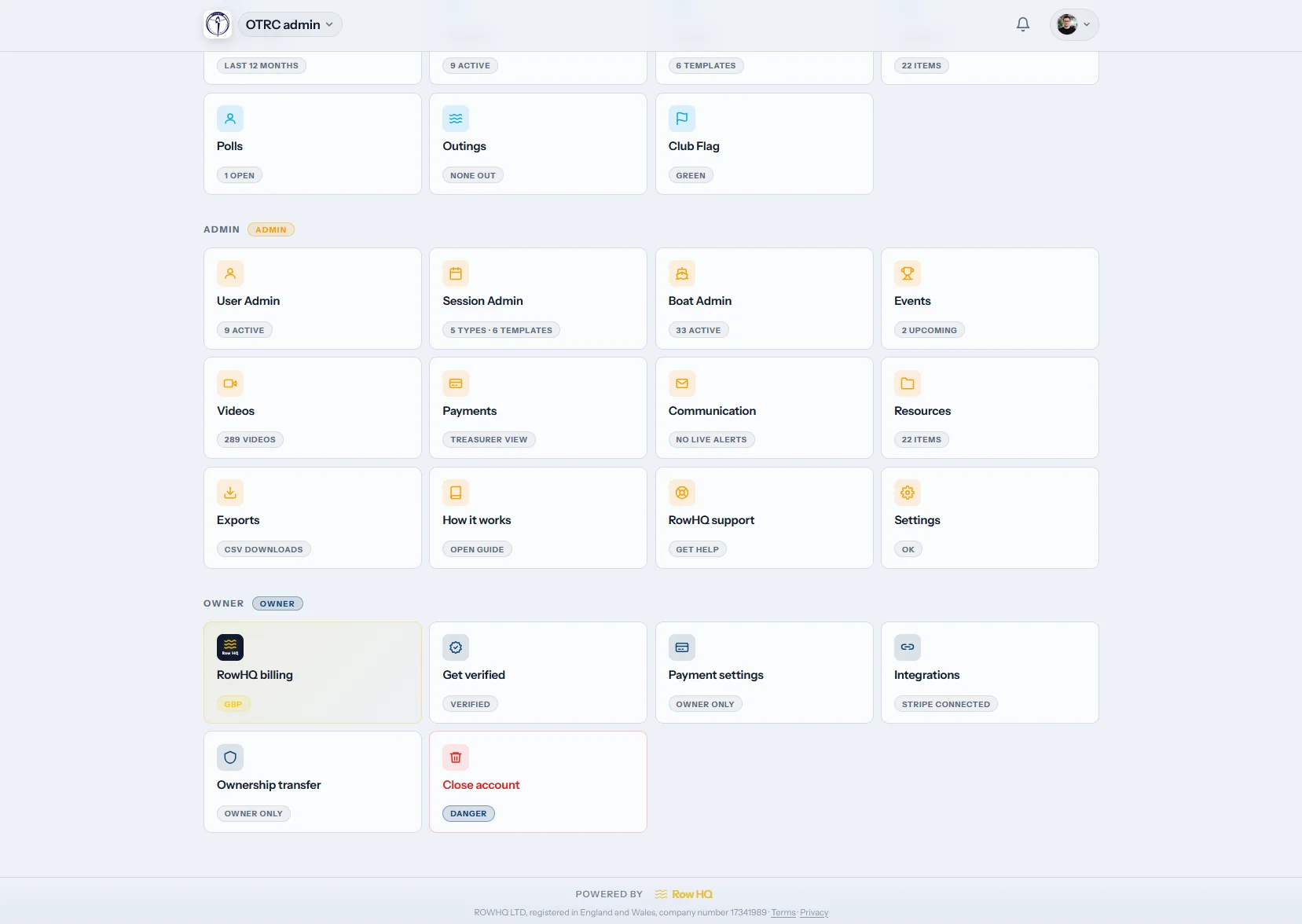
Dues, member status, communications and exports remain with the program when volunteers rotate. Institutional memory no longer leaves with one graduating treasurer.
Pick the workflow that hurts today. Every part reads the same roster, calendar and equipment list when your program adds more later.
Post water, erg or conditioning work and collect athlete responses against a single roster.
Explore practicesLet approved rowers claim available equipment without calendar collisions or mystery sign-outs.
Explore reservationsKeep interest, entry cutoffs, travel notes and attendance attached to each event.
Explore eventsPut membership details, personal records and program updates behind each person's login.
Explore the portalCompare availability and rowing details while assigning athletes to seats and boats.
Explore coach toolsTrack dues, status, reporting and outreach without maintaining shadow versions of the roster.
Explore administrationPresent your colors, logo and dedicated address throughout the athlete experience.
Explore white labelingCharge dues, event fees and practice charges into your own Stripe account. Row HQ keeps nothing.
Explore paymentsEvery erg logged, PBs highlighted, and two-way Concept2 Logbook sync for the whole roster.
Explore erg trackingBoat sign-out with overdue alerts, a water-status flag, incident logs and certification tracking.
Explore safetyParents RSVP, pay fees and keep records current for their junior rowers.
Explore parent accountsBetween home and the boathouse
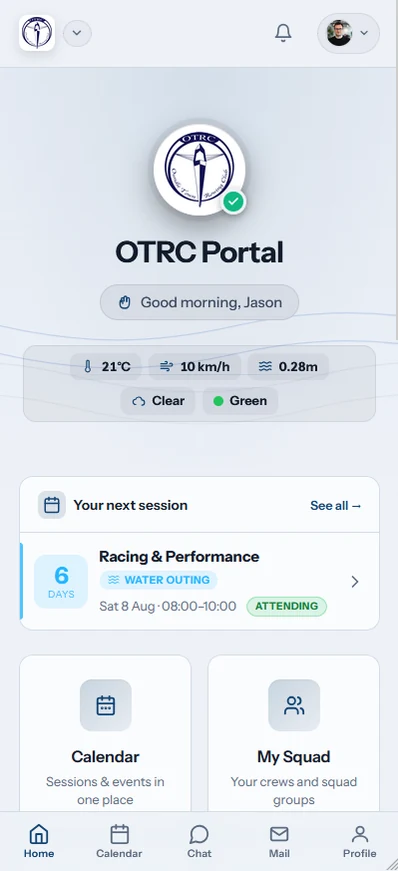
Athletes use the app for daily responses and updates. Coaches and officers can open the same account in a desktop browser when the task needs more room.
A better operating setup
Start with the US rowing software comparison if you are comparing program platforms. The spreadsheet replacement guide breakdown covers the cost of keeping Google Sheets and chat apps in sync. the Oundle Town RC story is UK evidence from a real customer, and Rowing Club Management Software explains the complete product category.
Support, imports, cost, program identity and outside systems covered plainly.
Officers on a paid account email the founders who build Row HQ. We answer during the UK working day, help with setup and imports, and can walk a new administrator through the product by video. You are not routed through a general sports-software call center.
Yes. Onboarding can include names, contact information, emergency contacts, membership groups and dues status from Excel, CSV or a Google Sheet. Your team checks the imported records before launch. Some programs keep their original workbook read-only for a short transition, which is fine.
Programs with no more than 20 active people pay nothing and do not enter a card. That account includes practices, shell reservations, portals, coaching and board tools. Once the active roster grows, pricing follows a headcount band instead of charging for separate modules.
Yes. Your account can carry the program logo, colors and its own Row HQ subdomain. The branded experience is available across the pricing bands, rather than sold as an enterprise-only add-on. Athletes get a familiar destination even though Row HQ maintains the software underneath.
Officers can export member and payment data for federation checks, reporting and reconciliation. Row HQ does not claim a live write into a closed USRowing membership database. Downloaded records can support the administrative steps your program completes in USRowing, QuickBooks or similar systems.
We will run that scenario inside a real program account, including the roster changes and board questions a polished demo usually avoids.
You can also inspect US pricing, open the product screenshots, hear from current clubs or read more answers.
Start free with up to 20 athletes.
Use every Row HQ feature with your own shells, squads, and practices. No card. No time limit.
Help us improve Row HQ
We use Google Analytics to see which pages people use and whether sign-up is completed. Analytics stays off unless you allow it. Read the cookie policy