Session calls
List water work, ergs and land training, then collect firm responses before coaching starts.
Open session featuresSupport Area
Support Area coming soon
Put training replies, boat use, crew selection, regatta plans, member details and committee work on one club record.
The complete toolkit comes together. View Australian pricing shows how active membership sets the band.
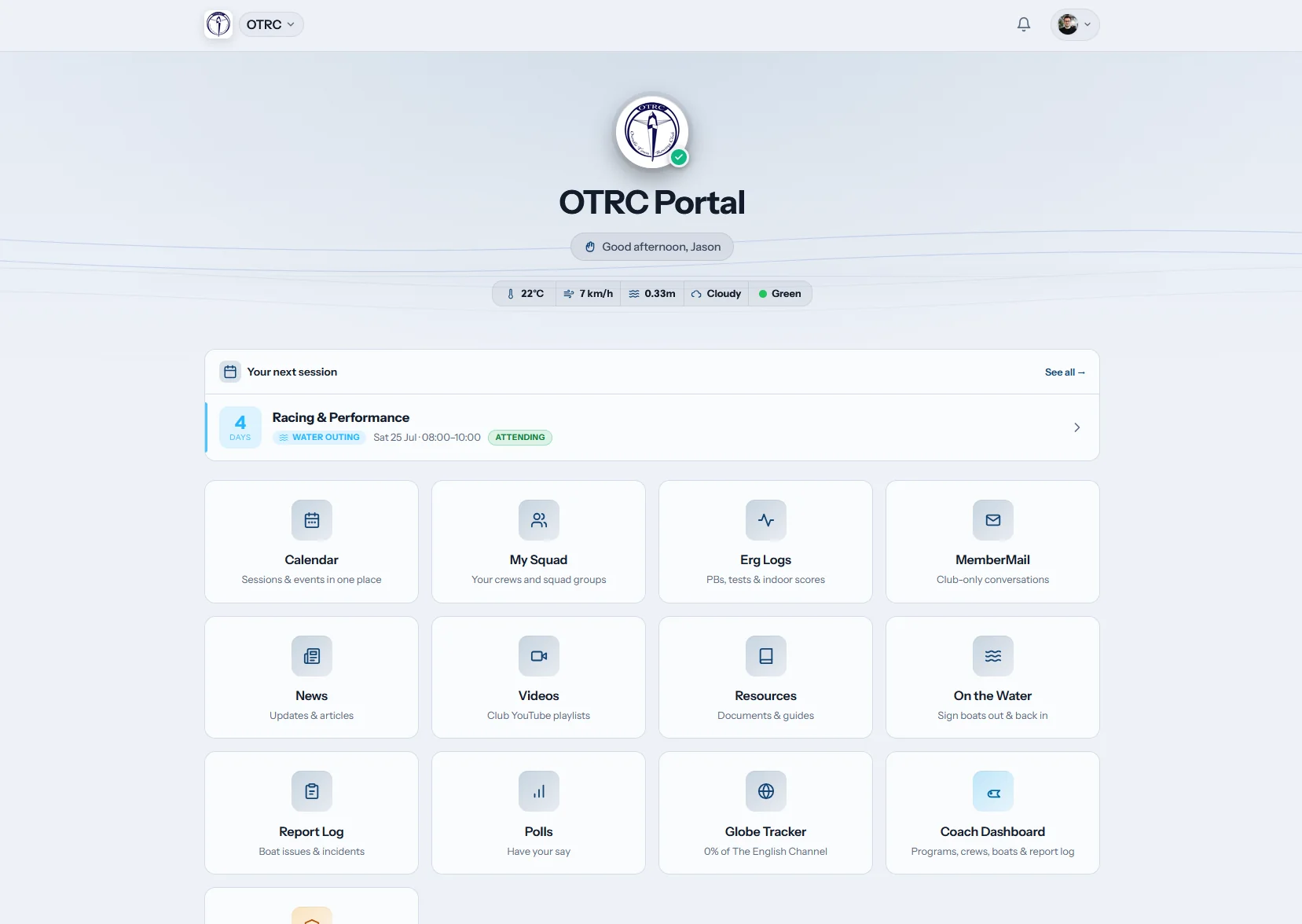
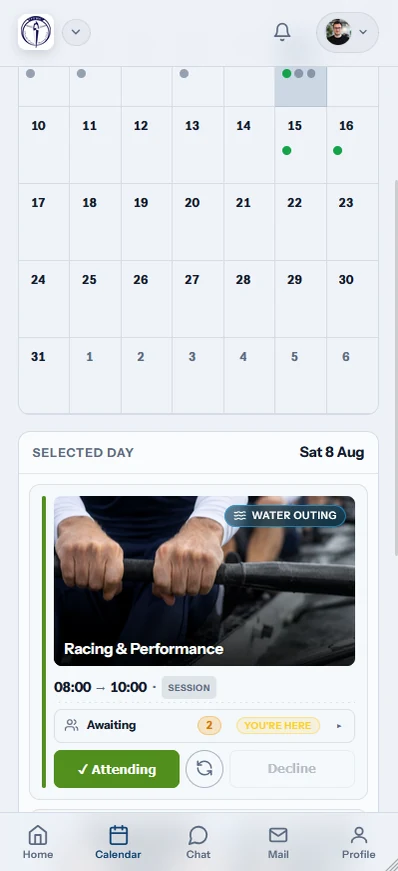
Row HQ organises the jobs around a training morning and the season beyond it. Rowers mark availability. Coaches select crews with current answers and boat status. Committee members handle fees, membership, safety details and communications without stitching together WhatsApp, spreadsheets and a boatshed sign-out board.
For day-to-day use, open the club app overview. Read the Australian school rowing guide for school squads building towards summer racing, or the university club guide for student clubs managing crews and annual committee turnover.
From rower to committee
A rower's reply changes the coach's crew list. That attendance then becomes part of the club record without a second round of admin.
Rowers
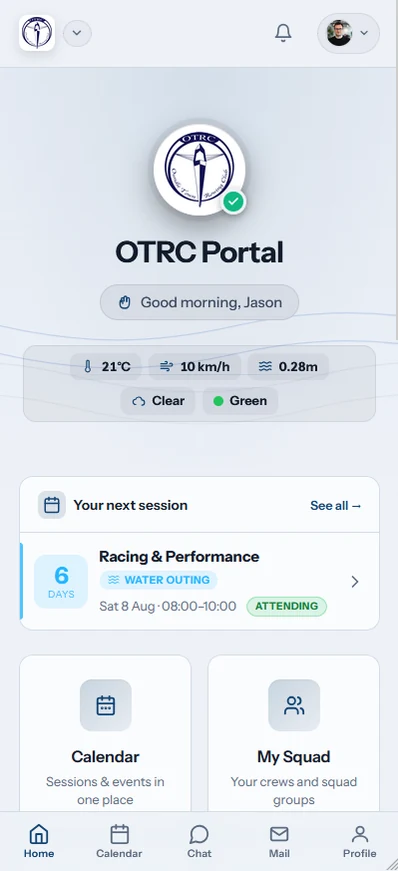
Rowers can answer a session, look up race information, book an available boat and maintain their details before a pre-dawn start at the sheds.
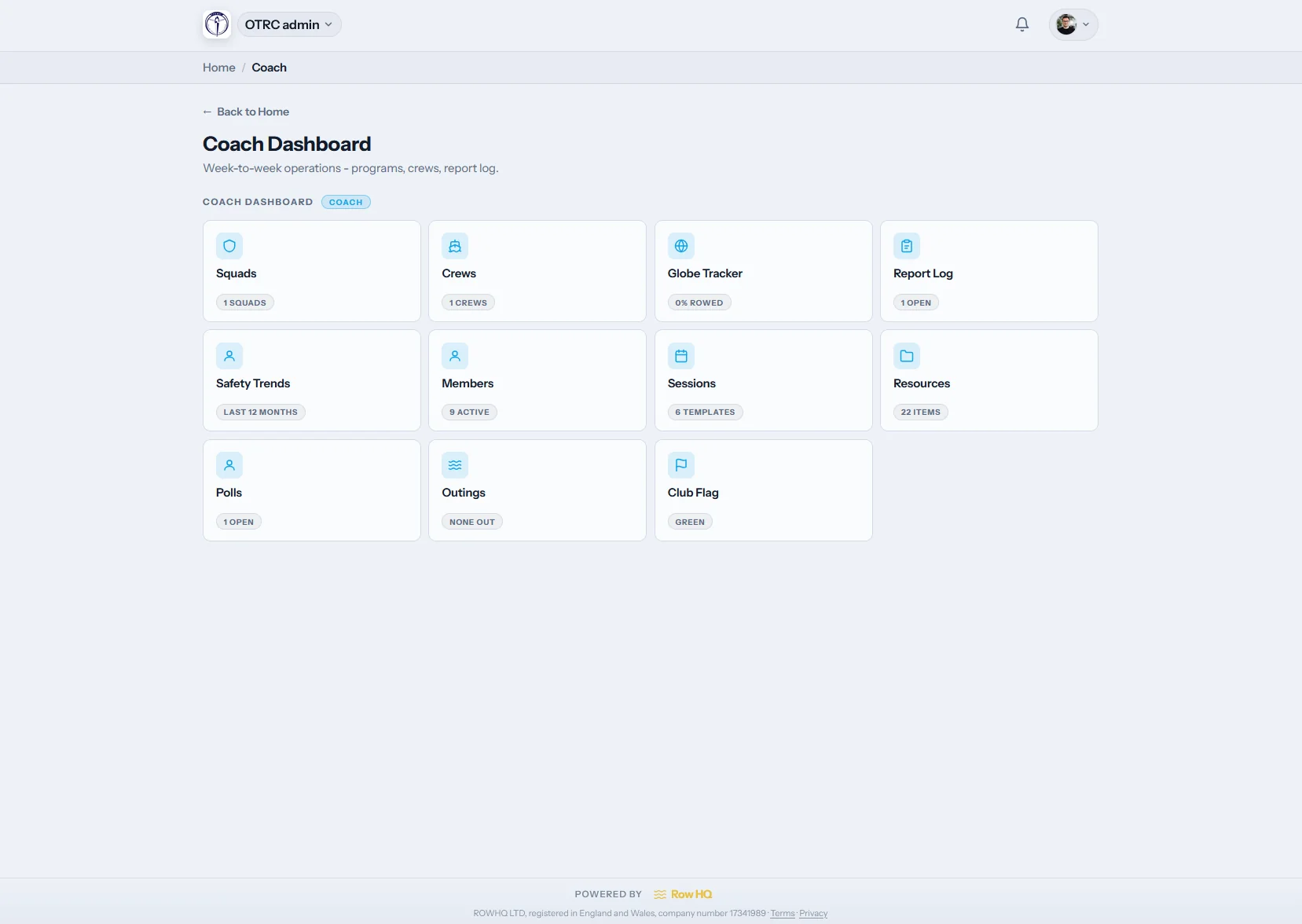
Coaches
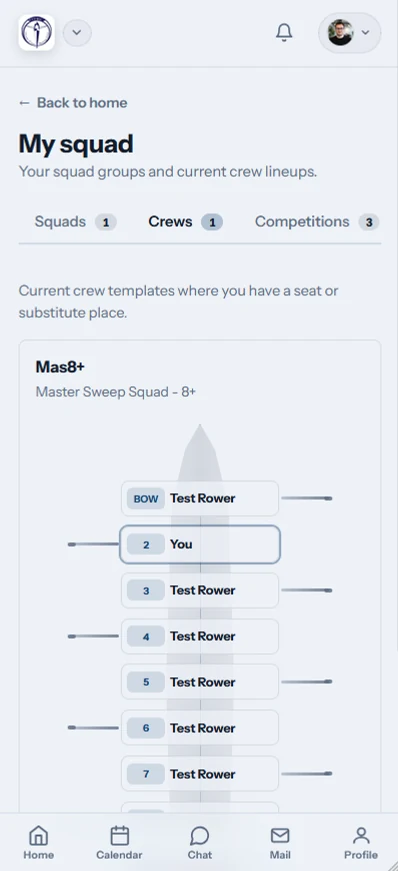
Selection uses the people who are actually coming, their rowing profile and the boats ready to launch. A late absence is visible before the pontoon.
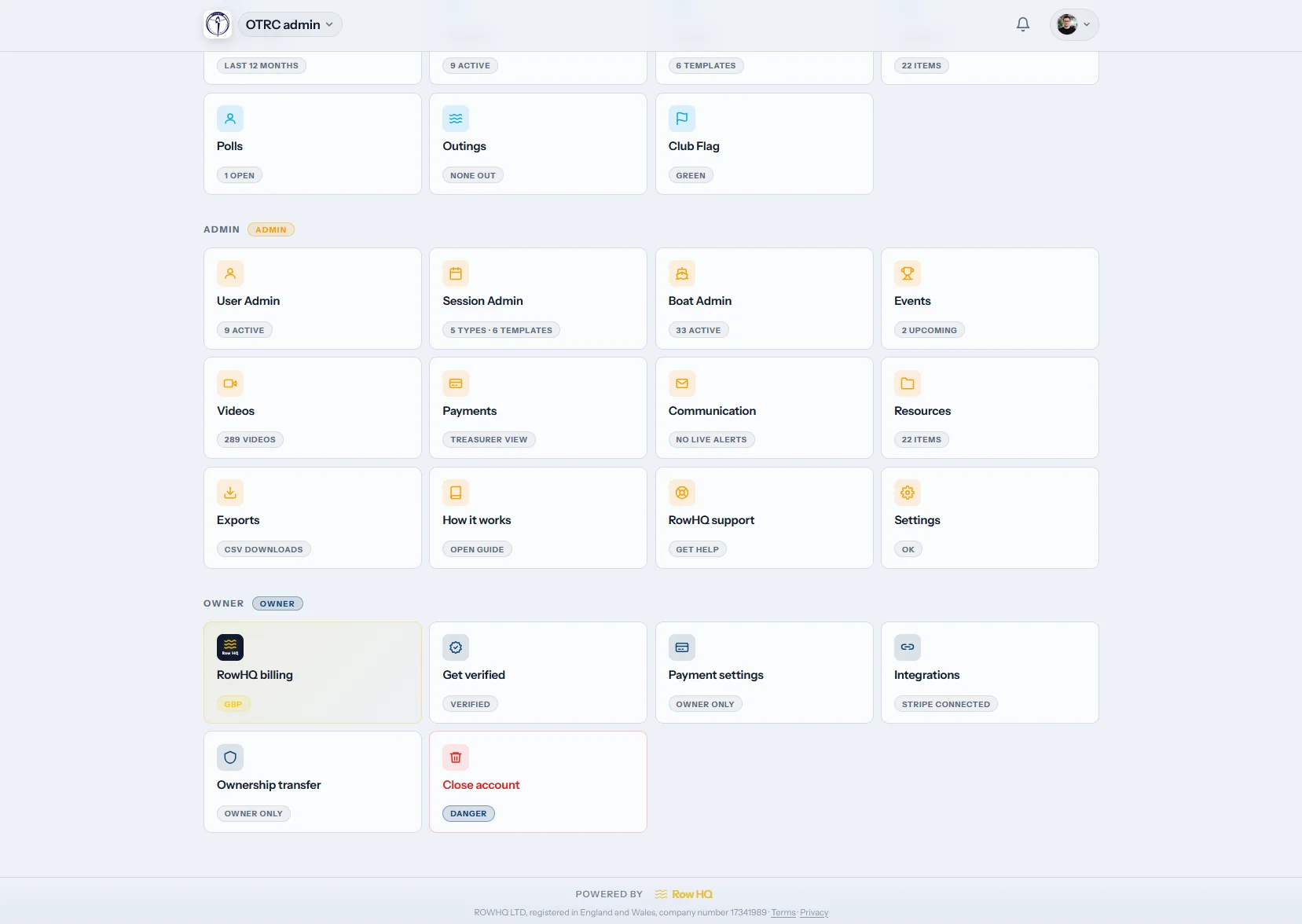
The committee
Member status, payments, notices and exports remain in club hands when office holders rotate. New volunteers begin with context instead of old email attachments.
Each area fixes a specific piece of club work. Together they keep crews, equipment and member records aligned through a busy summer.
List water work, ergs and land training, then collect firm responses before coaching starts.
Open session featuresMake boat availability visible and give approved members a proper reservation record.
Open booking featuresKeep nominations, closing dates, travel notes and participation against the relevant race.
Open event featuresLet each person manage their information and see club material through a secure portal.
Open portal featuresMatch attendance and rowing details to seats without rebuilding the list in another file.
Open coaching featuresLook after members, payments, exports and club-wide messages from a single control point.
Open admin featuresApply your crest, colours and Row HQ address across the experience members use.
Open branding featuresClub fees, regatta entries and session charges land in your own Stripe account with no cut taken.
View fee collectionErgo scores in one place, PBs marked, and results synced with the Concept2 Logbook both ways.
View ergo trackingDigital sign-out, the water flag, incident reports with photos and credential records.
View safetyParents linked to junior members confirm sessions, pay fees and update details.
View junior supportReady before sunrise
The apps handle fast answers and club updates wherever members are. Larger planning and committee tasks can continue in the full browser view.
Leave the patched-together setup behind
Use the spreadsheet comparison to see why duplicate lists break under late crew changes. Australian software guide covers the available approaches. The Oundle implementation provides customer evidence from a UK club, while Rowing Club Management Software sets out the wider system Row HQ supplies.
The practical detail on assistance, data transfer, small clubs, branding and exports.
A paid account reaches the Row HQ founders by email rather than a contracted help desk. Replies follow UK business hours, and we arrange video calls for onboarding or a new administrator when needed. Import checks and setup questions go to people who know the product itself.
We can import core member information, emergency contacts, membership groups and payment status from CSV, Excel or Google Sheets during setup. Your committee reviews the new records before release. Keeping the source workbook available for reference during the first few weeks is no problem.
No. Up to 20 active members can use Row HQ at no charge, indefinitely and without card details. Every product area is available in that account. Clubs with a larger active list move to the relevant membership band, with no separate fee for coaching or booking tools.
Yes. Your logo, chosen colours and dedicated Row HQ subdomain can appear throughout the club account. This is part of the product for every membership band, not a premium module. Members arrive somewhere that looks connected to their own sheds and committee.
Row HQ lets officers export member and payment records for affiliation work, regatta administration and financial reconciliation. It does not pretend to write live into a federation database where no suitable third-party connection exists. Files can be used in the external portals and accounting process your club already follows.
Bring the real crew changes, equipment clashes and committee follow-up. The walkthrough is built around those jobs.
Before that, compare local pricing bands, scan the screen gallery, read club feedback or visit all questions.
Start free with up to 20 members.
Use every Row HQ feature with your own boats, crews and sessions. No card. No time limit.
Help us improve Row HQ
We use Google Analytics to see which pages people use and whether sign-up is completed. Analytics stays off unless you allow it. Read the cookie policy