Set the crew before push-off
Bring training replies, trial notes and boatings onto one visual board. Stop rebuilding the week from WhatsApp and a separate selection sheet.
Watch the 90-second how-to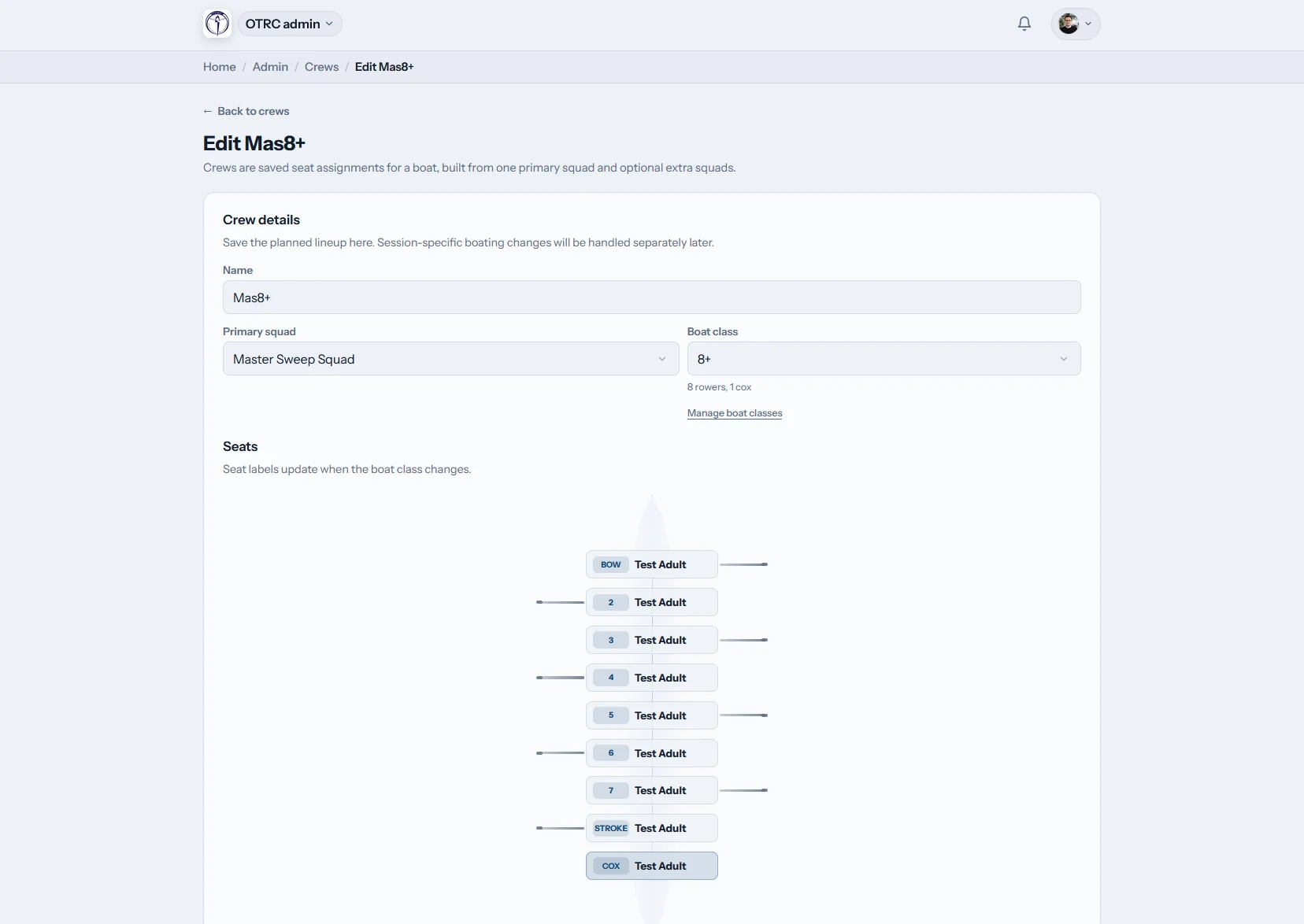
What do Australian rowing coaches get in Row HQ?
Row HQ combines training groups, session programmes, seat assignments, attendance and coaching reports. Coaches can see who plans to row, build the M8+ or W8+ on a boat diagram and keep trial evidence for the next selection. Club administrators decide which parts each coach may use.
Coach access is included across all club bands. Check the numbers in Australian dollars on the pricing page.
From session plan to selection evidence in 90 seconds
Watch a coach open the coaching view, write the plan for Saturday's outing and save it for the crew. A saved crew then fills every seat in the four, cox and all, in one go. To finish, the coach reviews attendance over the training block, the squad's best 2k ergo scores and one rower's progress.
From training list to selected crew
Run ordinary midweek sessions and major regatta preparation through the same set of records.
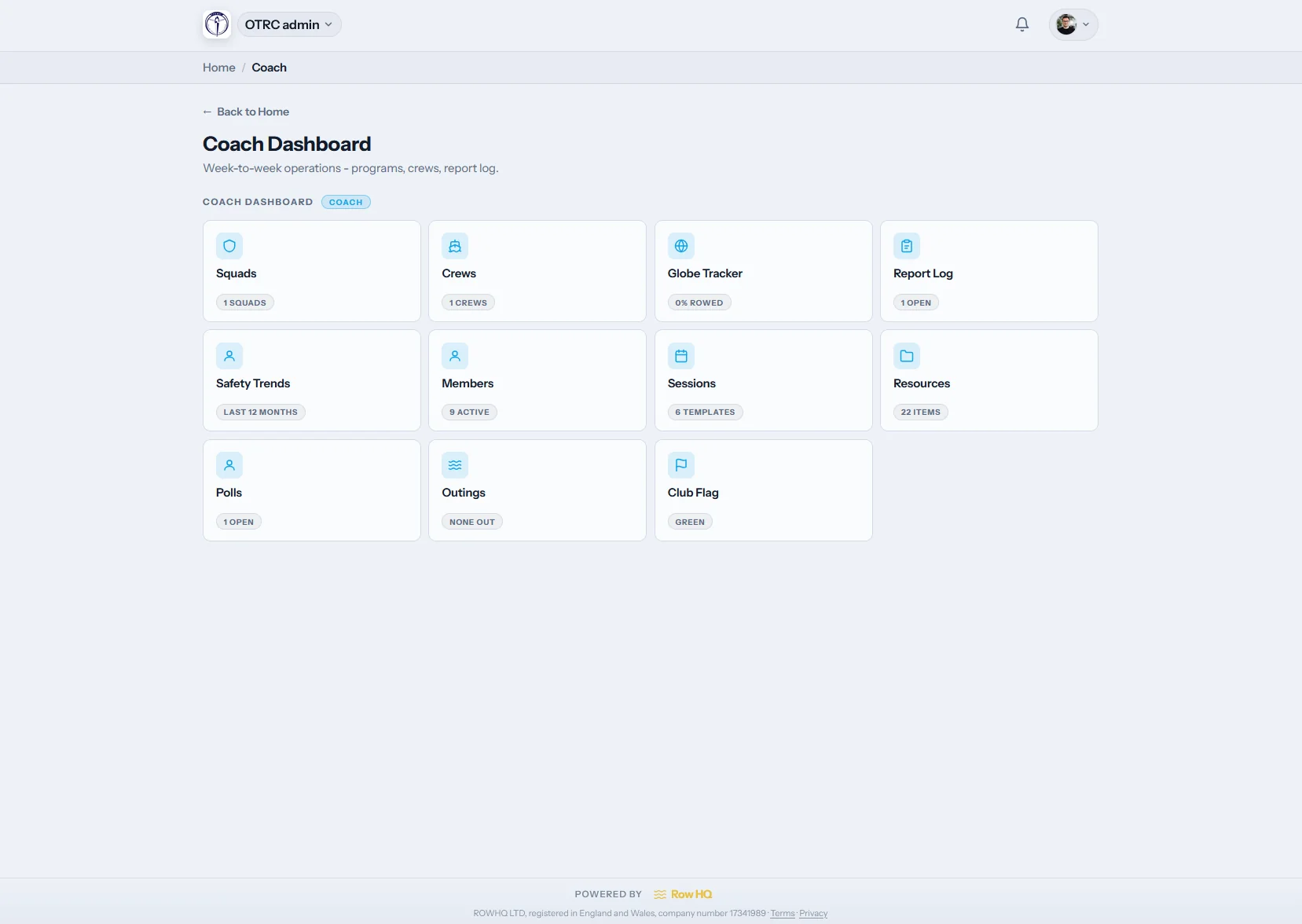
Coach dashboard
Open straight onto coaching work
The /coach page contains assigned squad, session, report and ergo tools. Committee administration stays outside that view, so a school coach or club volunteer sees only what supports training.
Delegated permissions are set by the club, not by the coach.
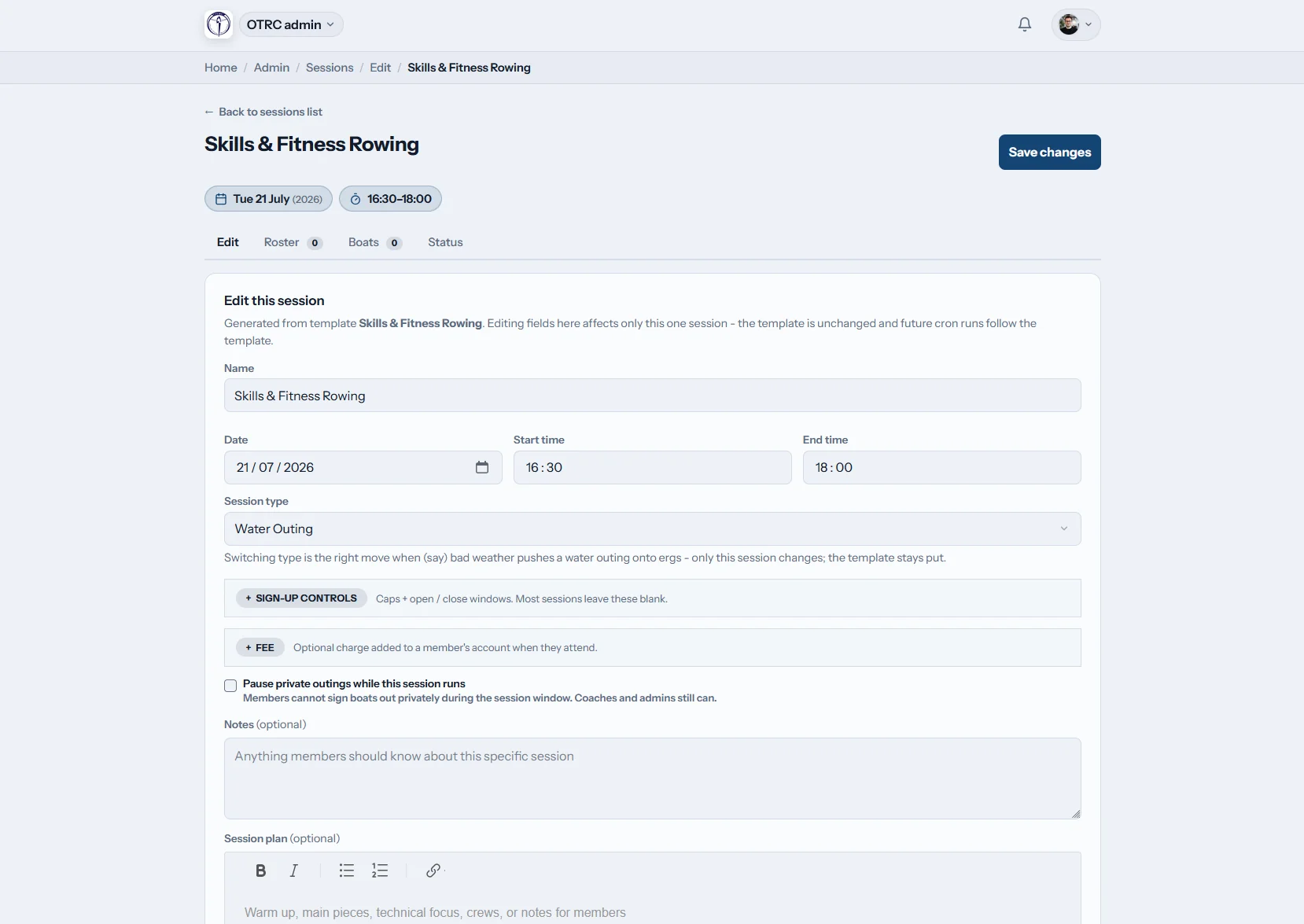
Write the session
Share the programme before boats go out
Enter pieces, technical focus and notes in the shared rich text field. Configure attendance choices and allow another coach into this session without changing their ongoing role.
A one-off access override handles cover coaches and trial days.
Select the crew
Lay out the boating seat by seat
Load a combination from the last trial or start again. The diagram holds the entire crew, including the cox, and saves those assignments against the training session.
Useful M8+, W8+, four and small-boat templates can be opened again.
Review the trend
Put attendance behind the selection call
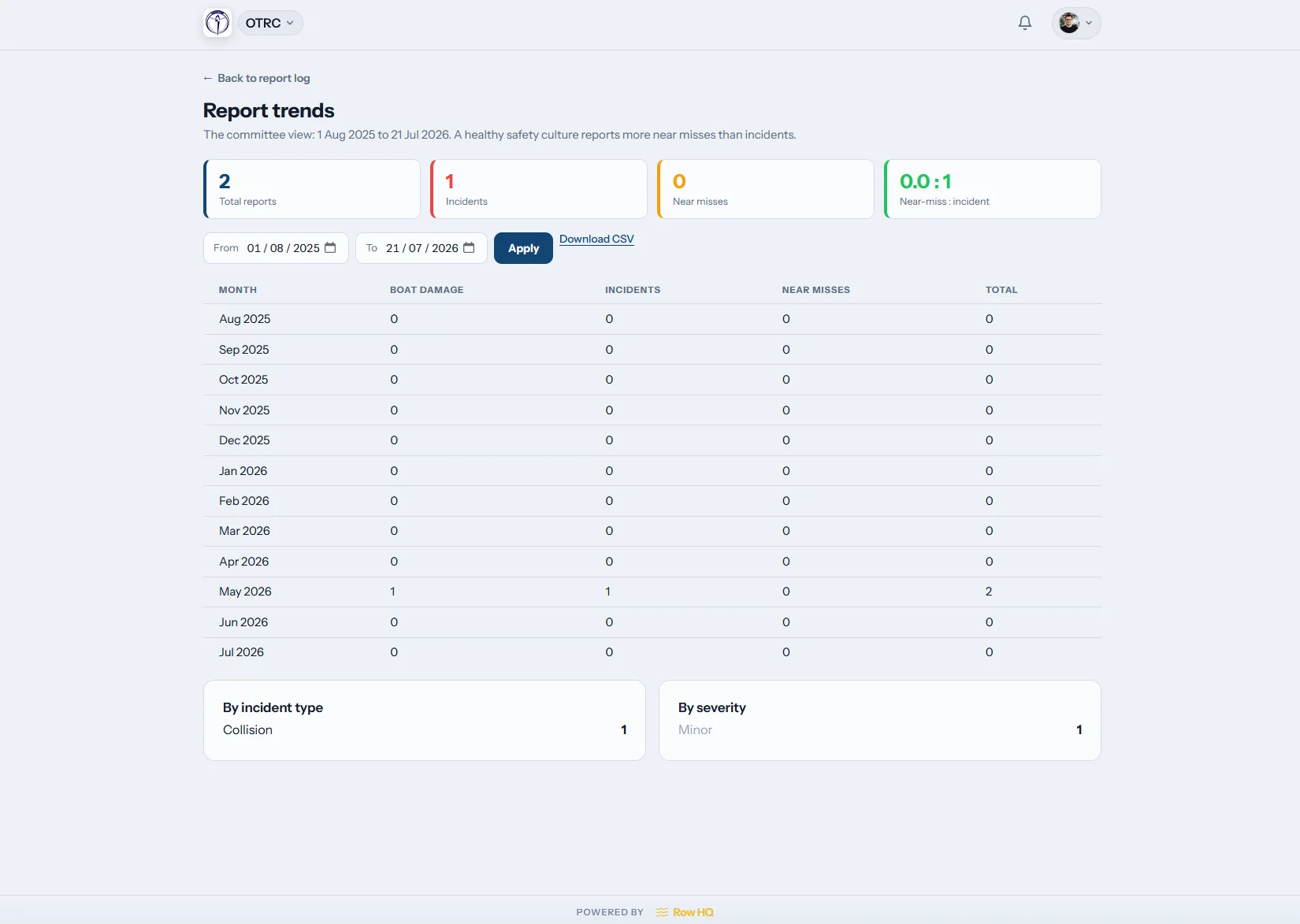
Read turnout over several sessions, coach report entries and permitted ergo results. The record helps when trial outcomes are reviewed before Head of the Yarra or a state campaign.
The season history remains visible after one poor or exceptional row.
Keep selection evidence out of the group chat
The coach weighs the crew. Row HQ holds the information needed for that decision.
Manual selection
- Boatings copied into a notebook beside the shed.
- Saturday replies chased across several WhatsApp threads.
- Trial combinations recalled weeks later from memory.
Connected selection
- The current list shows confirmed and missing rowers.
- The boat graphic keeps every seat in view.
- Recorded attendance supports the next trial discussion.
The parts coaches use between sessions
Everything below is already shipped. For another club perspective, read how Oundle Town Rowing Club works with Row HQ.
Training squads
Keep juniors, seniors and masters in the right groups. Availability from training sessions reaches the coach, and rowers maintain their information in the club portal.
Selection board
Store templates and fill every position on the boat outline. Include the coxswain, then look across to boat bookings before the crew reaches the pontoon.
Written programmes
Leave the full training set in the editor and connect preparation with regatta dates. Record a drill for catching a crab so another coach can repeat it.
Roll call at the water
Mark each rower present in a tap. That entry builds the squad record and can be reviewed by approved people through the club dashboard.
Trial and training reports
Combine coach notes, turnout and visible ergometer scores. Convert a trial piece with the free ergo pace calculator.
Controlled coaching access
Give school, masters or learn-to-row coaches their own feature set. Temporary access can apply to one training session while broader club controls stay protected.
Coach from the pontoon
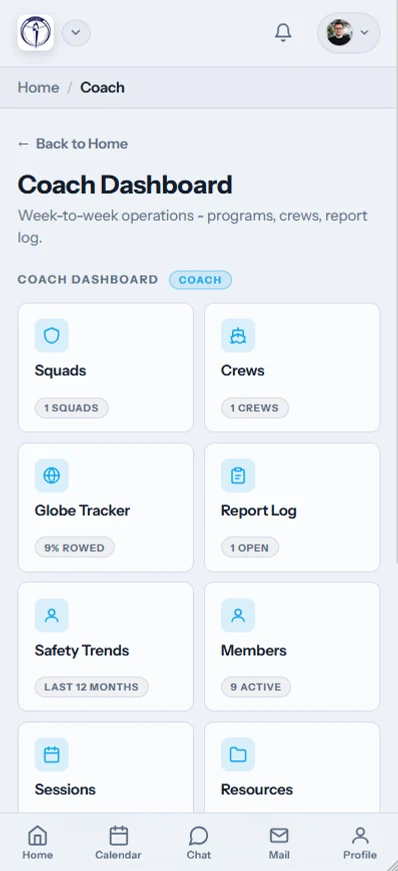
The mobile app keeps the morning roster and today's coaching tasks beside you as crews rig and push off.
- Tap attendance at the water.
- Check expected numbers before the session.
- Cancel and send automatic alerts to the group.

Link selection to the wider club
Training calendar
Gather replies and attach the plan before Saturday morning.
Boat bookings
Match the selected crew with an available hull.
Club dashboard
Hand coaches useful access without exposing committee work.
More for coaches
Making crew selection callsBuilding the training calendarUsing ergo test numbersErgometer guideCatching a crab in rowingFree ergo split calculatorCheck the main FAQ, read club comments, compare Australian plans, or use white label branding for your members.
Questions from Australian coaches
How selection boards, saved crews, alerts, and training evidence work.
Coaches can organise squads, publish training notes, select crews, mark attendance and read reports. The club gives each person access to the features needed for their role. That keeps committee settings separate while school, masters and learn-to-row coaches still have the practical tools for their groups.
Open the training session and place rowers into positions on the visual boat layout. Coxed crews include the cox position. A saved template can supply the first combination, or the coach can start empty. Row HQ stores the finished assignments with that session for later reference.
Yes. Coaches can keep templates for combinations that came out of seat trials, then open one for the next regatta block. Edits create the current crew without rewriting the old session. Squads and historical boatings remain available across the season.
An authorised coach can cancel the session and Row HQ sends automatic notifications to affected members. The app also shows who intended to attend before the decision. One update replaces a chain of messages when wind, heat or water conditions change the morning plan.
Yes, when the club has granted the coach permission to see them. Attendance trends, report entries and ergo results can be reviewed together. That supports selection for Head of the Yarra, school regattas or the King's Cup pathway while leaving the final call with the coach.
Put your next boating on the board
Walk through training, selection, attendance, and reports for your club.
Free up to 20 active members, permanently. After that it is A$29 a month for a 21 to 30 member club. Every feature is included on every plan and there are no transaction fees. GST is not included. See full pricing