Take a crew from trial to Karapiro
Keep school and club squads organised, draw every lineup, and leave the old mix of chat polls and crew spreadsheets behind.
Watch the 90-second walkthrough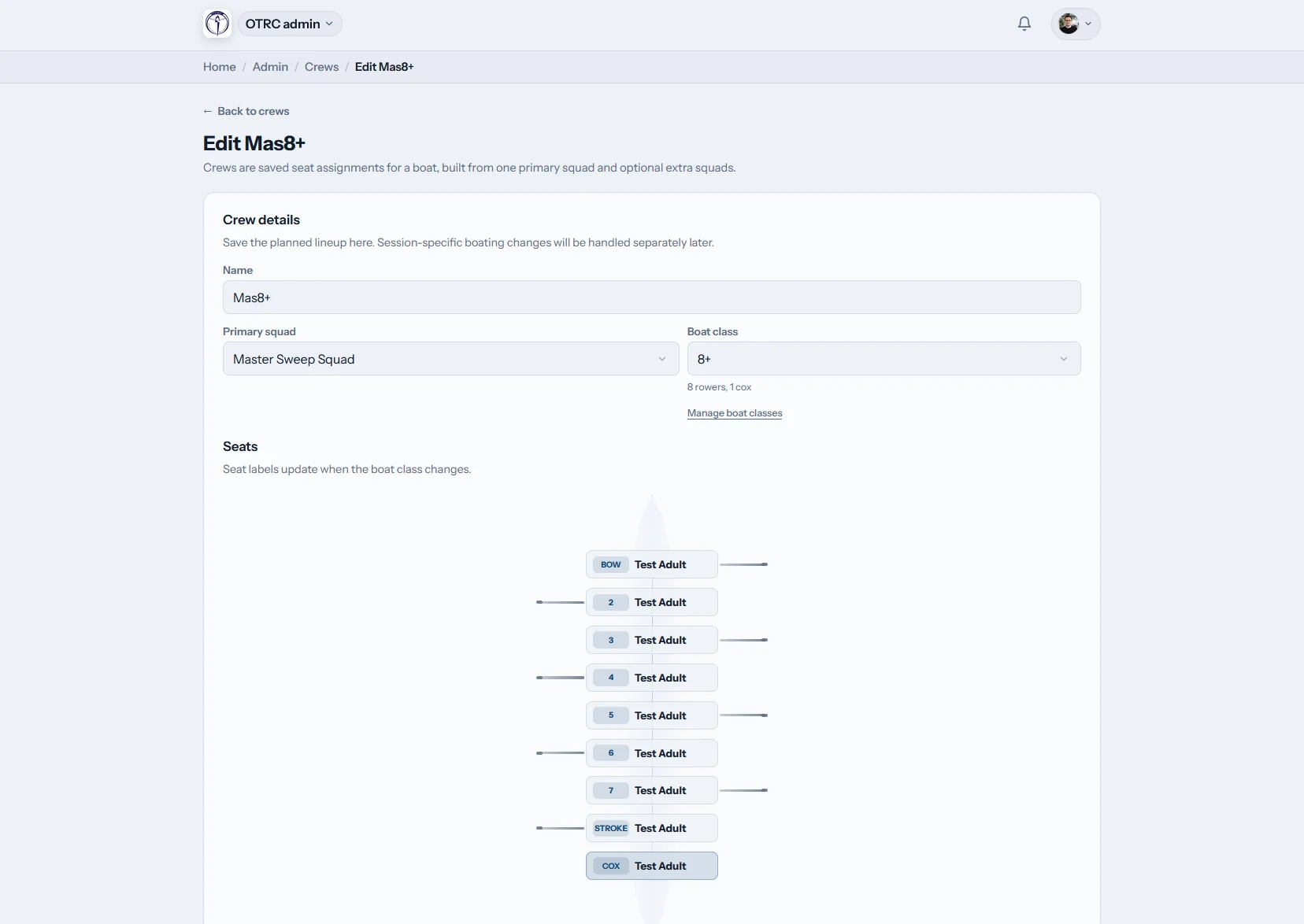
What can a New Zealand coach run through Row HQ?
Row HQ gives coaches a focused area for squads, session notes, lineups, attendance and reporting. A school programme can follow training towards Maadi, while a club keeps its premier and novice groups in the same system. Permissions ensure each coach sees the work they are meant to handle.
Nothing in the coach area is sold as an add-on. Club bands appear in New Zealand dollars on the pricing page.
A coach's week, planned and checked in 90 seconds
The video walks through four coaching jobs. Open the coach view, which holds only coaching tools. Write and save the plan for Saturday's outing. Apply a saved crew so the four is fully seated, cox included. Then review attendance for the block, the squad's best 2k scores and a single rower's progress.
Build the week around the squad
Move from the coach home screen to the written programme, the crew sheet, and the evidence used in review.
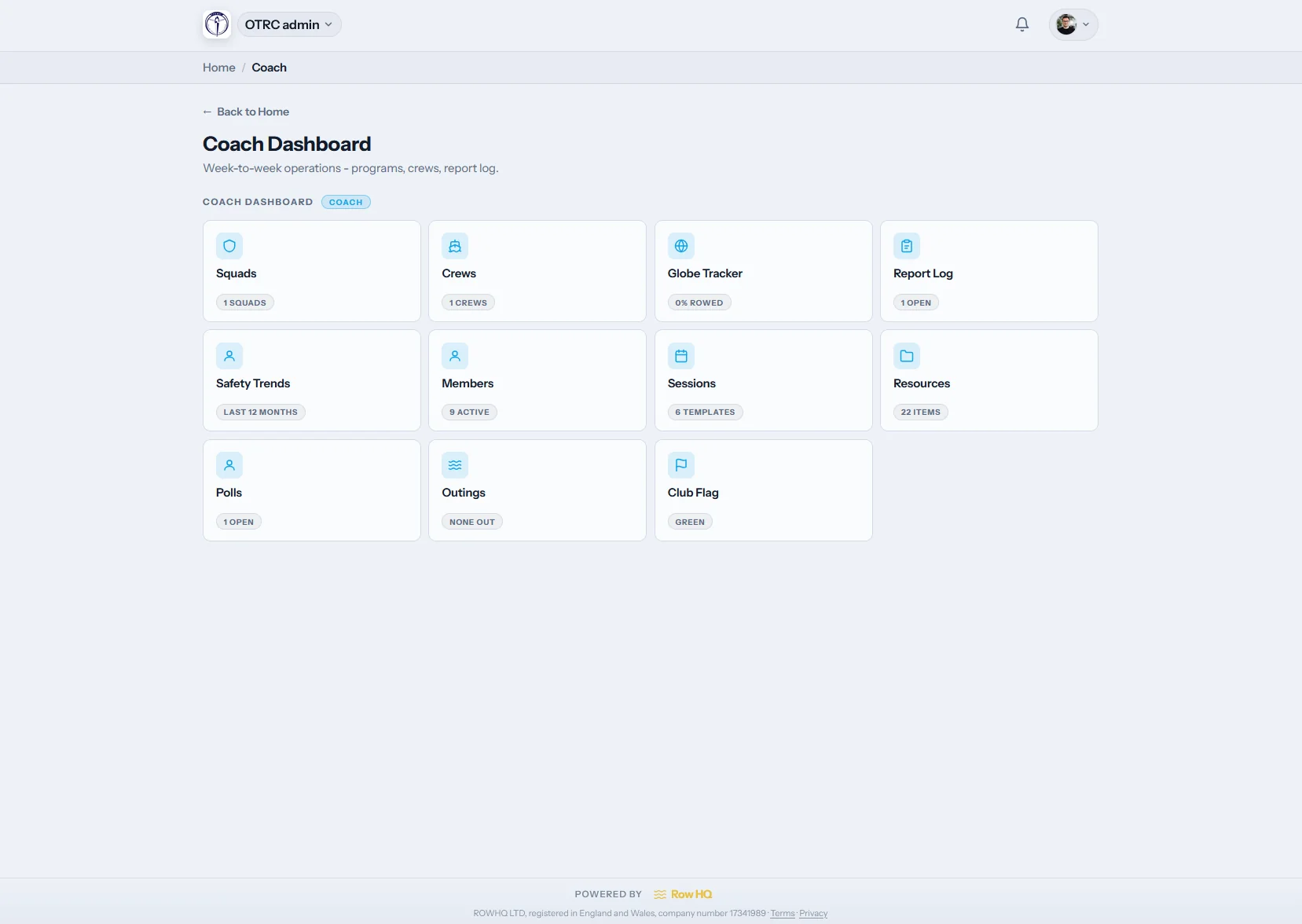
Coach dashboard
Only the tiles needed for coaching
At /coach, delegated squad, session, reporting and erg areas replace the full committee menu. A school assistant can get a smaller set than the director of rowing.
Club leaders decide access for each coach and feature.
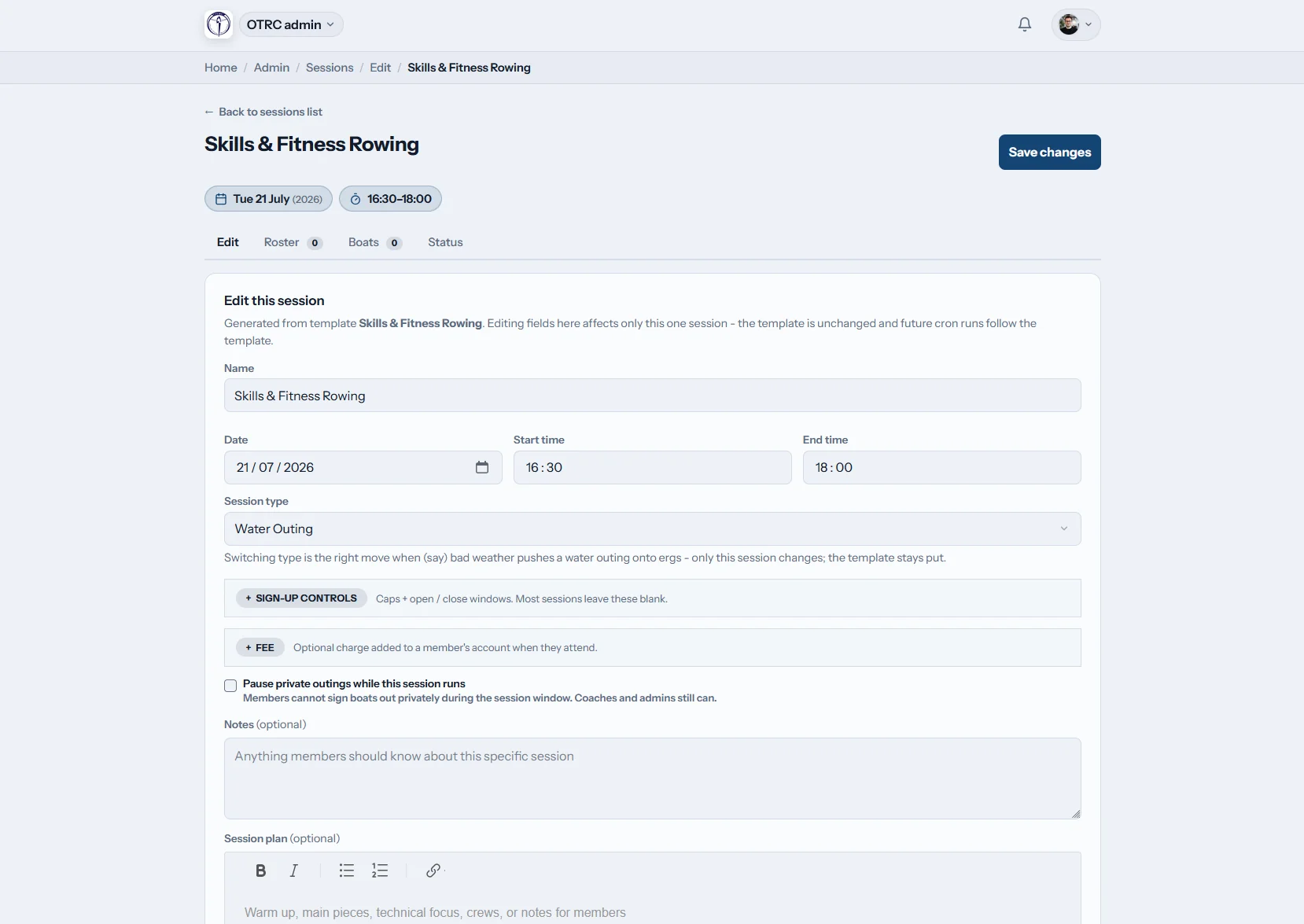
Set the training
Give every coach the same programme
Write pieces and technical cues in the shared rich text editor. Define attendance types, then add a session-only permission when another coach joins the outing.
Temporary cover does not require a permanent role change.
Name the lineups
See the entire boat before it leaves the rack
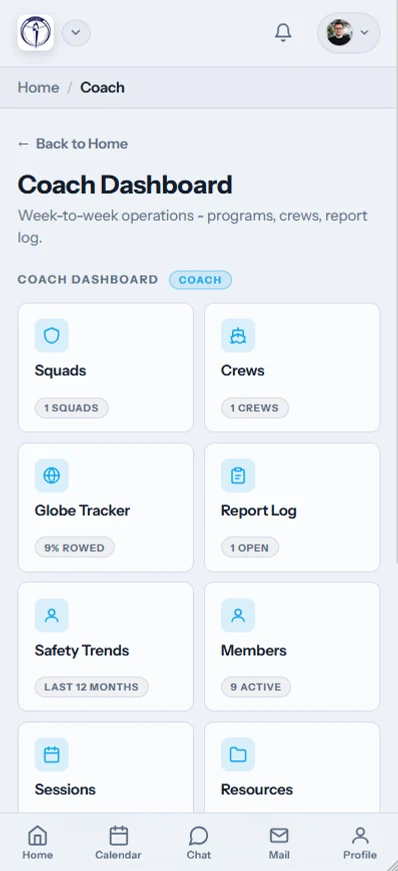
Choose a stored template or form a new combination. Names sit in their actual positions on the diagram, with the cox included, and the lineup remains tied to that session.
Maadi crews and regular club boatings can be reused without erasing history.
Follow the pattern
Bring training consistency into review
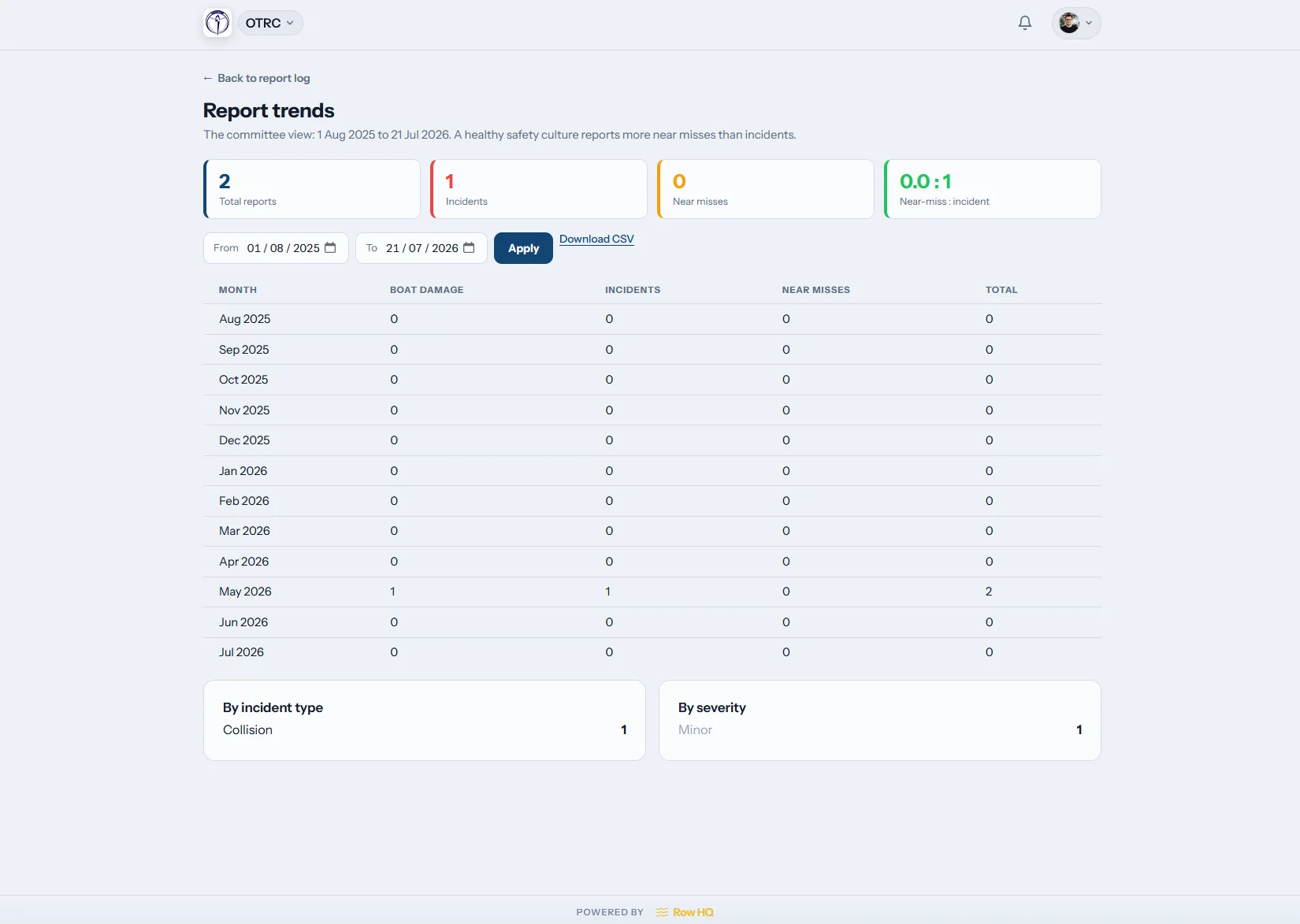
Attendance charts, coach reports and permitted erg results show how the squad has trained across the block. One missed week no longer stands in for the whole season.
The record supports selection conversations before Maadi and nationals.
Make selection from a record, not a recollection
Row HQ keeps the facts together while the coaching team applies its judgement.
Patchwork planning
- Crew sheets rewritten by hand after each trial.
- Availability hidden among parent and rower messages.
- Maadi decisions debated from the loudest memory.
Recorded planning
- Roster responses are current when the coach opens them.
- The seat diagram makes each lineup unambiguous.
- Past attendance is available during selection review.
What sits behind the coaching dashboard
These tools are in the product now. The Oundle Town Rowing Club case study offers a practical example from another club system.
School and club squads
Group novice, age-group and premier rowers clearly. Responses from training sessions appear for coaches, while rowers look after their details in the member portal.
Visual lineups
Place the full boating on a drawn shell and keep templates worth repeating. Add the coxswain, then confirm the hull in boat booking.
Shared coaching notes
Keep the session aim and technical detail with the date. Link preparation to coming regattas, and give the next coach a clear drill after a caught crab.
Attendance at launch
Mark the roll with one tap at the boat park. Each entry joins the training history, with access controlled by the club through its administration dashboard.
Reports across the block
Read coach logs beside turnout and allowed ergometer results. Use the erg pace calculator when a 2k split needs context.
Delegated coach roles
Limit each coach to the programme areas they need. Grant extra access for a single session when camps, trials or substitute coaches require it.
Keep the roster at the boat park
The app stays useful while crews are rigging at Karapiro, the school shed, or the local club landing.
- Mark the roll beside the water.
- Know how many rowers are due before training.
- Call off the session and notify members automatically.

Connect the coach view to club planning
Training sessions
Share times, gather responses, and keep the programme attached.
Boat allocation
Reserve the right hull once the crew has been set.
Administration
Choose which coaching tools each person can use.
Read next
A fairer crew selection processKeeping the training week organisedMaking sense of erg resultsErgometer basicsHow catching a crab happensWork out an erg paceUse the site-wide FAQ, read club experiences, compare New Zealand bands, or put your crest on the app with white labelling.
Coach FAQs for New Zealand clubs
Answers on lineups, repeat crews, cancellations, and selection records.
The coach workspace includes squad rosters, session programmes, visual lineups, attendance and reports. Club administrators grant these features individually. A school assistant may only need the novice squad and today's training, while the director of rowing can receive wider reporting access.
The coach opens a session and assigns rowers to the matching positions on a boat diagram. Coxed boats show the cox as part of the lineup. A previous template can be loaded first, and the completed crew is saved against that particular training date.
Yes. Templates can hold recurring combinations for school campaigns or club crews. Coaches reopen a template, alter the necessary seats, and save the new assignment. The historical boating attached to an earlier session is not overwritten, which preserves a reliable season trail.
A permitted coach cancels the session in Row HQ and automatic notifications go to affected members. The expected roster is visible before that action. It replaces separate updates to rowers, parents and coxes when wind or water conditions force a late call.
Attendance marked during each session feeds the trend view. Approved coaches can also inspect erg scores and the report log. Those records give useful context for Maadi, Lake Karapiro regattas and national selection discussions, alongside current technique and the judgement of the coaching panel.
Put the next lineup in one clear place
See Row HQ with your school programme or club squads loaded.
Free up to 20 active members, permanently. After that it is NZ$33 a month for a 21 to 30 member club. Every feature is included on every plan and there are no transaction fees. GST is not included. See full pricing