Water and erg sessions
Post the work, location and coach notes, then capture a clear answer from each member.
Read about sessionsSupport Area
Support Area coming soon
Move from spring registration to water sessions, regattas and winter training without starting a new set of lists.
Nothing is split into paid modules. Check Canadian pricing is based on active membership.
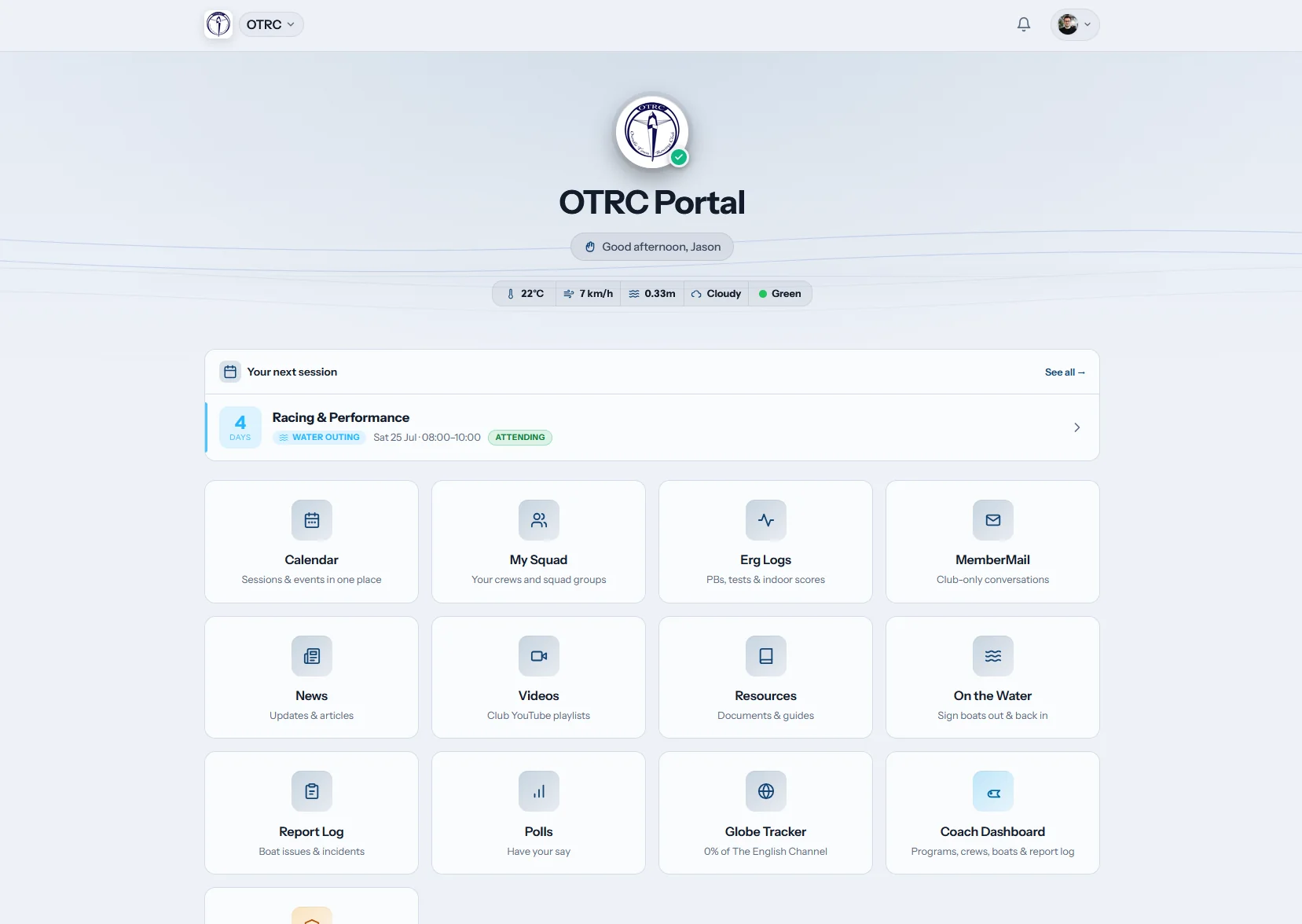
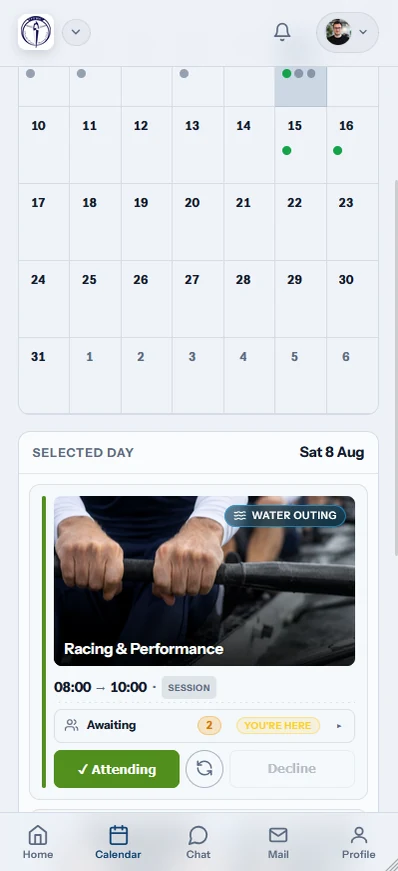
Row HQ follows a club from spring registration through the short water calendar and into winter erg blocks. Members answer sessions and reserve equipment. Coaches organise crews with fresh availability. Volunteers keep fees, safety details, communications and reporting on records that do not disappear between seasons.
The school programme guide page covers school squads and parents. university rowing guide looks at campus clubs and leadership turnover. For everybody using the system week to week, the rowing app page shows the shared mobile experience.
A shared source for the season
The member list that opens registration also feeds session responses, crew planning and the year-end report. Changes carry forward automatically.
Members
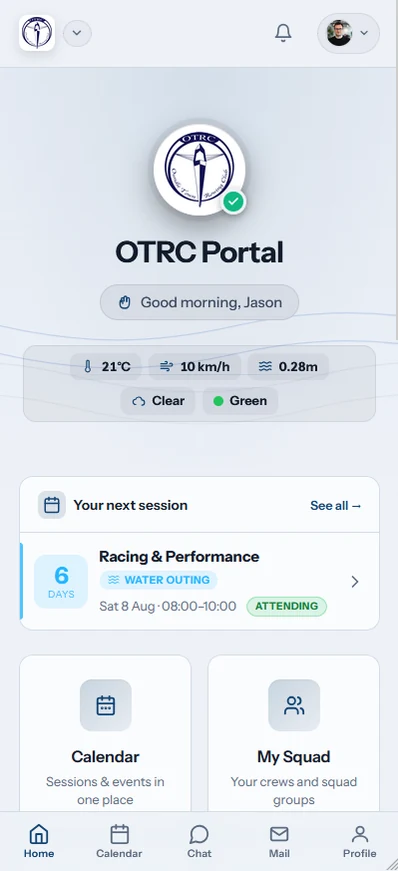
Members check launch times, answer attendance, reserve suitable equipment and update their record. Winter erg notices appear in the same familiar place.
Coaches
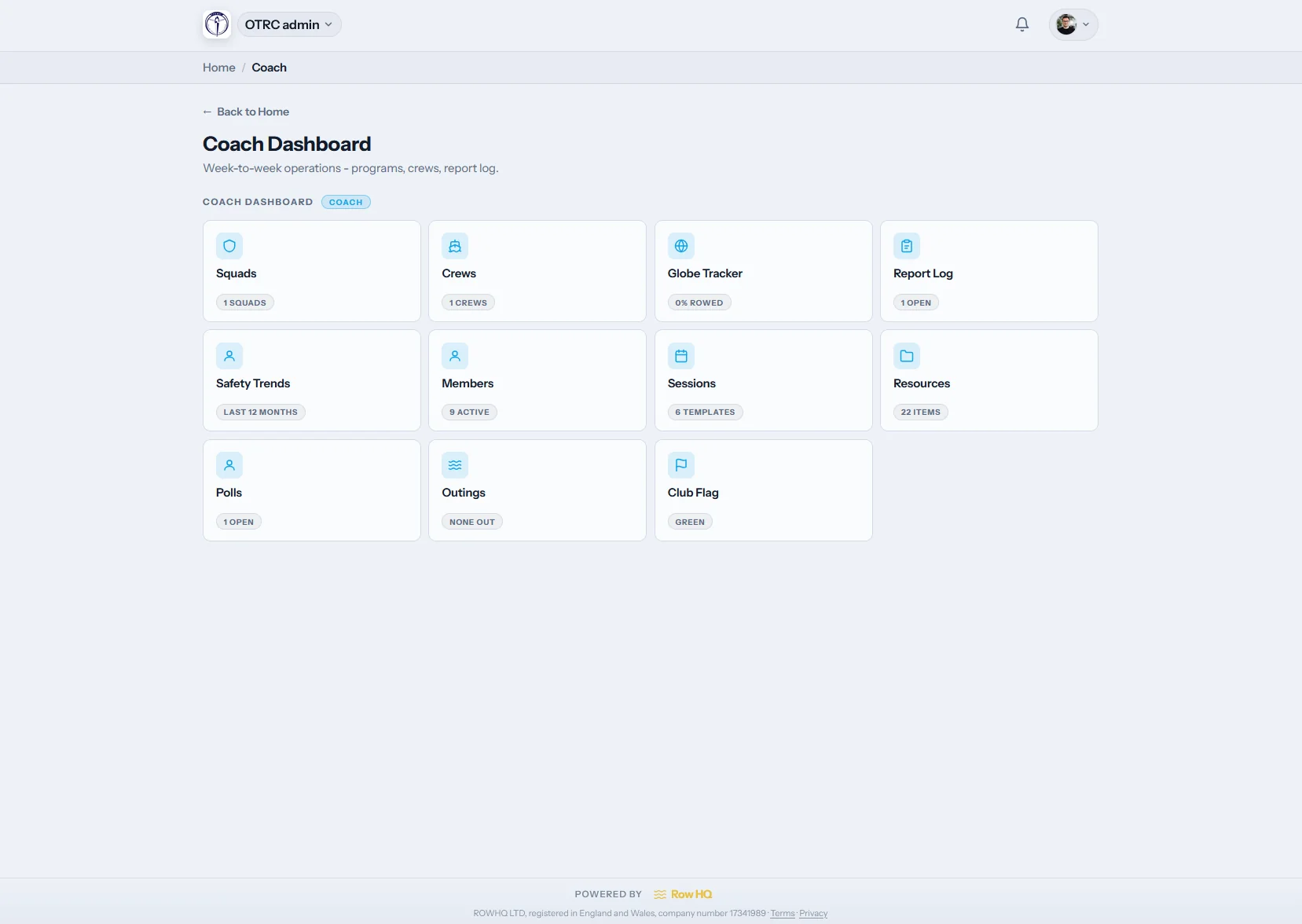
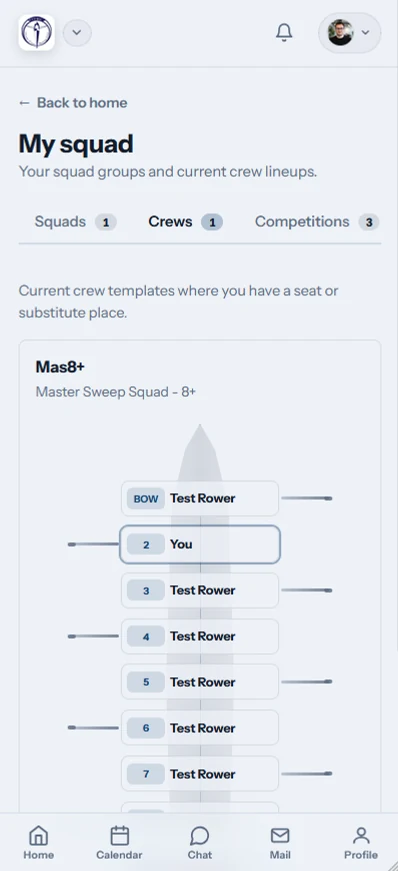
Current replies, rowing information and fleet status give coaches a clean crew plan. When the season moves indoors, the same squad history remains useful.
The committee
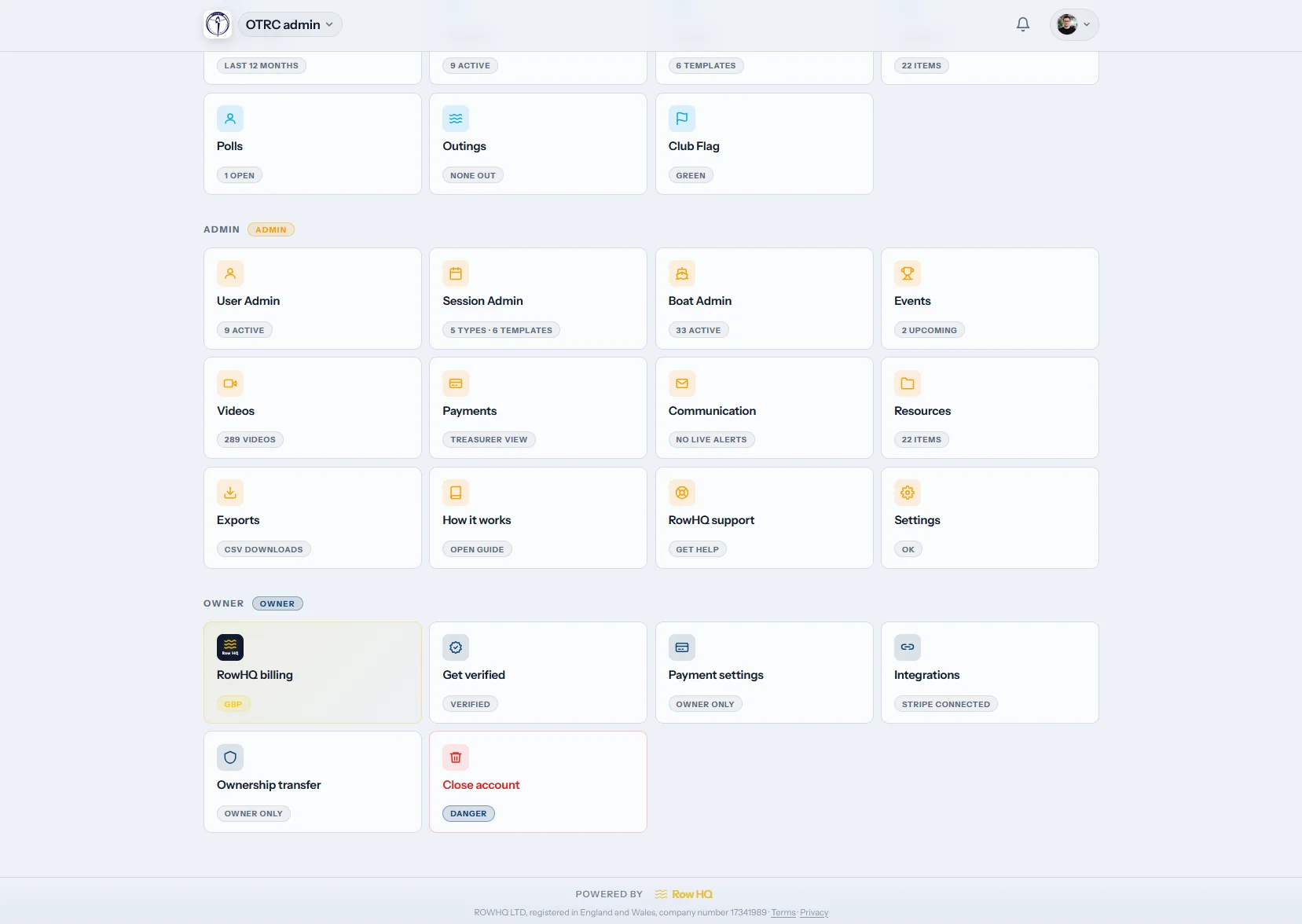
Contact details, membership status, payment records and exports stay together. Spring onboarding does not create another isolated workbook for officers to reconcile.
Use only what you need first. As the club adopts more, the member records and availability data are already there.
Post the work, location and coach notes, then capture a clear answer from each member.
Read about sessionsShow which shells are available and record who has booked them before arrival.
Read about reservationsCollect interest and hold deadlines, venue details and attendance for each regatta.
Read about eventsLet people maintain their club information and find the details meant for them.
Read about member accessBring rowing background and real attendance into the same view used for selection.
Read about coachingHandle registration, fees, status, reports and notices without duplicating the database.
Read about administrationCarry the organisation's logo, colours and dedicated address into the software.
Read about brandingDues and fees collected into your own Stripe account, bank transfers recorded alongside.
Check dues collectionErg season scores logged, bests marked, and the Concept2 Logbook synced both ways.
Check erg trackingSign-out for every boat, a water flag, photo incident reports and credential records.
Check safety toolsParents confirm practices, pay dues and keep junior records current.
Check junior supportAcross the calendar
Members keep one account when training moves from the water to the erg room. Detailed committee tasks are still available through a desktop browser.
One record past registration day
the Canadian club software review helps committees evaluate the market. If the current process depends on copied workbooks, our workbook analysis explains the weak points. Rowing Club Management Software covers the complete category, and the OTRC case study shows how one established UK club changed its weekly routine.
What happens with help, historical records, the free band, your identity and external reporting.
The founders answer paid clubs directly by email on the UK working schedule. Setup calls can be arranged for a new committee, and we help check imports or explain unfamiliar controls. Support is handled by the people developing Row HQ rather than handed to an outside contact centre.
Provide an Excel file, CSV or Google Sheet and we can transfer member names, contact and emergency details, category information and current payment status during onboarding. Officers inspect the result before launch. Your historic file can stay archived while the club confirms the new record is right.
A club can keep up to 20 active members on the full product without paying or providing a card. Sessions, reservations, member access, coaching and committee tools are included. When headcount passes that point, the account moves into an active-member price band without losing features.
Yes. The account can display your club mark, colour choices and a dedicated Row HQ subdomain. Those options are included across the membership bands. Members therefore recognise their organisation while Row HQ continues to host and maintain the product behind it.
Committees can export structured member and finance data for affiliation tasks, regatta work and bookkeeping. Where a federation system does not offer a suitable open connection, Row HQ avoids claiming live synchronisation. Officers use the export in the governing-body or accounting workflow they control.
Use your spring intake, tight water calendar and winter training pattern. The demo can follow the way your club actually changes through the year.
For more detail, read Canadian bands, inspect real screens, check club experiences and search the answer library.
Start free with up to 20 members.
Use every Row HQ feature with your own boats, crews and sessions. No card. No time limit.
Help us improve Row HQ
We use Google Analytics to see which pages people use and whether sign-up is completed. Analytics stays off unless you allow it. Read the cookie policy