Make the short water season count
Carry winter erg work into spring crew formation, then run the dock without another round of messages or a fragile selection spreadsheet.
Watch the 90-second how-to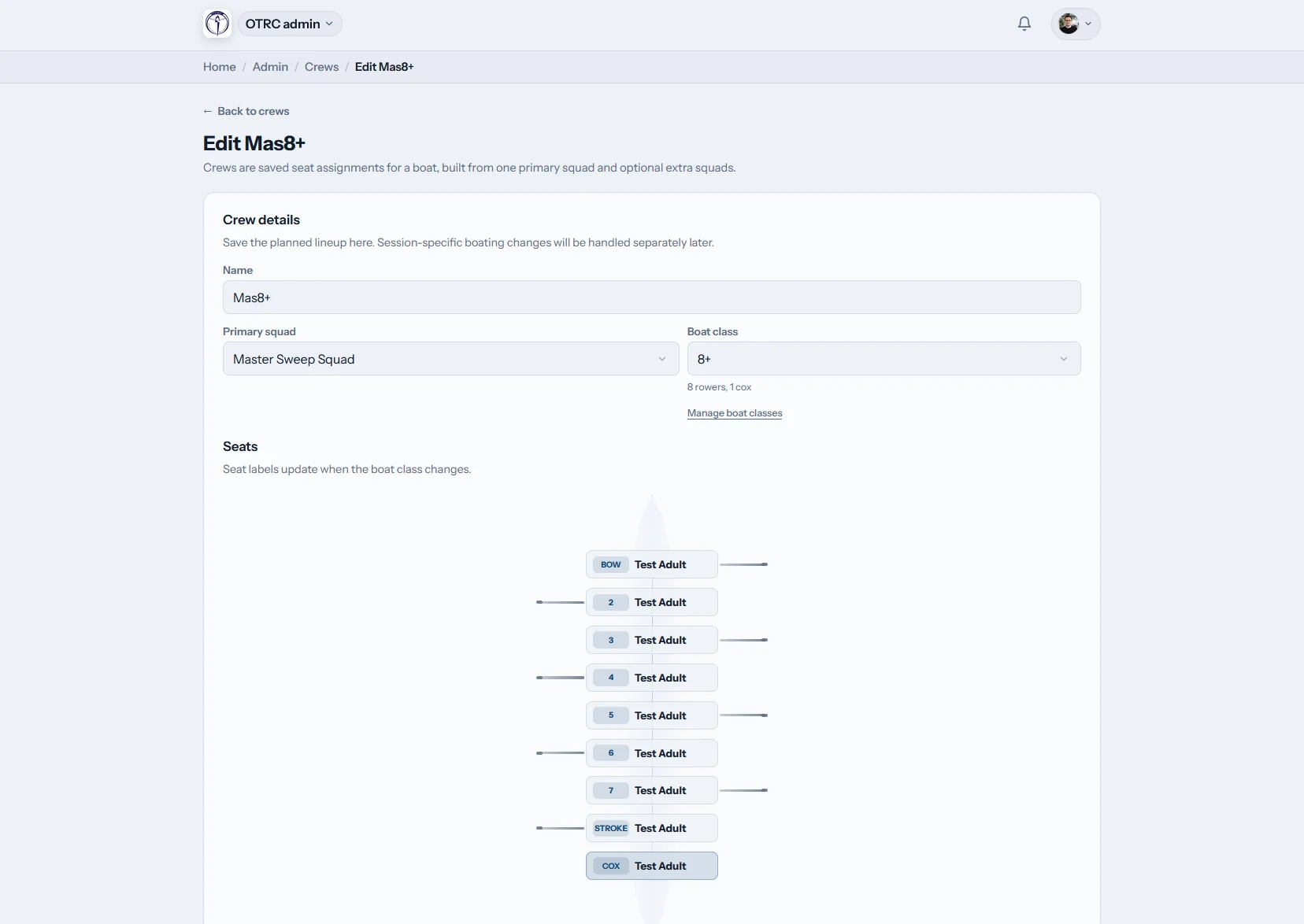
What can Canadian rowing coaches do in Row HQ?
Coaches can group athletes, prepare the next session, draw crews, record attendance and follow training history in one account. Winter erg results remain available when spring lineups begin, and learn-to-row rosters can be kept separate from racing squads without splitting the club across several systems.
The complete set is part of each club subscription. Find the member thresholds on our regional pricing page.
See a coach plan the week's outing and crew
In this 90-second video the coach dashboard shows coaching tools and nothing else. The coach writes Saturday's session plan and saves it, applies a saved crew so every seat in the four is filled with the cox included, then checks attendance for the training block, the squad's best 2k results and one rower's trend.
Follow the work from winter to race day
Each screen carries a useful part of the coaching record into the next stage of the season.
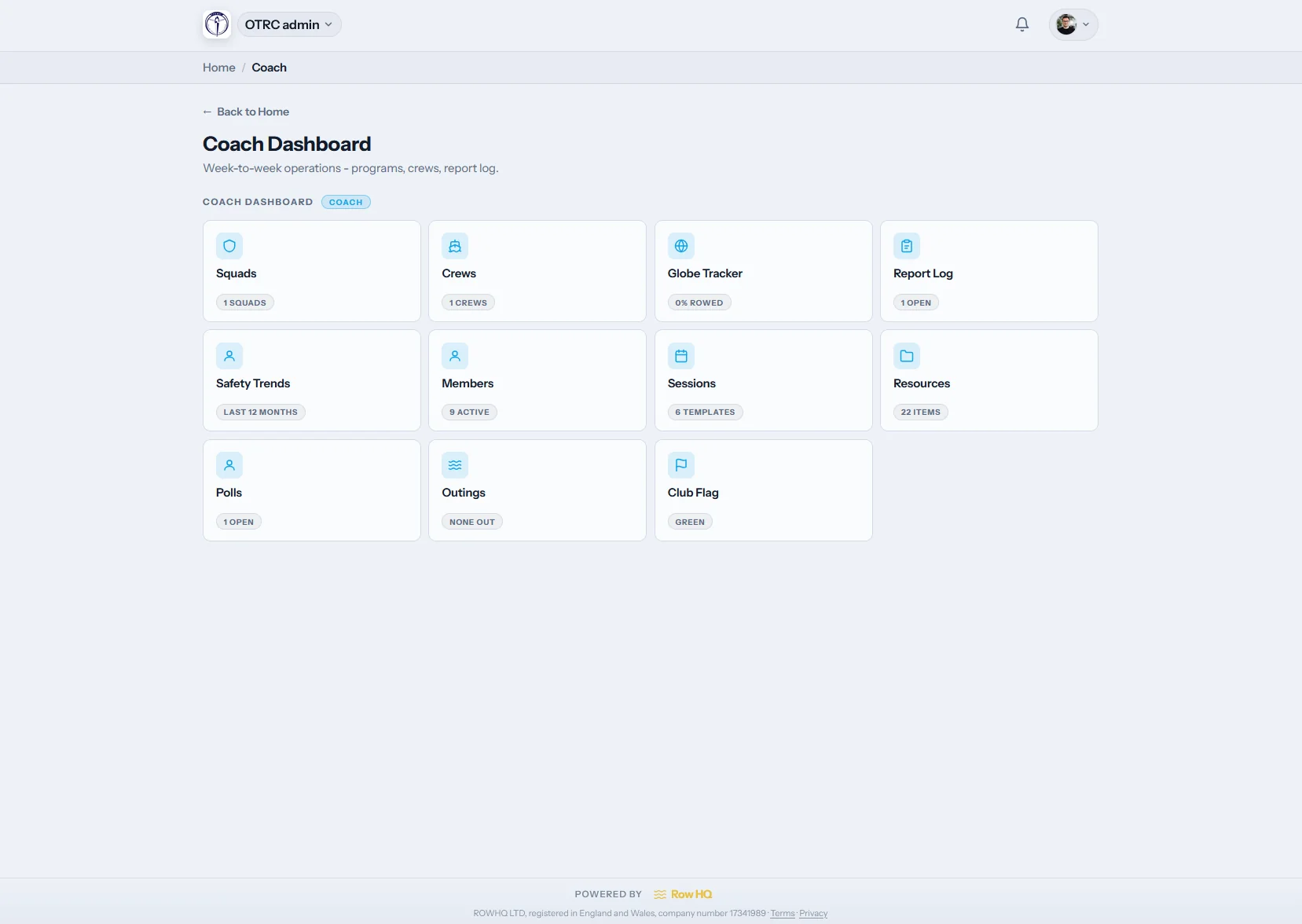
Coach dashboard
Start with the work assigned to you
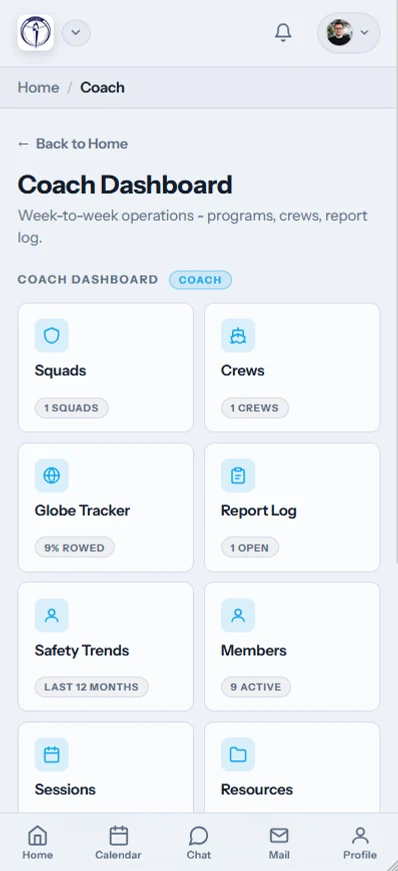
The /coach page can show squads, sessions, reports and erg records without exposing membership finance. A learn-to-row instructor and a senior coach do not need identical menus.
The club chooses access by feature for every member of the coaching team.
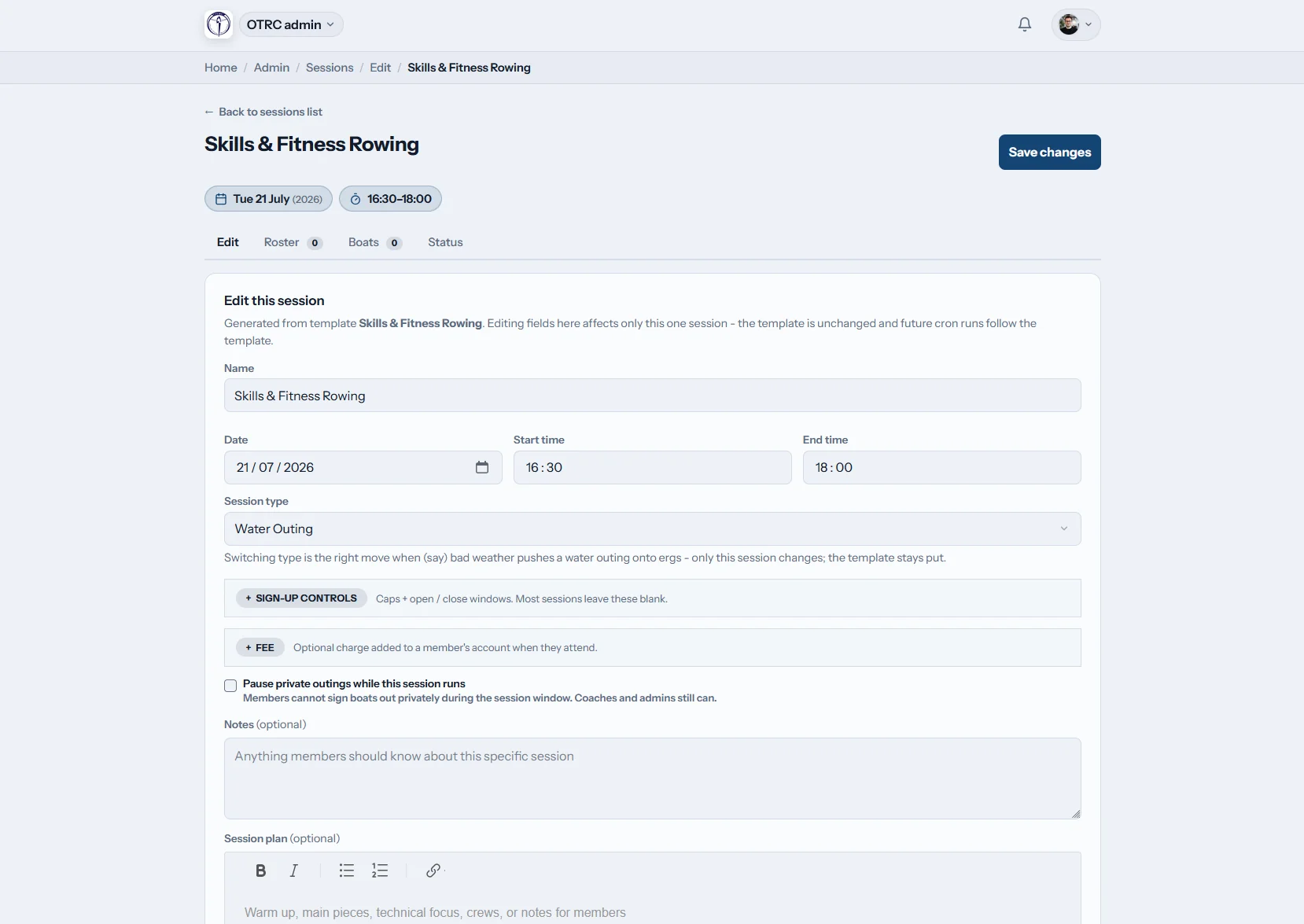
Prepare the session
Keep instructions with the people attending
Write the programme in the common rich text editor, set the attendance choices and grant a temporary session override. A substitute coach can receive what is needed for that date.
Individual sessions can carry their own access rules.
Form the crews
Turn the spring roster into boats
Bring back a proven template or place names on an empty lineup. Assign bow, stroke, cox and the seats between them, then leave the result recorded with the session.
The diagram preserves the actual boating used on the day.
Check progress
Join indoor work to on-water attendance
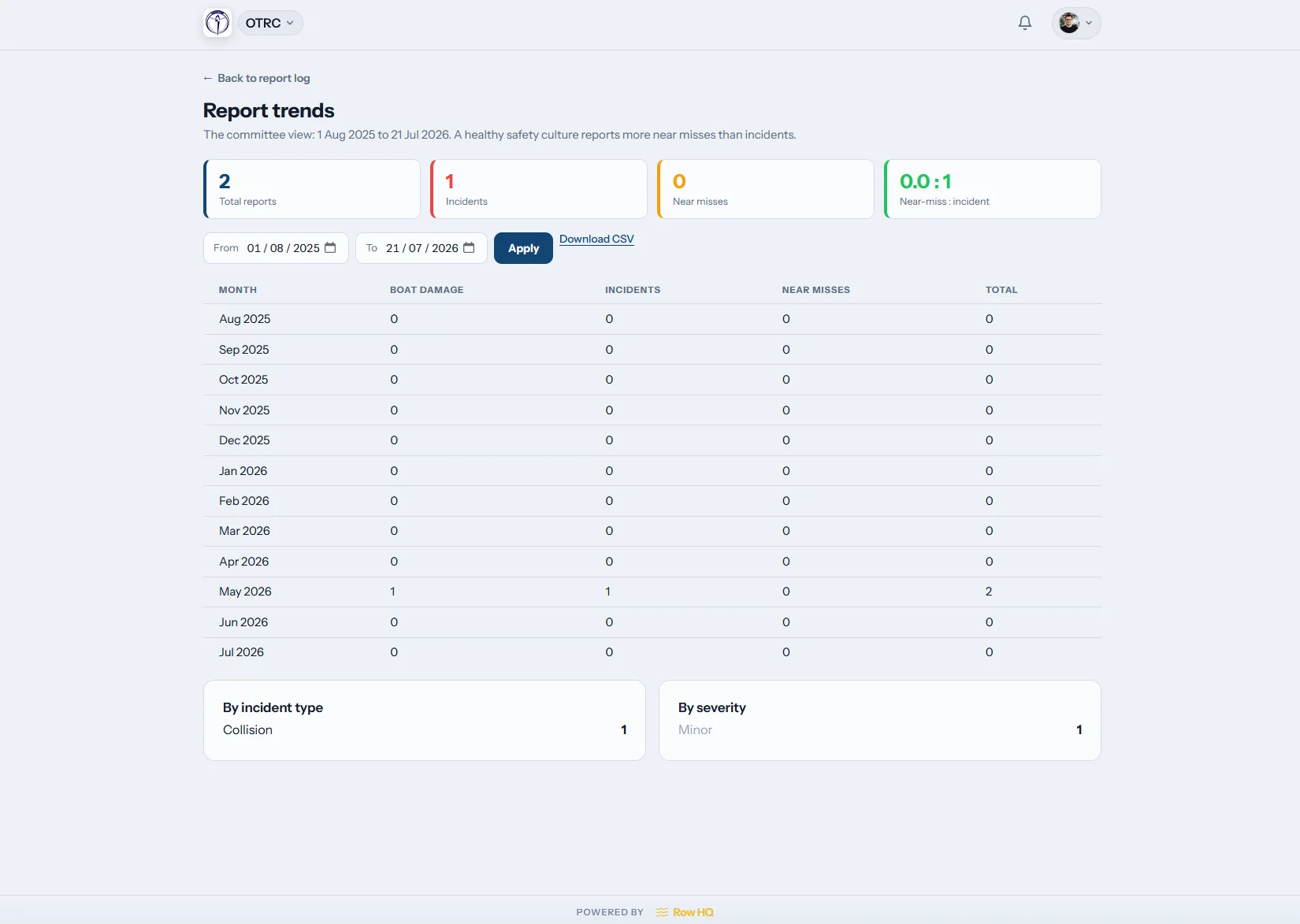
Trend reports pull several sessions into view. Coaches with permission can review written reports, turnout and erg scores when forming crews for the first regattas after thaw.
The winter block remains useful when the docks go back in.
A season record beats scattered recollection
Good selection still needs a coach. It works better when winter and water records are not in separate places.
Scattered records
- Crews scribbled down after the indoor season ends.
- Learn-to-row attendance chased across email and WhatsApp.
- Spring lineups chosen from partial memories of last summer.
One coaching record
- Current roster replies show who can train.
- Every name has a clear place on the boat layout.
- Turnout over time is ready before crews are formed.
Practical tools for a compressed calendar
Row HQ ships these features today. The Oundle Town Rowing Club story shows the same product working at club level.
Separate coaching groups
Maintain racing, recreational and learn-to-row rosters inside one club. Answers from scheduled sessions reach coaches, while athletes use the member area for their own details.
Boat-by-boat planning
Save combinations, load them as templates and place each person on the drawing. Include the coxswain, then check the linked fleet schedule before launch.
Coaching programmes
Put the warm-up, pieces and technical focus into the editor. Match it to coming regattas, or leave a note on fixing a caught crab for the next instructor.
Waterfront attendance
Tap a name as the group arrives. Row HQ adds the mark to the session history, and club leaders can delegate the right view through the administration dashboard.
Indoor and water trends
Use reports alongside visible ergometer results. The free pace calculator helps translate a winter score into an understandable split.
Right-sized permissions
Let a course instructor see the learn-to-row roster without opening the senior programme. A special session can grant temporary access without changing the standing role.
Use it where the crew meets
The phone screens put today's list beside the dock, whether the group is launching for its first lesson or a spring seat race.
- Take attendance as athletes arrive.
- Review expected numbers before equipment is set out.
- Cancel unsafe sessions and trigger member notices.

Bring scheduling and fleet work with it
Session scheduling
Collect responses early enough to plan instructors and boats.
Fleet booking
See which shells are available before crews reach the dock.
Club administration
Control coach access while protecting finance and committee areas.
Useful next pages
A sound crew selection processOrganising the weekly programmeReading indoor rowing resultsErgometer meaningWhy rowers catch a crabCalculate an erg splitBrowse the general questions, read club feedback, see Canadian pricing, or apply club colours with white label options.
Canadian coach tool questions
Details on groups, crew templates, cancellations, and winter records.
Row HQ covers squad organisation, session programmes, boat assignments, attendance marking and report review. Clubs control who can use each area. That makes it possible to give a learn-to-row instructor a focused screen while a head coach receives the broader selection and reporting tools.
Open the relevant session and use the boat diagram to assign each athlete to a seat. The cox position is included for coxed boats. Coaches may begin with a stored template or an empty layout. Row HQ then keeps that exact assignment with the date.
Crew templates remain available for reuse, so a familiar racing combination can provide the first draft next spring. Squads also keep rosters organised through winter. Coaches can adjust the new boating without changing the historical record attached to the earlier session.
Yes. A coach with suitable permission can cancel a session and Row HQ sends automatic notifications to affected members. That is useful during spring thaw and sudden weather changes. The coach can review expected attendance first, then make one update instead of contacting several groups separately.
Coaches who have been granted access can view erg scores alongside attendance trends and written reports. When on-water training restarts, the indoor block has not disappeared into another file. It provides context for crew formation, while technical ability and current water work remain part of the coach's judgement.
Carry winter work into the water season
See how your instructors, squads, crews, and reports would fit.
Free up to 20 active members, permanently. After that it is C$27 a month for a 21 to 30 member club. Every feature is included on every plan and there are no transaction fees. GST/HST is not included. See full pricing