Put parents in control of the practical details.
Parents sign in with a guardian profile connected to their junior rower. They handle practice responses, charges, consents, and emergency contacts. Program staff supervise youth messaging without exposing private conversations to guardians.

What should rowing software give parents of junior athletes?
A family system should connect a parent's own login to every junior they support. Guardians can respond to practices and events, settle charges, maintain contacts, and record consent. Youth athletes keep separate sign-ins. Only coaches and program leads may send them direct messages, while staff reporting, moderation, and audited access preserve program oversight.
Family access and youth communication controls come with every membership band. Row HQ is free for programs through 20 active members. Review pricing by roster size when your program grows.
Follow a junior athlete through the program
Families take care of responses and records. Coaches, administrators, and approved club leaders manage the wider roster.
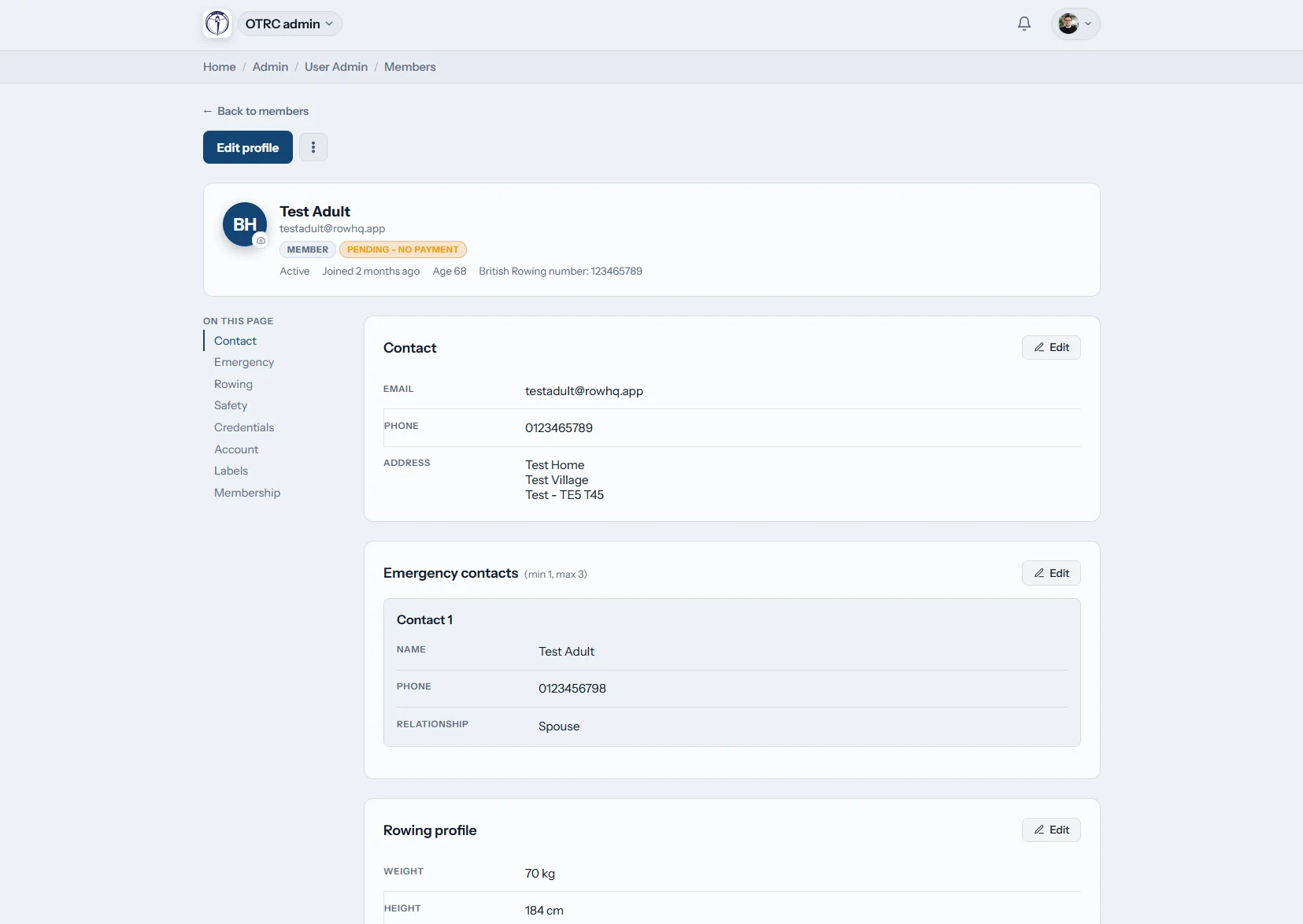
Athlete record
Start with accurate family details
Each youth profile includes contact information, one or more emergency contacts, consent status, and swim and tread-water declarations. The connected adult can make updates in the family area.
This screen is a member record. Row HQ does not collect medical histories, health forms, or allergy files.

Program roster
Keep staff on one current list
Program leaders see the full roster. A guardian sees only the linked youth athletes they support, including siblings on one family account.
Staff can send an invitation through the guardian, and adults can choose guardian registration themselves.
Settle charges
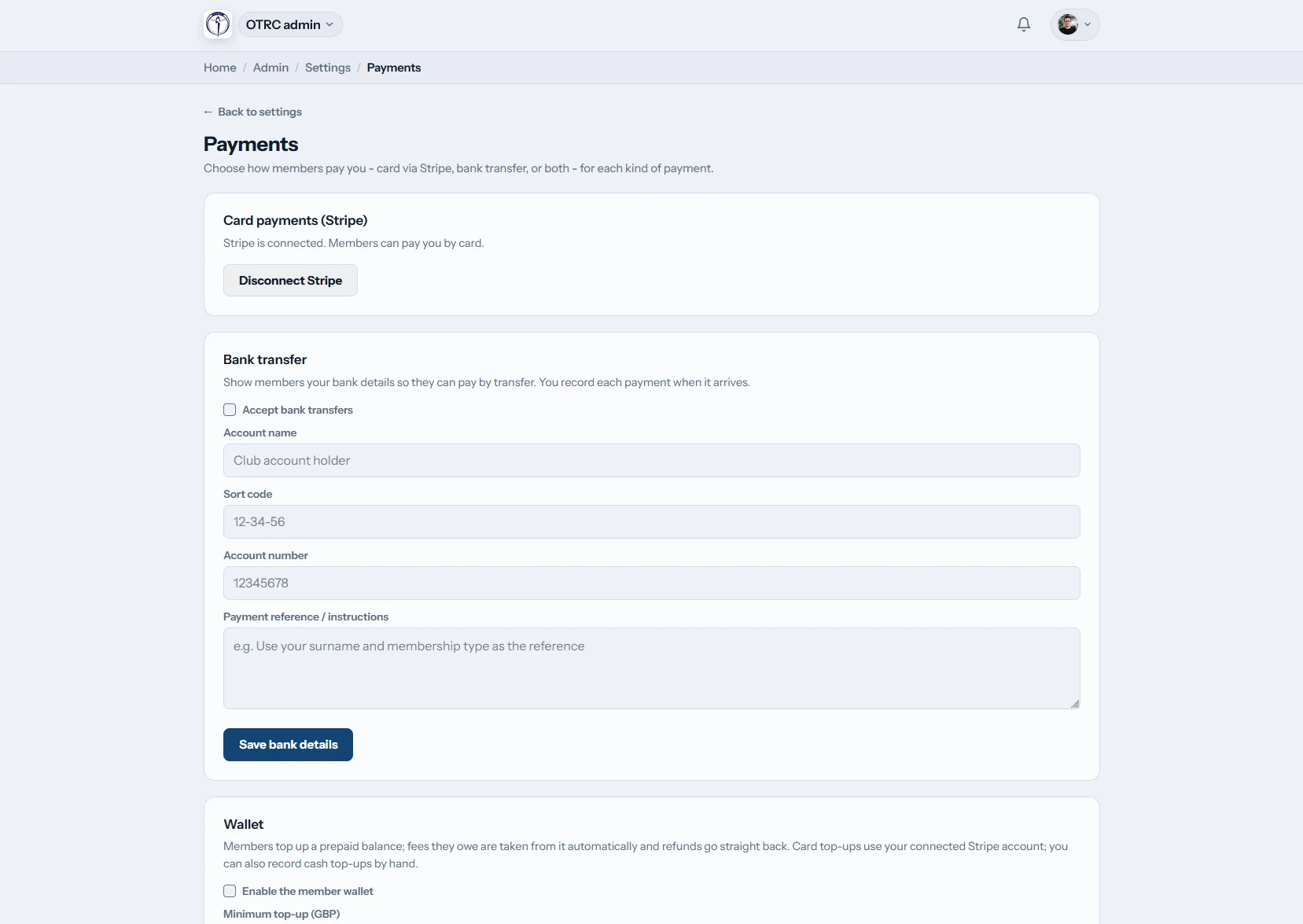
Send payment work to the adult
Guardians pay a junior athlete's charges using the program's existing choices. Cards run through the club's Stripe account. A treasurer may log a bank transfer instead.
No Row HQ platform fee is added.
Reach the family
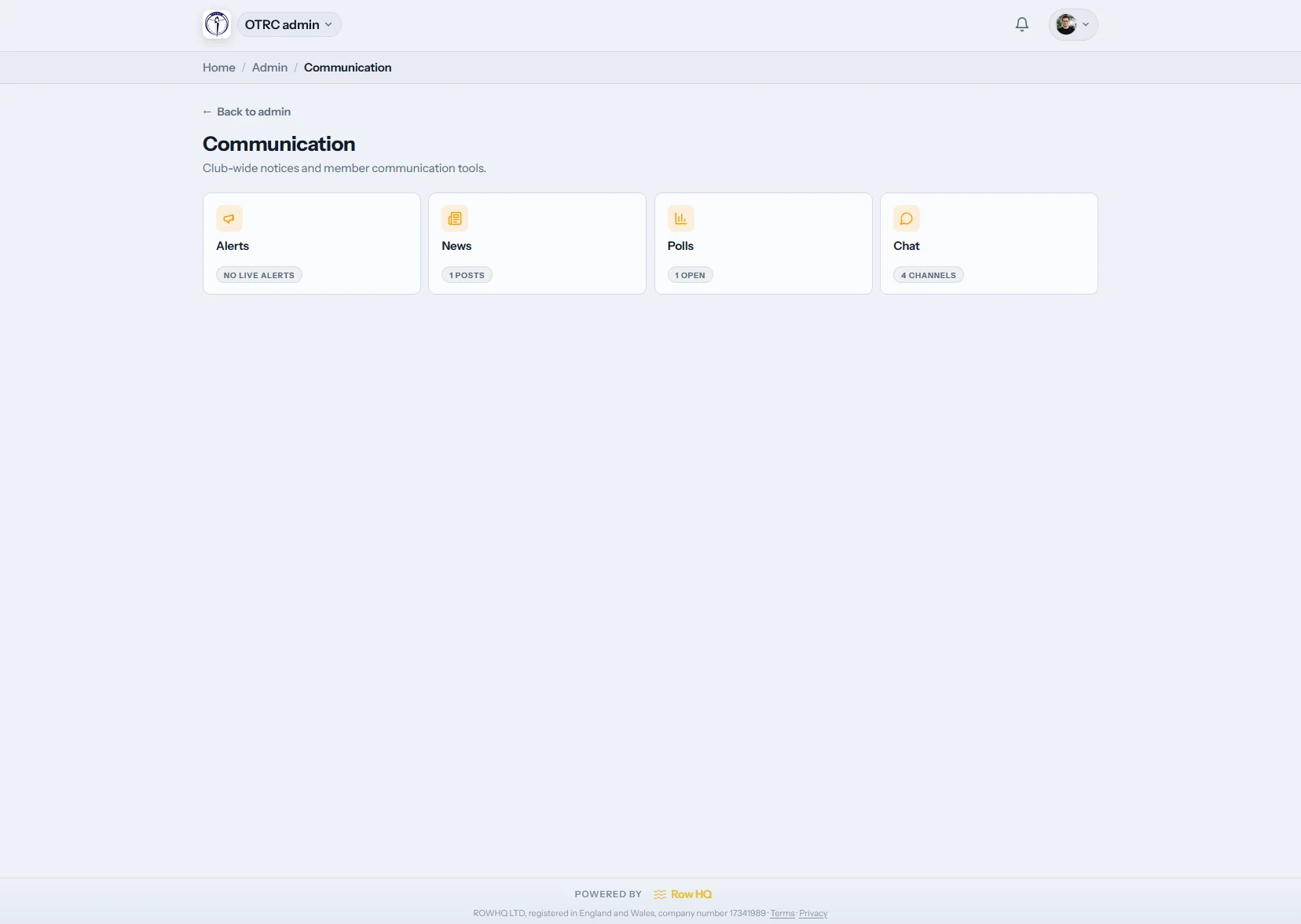
Route youth notices to guardians
Email prepared for a junior athlete is redirected to their linked adults. Practice changes, event information, and charge notices arrive with the person expected to respond.
Staff use the athlete record once, and the linked family receives the message.
Move youth administration out of side channels
School schedules, carpools, and volunteer-run programs already create enough coordination work.
Disconnected family admin
- Consent papers separated from the athlete profile
- Practice answers buried in texts among parents
- Checks and cash handed to a booster volunteer
- Adults signing in as their children to fix records
- No clear boundary around youth direct messages
Linked family access
- An individual guardian login connected to each athlete
- Family responses, charges, and consents in one area
- Youth email automatically delivered to guardians
- Only coaches and program leads allowed to DM juniors
- Moderation, reports, and audited staff conversation access
Youth controls that match real program roles
Parents manage family responsibilities. Authorized program staff supervise communication. Those two kinds of access stay separate.
Guardian profiles
Every parent or caregiver signs in separately. Their account may connect to several youth athletes without sharing a child's credentials.
Youth DM restrictions
Coaches and program leads are the only people who may DM a junior. Peer members cannot, and each club sets its youth chat options.
Recorded consent
The family area lets a guardian manage consent. Staff find the current status on the junior athlete's profile.
Current emergency contacts
At least one emergency contact belongs on every member profile. Guardians can correct the details for a linked child.
Water-readiness declarations
Swim and tread-water declarations remain on the member record for authorized program staff to review.
Child card access
If digital membership cards are enabled, adults can display their child's card inside the guardian view.
Reaccepted policies
Club terms and privacy documents carry versions. A changed version asks the member to accept the updated text again.
Staff supervision
Reporting and moderation support youth chat oversight. Conversation access is audited, and blocking cannot reduce that supervision.
Set up a family connection in four moves
Oundle Town Rowing Club runs Row HQ today. US youth programs and school teams receive the same guardian tools in each band.
Bring in the adult
Invite a guardian through the club or let the parent choose family registration.
Connect the athlete
Attach the correct junior or siblings to the adult's profile.
Collect responses
Parents answer practice and event invitations, then pay outstanding charges.
Maintain the file
Guardians revise contact information, consents, and athlete details when needed.
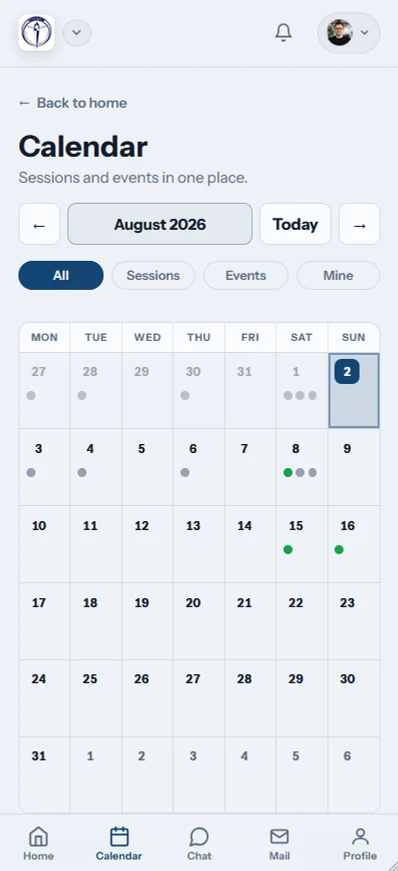
Handle the next practice from a phone
The family area works in a mobile browser and in Row HQ for iPhone or Android. Notifications reach phones when the program publishes an update.
- Respond for a youth athlete before practice or an event
- Update emergency details and pay program charges
- Get club notices while youth chats remain hidden from guardians
Keep family tasks connected
Club Payments
Let the connected adult review and pay a youth athlete's charges.
Practice Scheduling
Share practices and gather athlete responses before lineups are set.
Member Portal
Review the self-service tools available across the whole club.
Review the full feature collection, visit the Oundle Town story, or choose a roster-based price band.
Questions from youth programs and families
Clear product details for directors, coaches, board members, and parents.
Yes. The adult owns a distinct Row HQ account linked to one or more junior athletes. In the family area, that adult can respond to practices and events, pay a child's charges, edit the profile and emergency contacts, and control consent. Nobody needs to share the youth athlete's sign-in.
No. Chat is not visible in guardian accounts. Only coaches and program leads can send direct messages to a junior; ordinary members cannot. Club staff oversee youth conversations through program-controlled settings, reports, moderation, and audited access. The boundary keeps conversations private from parents while preserving staff supervision.
Row HQ redirects mail addressed to a junior member toward the linked guardian accounts. Staff can use the athlete record for a practice update, event note, or charge reminder. The responsible parent or caregiver receives it and can take the next action.
A guardian uses the same methods the club offers elsewhere. Card transactions run through the club's own Stripe connection. The treasurer can record a bank transfer in Row HQ as well. Row HQ adds no platform charge.
The record includes profile details, at least one emergency contact, consent, plus swim and tread-water declarations. A linked guardian may update the appropriate family fields. Row HQ intentionally excludes medical information, health paperwork, and allergy records.
Yes. A single guardian profile can connect with multiple junior athletes. Programs may invite a junior through an adult, or the adult may register as a guardian first. That one family area then covers each linked athlete's replies, records, and charges.
The club controls them. Youth conversations support staff reporting and moderation, and each access is audited. Blocking another member never removes club oversight. Guardians cannot open chat, so supervision stays with authorized coaches and program leaders.
When a club enables digital cards, the guardian view includes the linked athlete's membership card. The parent opens it from their own account. The youth login remains private and separate.
Build a cleaner family handoff
Give parents the actions they need and keep youth conversations under program staff supervision.
Free up to 20 active members, permanently. After that it is $21 a month for a 21 to 30 member club. Every feature is included on every plan and there are no transaction fees. Sales tax is not included. See full pricing